DG3 Controller – Installation and Operation
Manual
540846-3 page 37 of 64 25/09/2015
If a HTC or Hancis is present in the system, the simulation mode will create a file to simulate a TFT route.
So, when a route is selected, the TFT appears to travel the complete route triggering all the points at an
exaggerated speed.
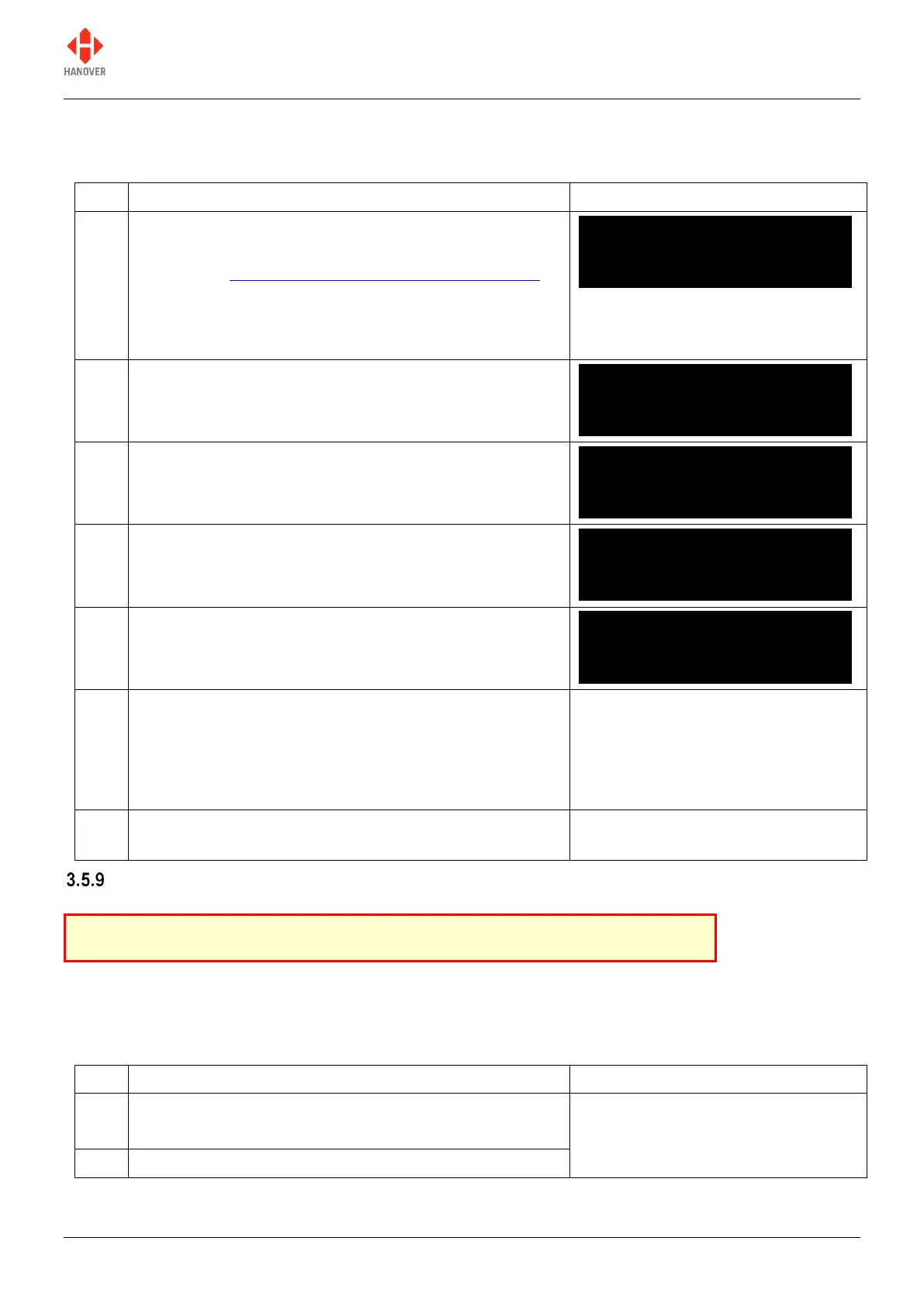
To switch on the simulation mode:
Either access the HANCIS feature via the lock code
(refer to 3.5 Accessing other functions of the DG3)
Or if configured via Hanover Central software, press
and hold the F/E key
The following screen will be displayed.
Press F/E key to reach the ‘Sim Enabled’ feature
Press F/E key to reach the ‘Yes or No’ setting
Press the up arrow key to choose the ‘Yes’ setting
Press F/E key to save your new setting
Either press and hold F/E key for 6 seconds to return
to normal operating screen
Or if the controller is left for 20 seconds of inactivity,
it will assume the changes are required and will save
them by default
Select the destination code for the required passenger
information route
Setting the clock
To use this feature, the lock code must be entered, 'Set clock?' found from within the list and then selected
using the F/E key.
3.5.9.1 How to set the date:
The screen for the date is displayed as shown:
dd/mm/yyyy for date/month/year.
HTC Terminal Menu
Sim Enabled (No)
HTC Terminal Menu
Sim Enabled (Yes)
This feature only works properly if RTC is fitted.


 To Next Page
 Loading...