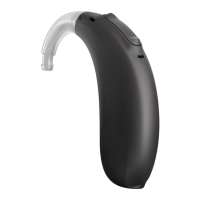
2 3
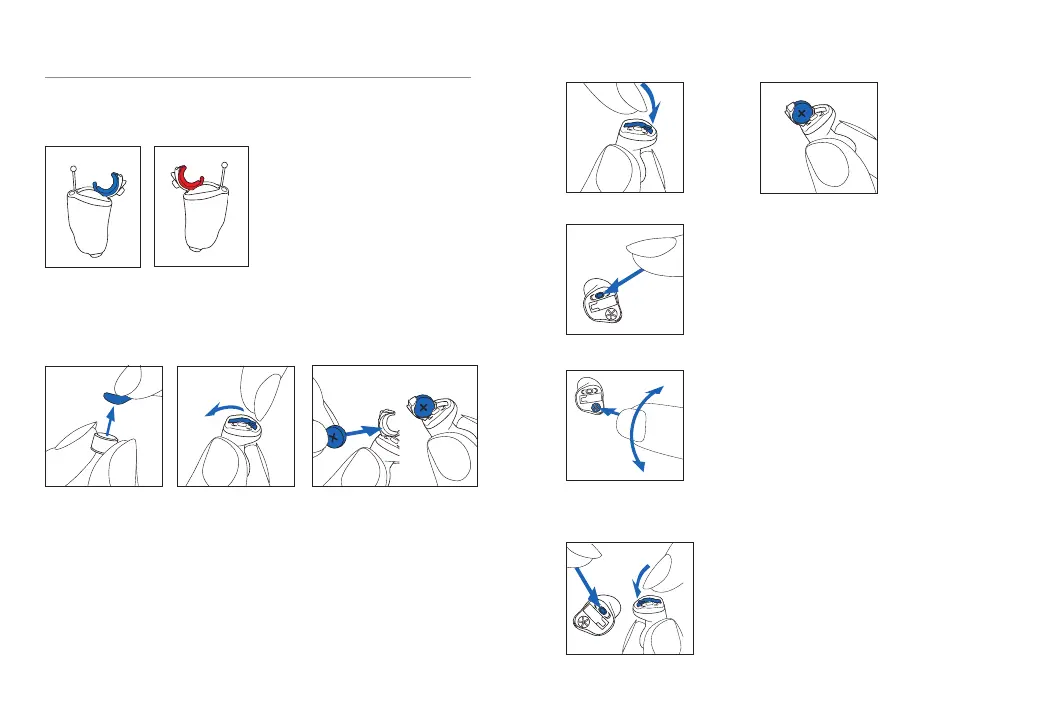
Le and right hearing aid markings
Changing batteries
Blue marking for
le hearing aid.
Red marking for
right hearing aid.
1.
Remove the
sticker from
the new
battery and
wait two
minutes.
Le Right
2.
Open the
battery door.
3.
Place battery in the
battery door with
the “+” symbol
facing upwards.
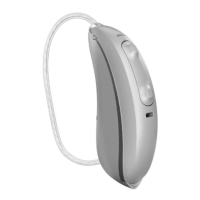
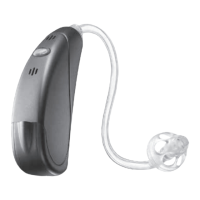
On/O
Flight mode jazz ST Dir W
Push button
Volume control
Models with this option only:
The push button on your hearing
aid can have various functions.
Models with this option only:
To increase the volume, turn the
volume control forwards. To
decrease the volume, turn the
volume control backwards.
OOn
To enter flight mode press the
push button for 7 seconds while
closing the battery door. To exit
flight mode, simply open and
close the battery door again.
1. Quick guide


 To Next Page