PO OL H E A T P U M P
1
0
HEAT
1
0
HEAT
Cooling Condenser
temp.
Actual steps of
electronic
expansion valve
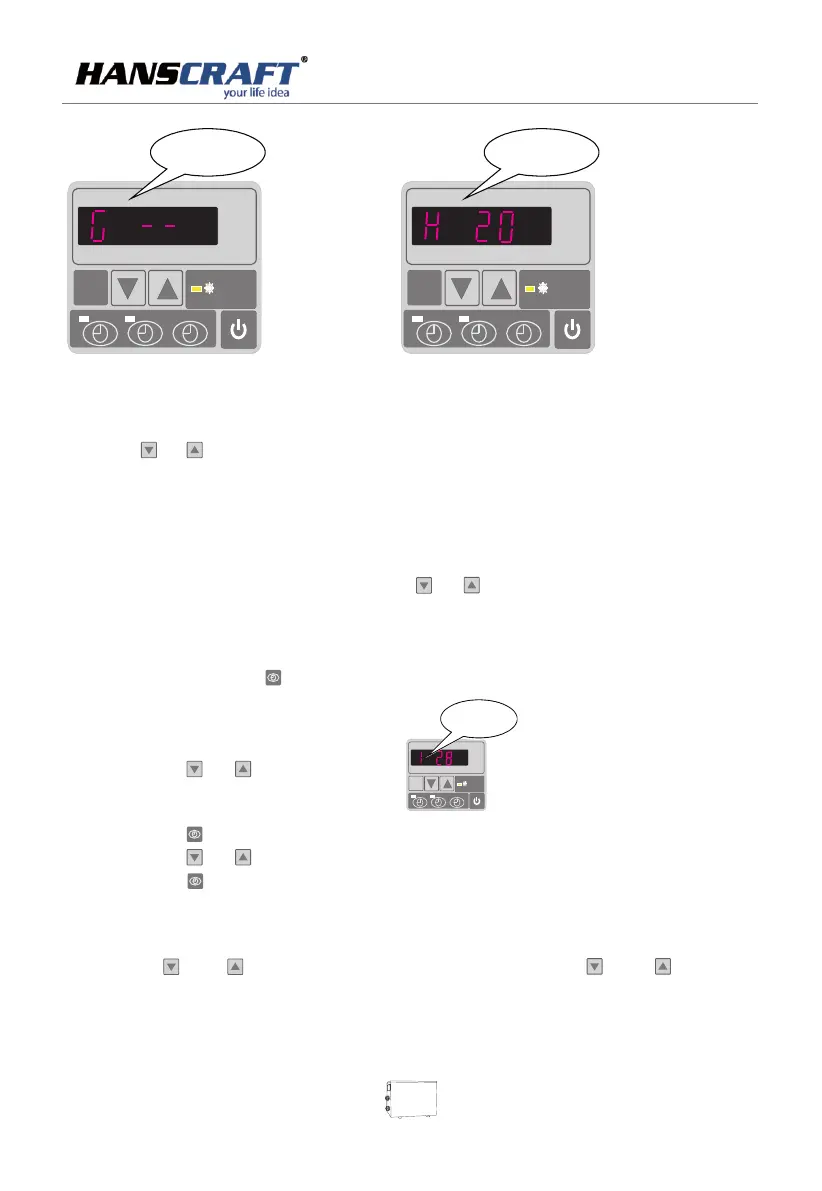
(1) Press or to check water -in/water-out/heating condenser
/back gas/ambient temperature.
(2) When the unit is switched off, current time is displayed.
A. Under running status,
(1) Under current heating mode, only press or to adjust heating water temperature.
B. Under standby status,
(1) Press and hold in for 5 seconds until parameters flash to enter operating setting
(2) Press or to reach Parameter 1 ,
(3) Press again.
(4) Press or to set temperature.
(5) Press to confirm and wait for 8 seconds. Machine will reset new temperature.
7. 4 Water temperature setting:
1
0
1
0
MODE
HEAT
Param et er 1
To set the en te ri ng w at er
temp. u nd er h ea ti ng m ode
(15-3 5℃, de fa ul t
setti ng :2 8℃)
7
5 seconds 5
seconds
.5 Locking setting
Long press and to lock the parameters, Press and for
again to unlock
11


 To Next Page