Settings
Page EN-19
Settings
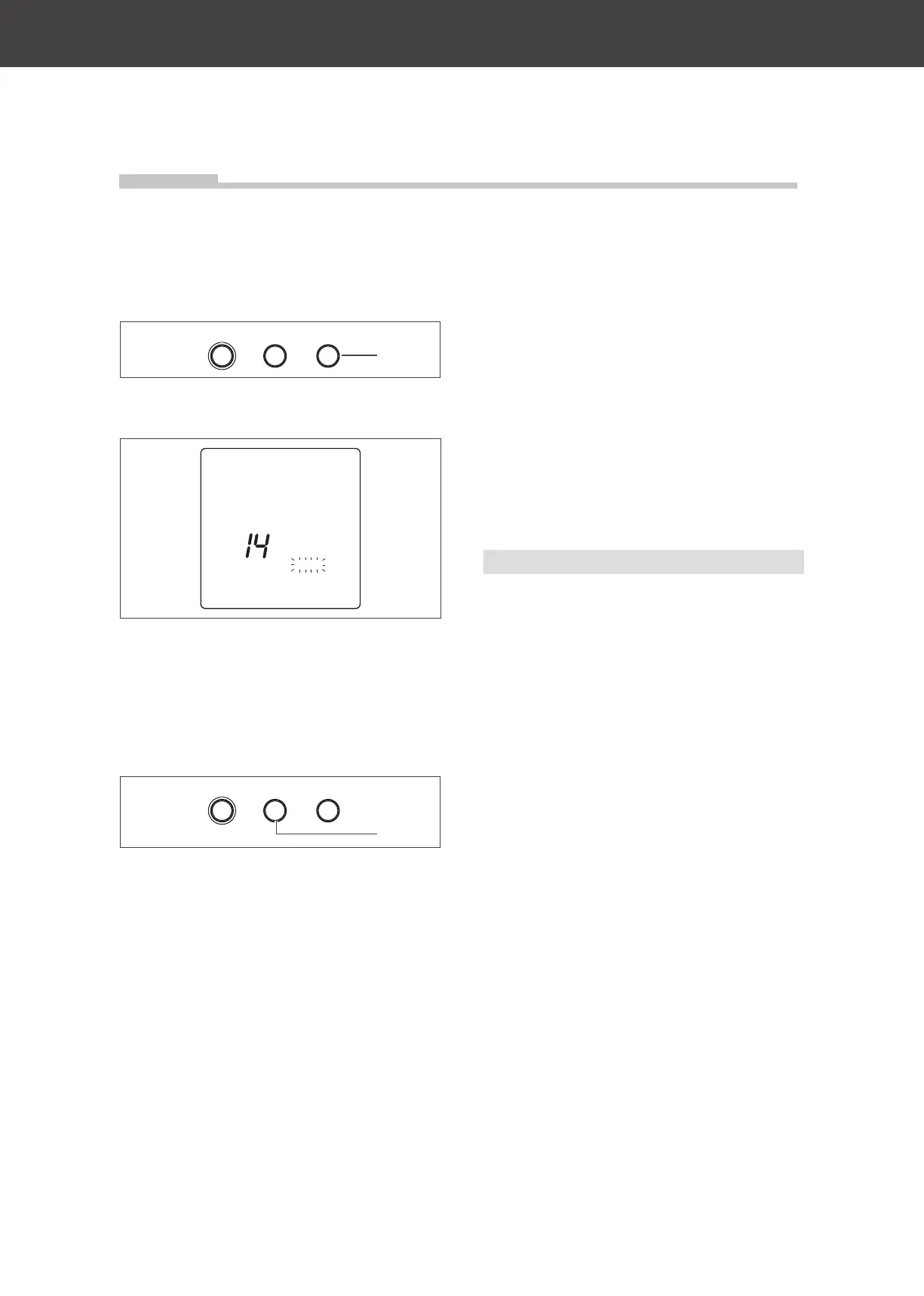
Standby mode
New settings can only be made when the ap-
pliance is in standby mode.
VITAL Stopp/LöschenECO
(12)
• To switch the appliance to standby mode,
press the “Stop/Delete” button (12) twice.
26
Kitchen
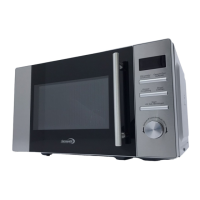
In standby mode, the time is shown on the
display; the function indicator
flashes.
“ECO” setting
VITAL Stopp/LöschenECO
(13)
The display light can be switched off when
the appliance is set to standby mode.
• To switch the display light off, press the
“ECO” button (13).
• Press any key or rotate one of the control
dials to switch the display light back on.
Appliance door and light
The cooking chamber light switches on auto-
matically when the appliance door is open or
the appliance is in operation.
If the appliance door is opened while the ap-
pliance is in operation, the cooking process
will be stopped.
Setting the cooking time
Cooking time can be set in the following in-
crements:
Cooking time Steps
0 to 1 minute 5 seconds
1 to 5 minutes 10 seconds
5 to 10 minutes 30 seconds
10 to 30 minutes 1 minute
30 to 95 minutes 5 minutes
Once the set cooking time has expired, a
signal sounds and the appliance switches to
standby mode. The time is shown on the dis-
play (7).
Fan operation after cooking
time ends
After the cooking time has finished, the fan
will continue to run for a few minutes to cool
the appliance down. The duration depends
on how hot it is inside the appliance.


 To Next Page