6
V2218S Owner's Manual
TM
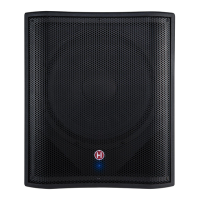
POWERED SUBWOOFER
V2218S
V
â
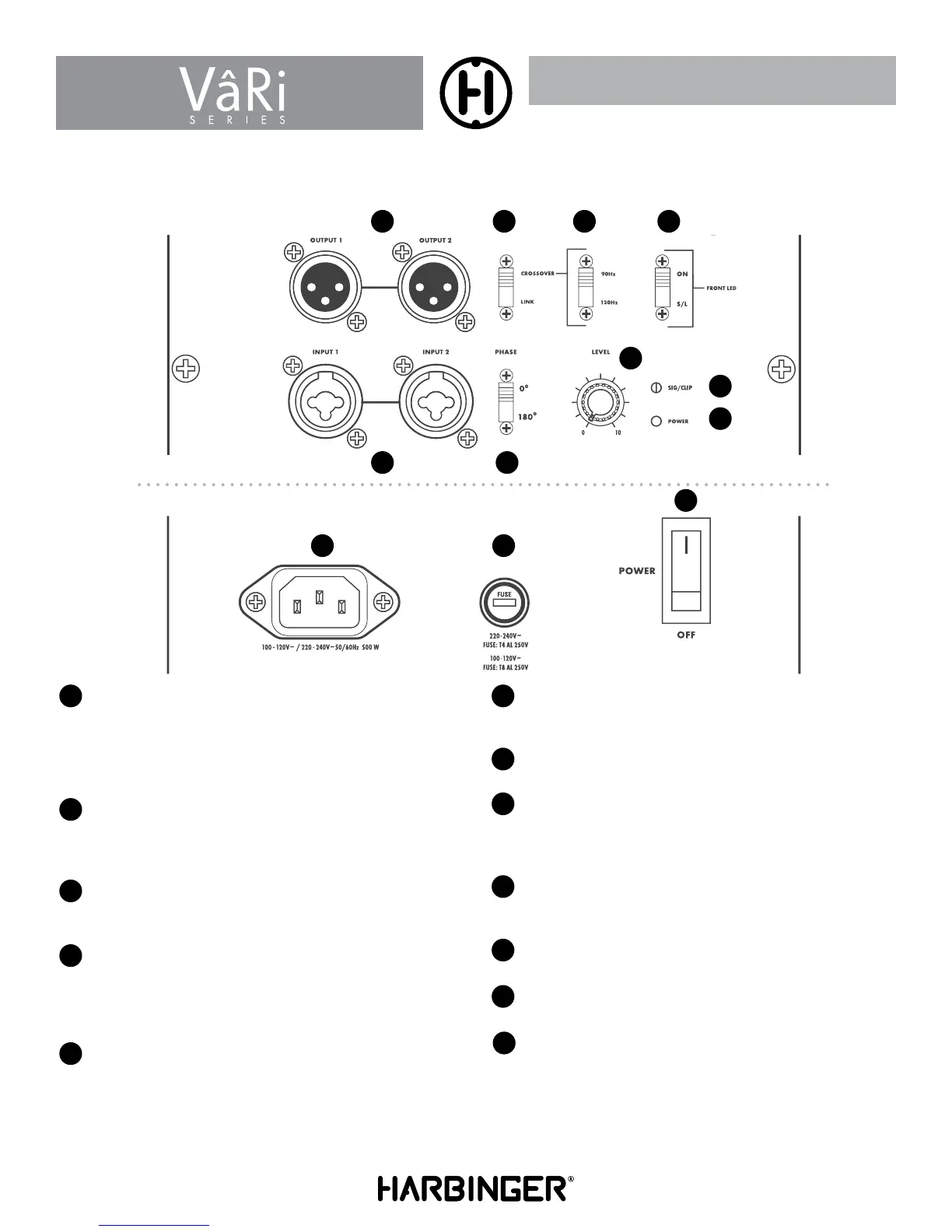
Ri SERIES BACK PANEL
1 43 5
7
8
9
10
11
2 6
1
OUTPUTS 1 AND 2
When set to CROSSOVER, the XLR jacks will send the signal coming
from the input through the built-in crossover. You can also select the
crossover frequency. The output signal should then be used to play the
filtered frequencies with your standard full frequency speakers. When
set to LINK, the crossover function is disabled.
2
INPUTS 1 AND 2
These combo inputs are designed for either TRS and XLR balanced
plugs at line level either from a mixer or another speaker. The source
can either be stereo or mono.
3
CROSSOVER LINK SELECTION SWITCH
Switches between the internal CROSSOVER or the LINK mode to
send the inputs directly to the outputs.
4
CROSSOVER SWITCH SELECTOR
This switch will determine the crossover point where the high pass filter
will be set to output high frequency content to the outputs. The lower
frequencies under the crossover point will be played by the internal
speaker in the subwoofer.
5
LED DEFEAT SWITCH
The front-mounted LED has two functions. This switch toggles between
those functions.
– ON position = Front-mounted LED indicates when power is on.
– S/L position = Front-mounted LED indicates when the limiter is
engaged. (If LED turns red in this position, the
speaker is distorting.)
6
PHASE SELECTION SWITCH
The Phase switch lets you alter the polarity of the input signal. When
the Phase switch is in its default “0” setting, phase is unaffected.
7
LEVEL
This knob affects the volume of the internal speaker.
8
SIGNAL INDICATOR
The SIG/CLIP LED will light up BLUE when the speaker is receiving
a signal. If it is distorting, the LED will turn RED and the MASTER
VOLUME should be turned down.
9
POWER LED
The Power LED indicates that the VâRi speaker’s AC power cord is
connected to an electrical outlet, and the Power Switch is turned on.
10
IEC POWER INPUT
Plug in the IEC AC cable here.
11
FUSE CARRIER
Main fuse housing.
12
POWER SWITCH
Turns the VâRi subwoofer ON or OFF.
12


 To Next Page
 Loading...