5
www.harbingerproaudio.com
MULTIPURPOSE
LOUDSPEAKERS
TM
QUICKSTARTGUIDE
SETTING UP / HELPFUL TIPS
•PositiontheVâRispeakerinthedesiredlocation,andensurethe
speaker is stable.
•MakecertainthePowerSwitchisoff.
•MakecertainInputGain1&2,andMasterVolumearedown.
MAKING THE CONNECTIONS
•Plug connections to Input 1. Make certain the Mic/Line switch
matches the source (Mic for microphones and instruments, Line for
mixers, keyboards, or instruments with active pickups).
•PlugconnectionstoInput2Noteinput2isaLineInput,andwill
not work well with a microphone.
•PlugconnectiontoAuxInonMP3playerorcomputer.
POWERING UP
•TurnonthepowertoanydevicespluggedintoInput1,Input2,
or Aux Input.
•PowerONthespeaker.
•SlowlyturntheMasterVolumeto12o’clock.
•SlowlyturnupthevolumeoftheMP3playertothedesiredlevel.
•SlowlyturnInput1tothedesiredlevel.
•SlowlyturnInput2tothedesiredlevel.
CLIP LIGHT
•IftheClipLightisconstantlyturningRED,oneoftheinputsignals
is too high.
•Turndowntheinputsignalthatisdistorting.
FLOOR MONITOR APPLICATIONS
•TurntheLowEQdownslightlytoreduceunwantedrumbleand
low-frequency build-up. This will reduce feedback and make
vocals clearer.
LINKING MULTIPLE SPEAKERS
•If linking multiple speakers, plug the Line OUT connection of
Speaker 1 to the Line In connection of Speaker 2, and continue
the daisy chain to the last speakers (this is common where multiple
monitor mixers share the same feed from the mixing board.
•Turn the Power On in the order of the audio signal to prevent
unwanted“pops”.FirstOn/LastOff.
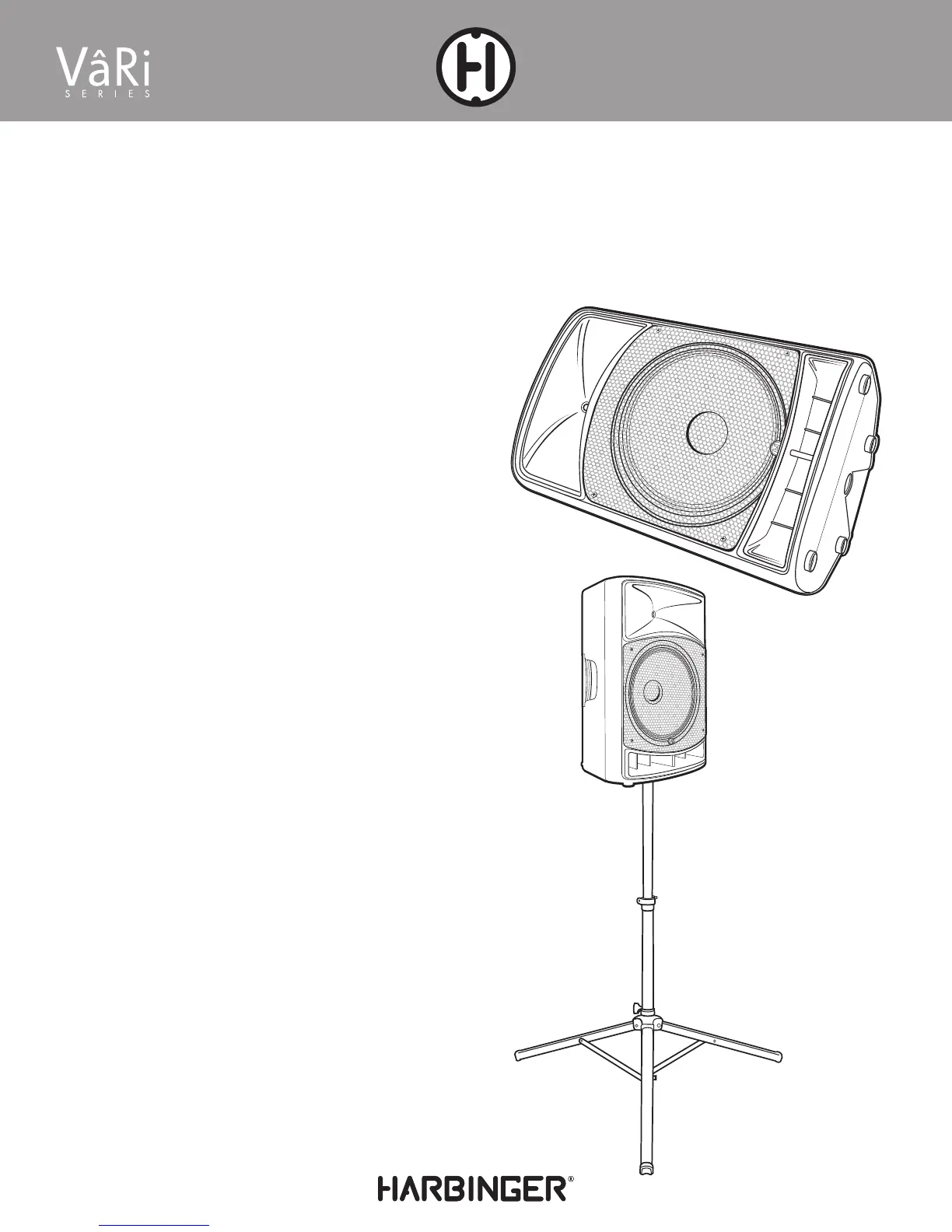
VâRi Series speakers can be used as Main Speakers or
Monitor Speakers.
Speaker stand not included








 To Next Page