EasyManua.ls Logo

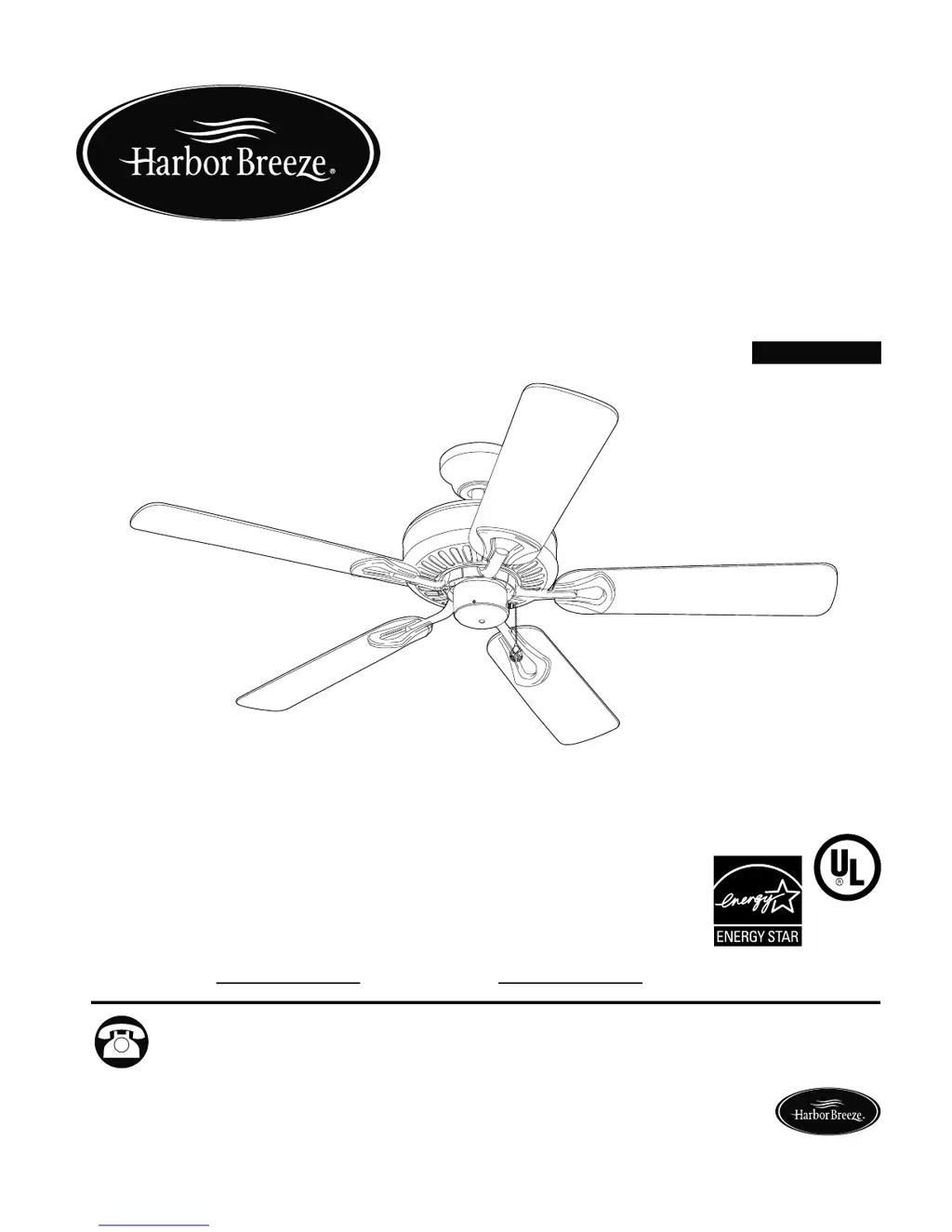
Harbor Breeze CLASSIC STYLE BDB52BNK5N - User Manual

Harbor Breeze CLASSIC STYLE BDB52BNK5N
18 pages
Print Icon
To Next Page IconTo Next Page
Loading...
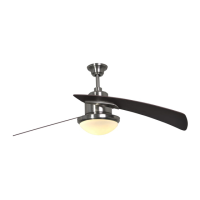
CLASSIC STYLE CEILING FAN
Harbor Breeze® is a registered trademark
of LF, LLC. All Rights Reserved.
E192641
LISTED
ITEM #0076888
0077285
0079837
0080297
MODEL #BDB52LW5N
BDB52ABZC5N
BDB52MBK5N
BDB52BNK5N
Questions, problems, missing parts? Before returning to your retailer, call our customer
service department at 1-800-643-0067, 8 a.m. - 6 p.m., EST, Monday - Thursday, 8 a.m. - 5
p.m., EST, Friday.
ATTACH YOUR RECEIPT HERE
Serial Number
Purchase Date
XXXXXX
1
Lowes.com/harborbreeze
Español p. 19

Questions and Answers

  • M
    madeline62Aug 8, 2025
    What to do if my Harbor Breeze CLASSIC STYLE BDB52BNK5N Fan does not move?
    • M
      Michele GonzalesAug 8, 2025
      If your Harbor Breeze Fan isn't moving, consider the following: * Reverse switch: Ensure the reverse switch is fully engaged by pushing it firmly either up or down. * Power supply: Check if the power is on or if a fuse is blown, and correct as necessary. * Wiring: With the power off, check all wire connections.
  • J
    Jacqueline BarnesAug 18, 2025
    Why is my Harbor Breeze CLASSIC STYLE BDB52BNK5N wobbling excessively?
    • D
      Donna AndersonAug 18, 2025
      Excessive wobbling in your Harbor Breeze Fan can occur for several reasons: * Blades may be loose: Ensure the plastic locking mechanisms are secure. * Blade arms might be incorrectly attached: Re-install the blade arms. * Unbalanced blades: Try switching a blade with one from the opposite side. * Fan not securely mounted: Turn the power off and verify that the mounting bracket is secure. * Fan too close to vaulted ceiling: Use a longer downrod or move the fan. * Loose set screws: Tighten the set screw(s) on the motor housing yoke and the hanging ball securely.
  • P
    Patty MooreAug 28, 2025
    Why is my Harbor Breeze CLASSIC STYLE BDB52BNK5N Fan making so much noise?
    • E
      erobinsonAug 29, 2025
      A noisy Harbor Breeze Fan can be caused by several factors: 1. Loose blades: Check that the plastic locking mechanisms are secure. 2. Cracked blade: Replace the blade. 3. Incompatible dimmer switch: Replace a full range dimmer switch with an approved speed control device. 4. New fan: Allow the fan a 'break in' period of a few days, especially when running it at Medium and High speeds.

Summary

Safety Information

Warnings

Safety warnings regarding installation and operation risks.

Cautions

Safety cautions for electrical shock and proper assembly.

Package Contents

Hardware Contents and Preparation

Preparation Steps

Steps to check parts and tools before assembly.

Initial Installation

Mounting Method Selection

Choosing between downrod or close mount based on ceiling type.

Clearance Checks

Verifying blade height and distance from obstructions.

Downrod Style Fan Mounting

Prepare Motor Housing and Downrod

Steps to prepare the motor housing yoke and insert the downrod.

Wire Management and Connection

Trimming and connecting fan lead wires for installation.

Install Downrod Ball into Bracket

Securing the downrod ball end into the mounting bracket.

Closemount Style Fan Mounting

Prepare Motor Housing for Mounting

Removing specific screws and lock washers from the motor housing.

Attach Canopy to Motor Housing

Connecting canopy to motor housing using screws and washers.

Hang Motor Housing on Bracket

Suspending the motor housing onto the mounting bracket.

Wiring Instructions

Connect Fan Wires to Ceiling Wires

Connecting fan wires (black, white, green) to corresponding ceiling wires.

Secure and Route Wires

Wrapping connections with tape and placing wires into the outlet box.

Final Installation Steps

Attach Canopy to Mounting Bracket

Securing the fan canopy to the ceiling mounting bracket.

Attach Blades to Blade Arms

Fastening fan blades to the blade arms using screws.

Attach Blade Arms to Motor

Securing the blade arms to the motor housing.

Attach Pull Chain Extension

Connecting the pull chain extension to the fan's pull chain.

Operation Instructions

Control Fan Speed with Pull Chain

Using the pull chain for four fan speed settings (High, Medium, Low, Off).

Use Fan Reverse Switch

Adjusting fan direction for seasonal airflow optimization.

Reverse Switch Positions

Understanding switch positions for fan operation (UP, DOWN, Middle).

Care and Maintenance

Troubleshooting

Fan Does Not Move

Possible causes and corrective actions for a non-moving fan.

Noisy Operation

Troubleshooting common causes of fan noise.

Excessive Wobbling

Diagnosing and fixing excessive fan wobbling issues.

Warranty Information

Replacement Parts List

Harbor Breeze CLASSIC STYLE BDB52BNK5N Specifications

General IconGeneral
TypeCeiling Fan
Number of Blades5
Control TypePull chain
Motor Speeds3
Remote Control IncludedNo
ReversibleYes
Blade Span52 inches
Motor TypeAC Motor
Blade MaterialWood
WarrantyLifetime

Related product manuals