EasyManua.ls Logo

Harbor Breeze SARATOGA 00798 - User Manual

Harbor Breeze SARATOGA 00798
9 pages
Print Icon
To Next Page IconTo Next Page
Loading...
1
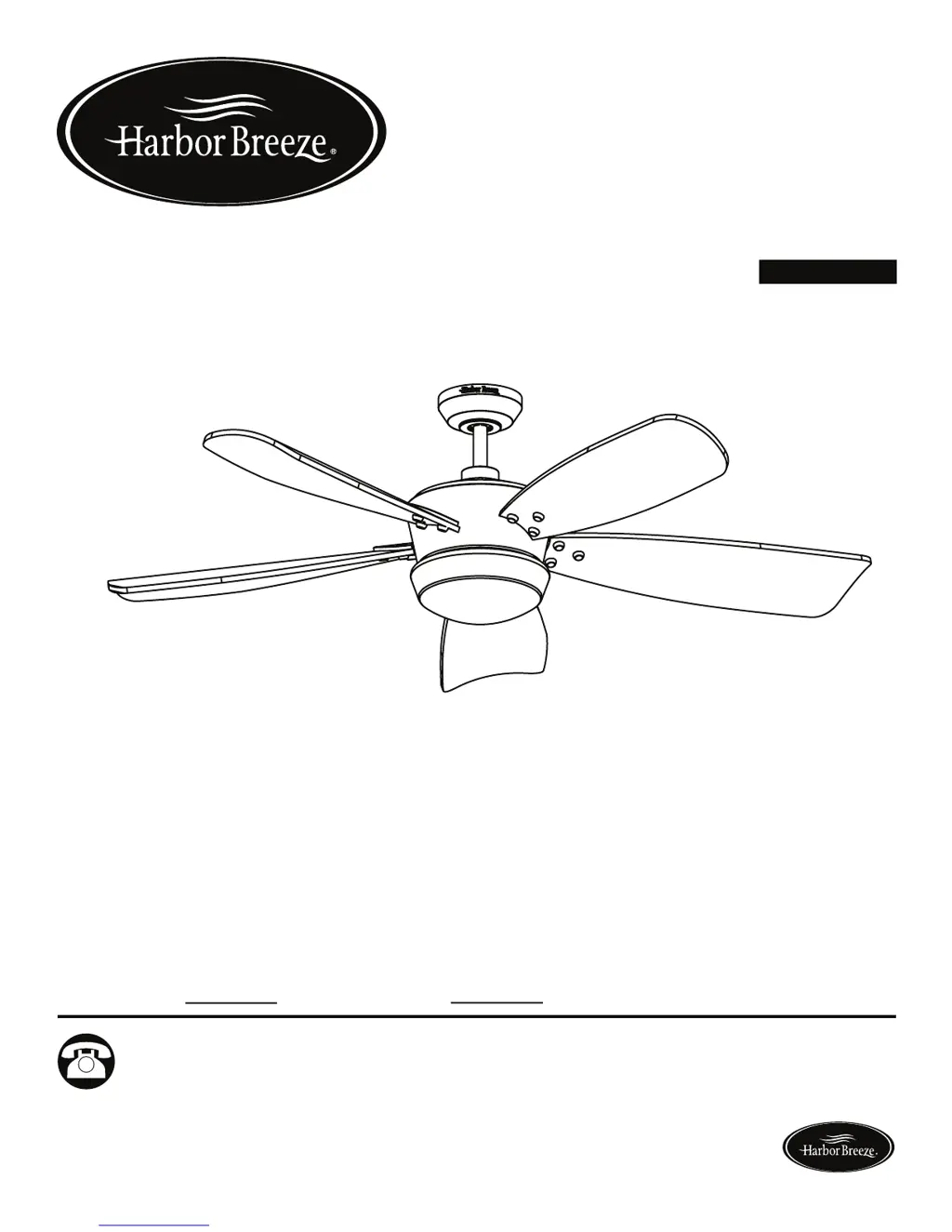
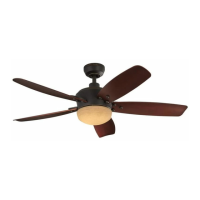
SARATOGA
CEILING FAN
ITEM #0464472
MODEL #00798
ETL MODEL #60-STG
Español p. 18
Serial Number
Purchase Date
Harbor Breeze® is a registered trademark of LF,
LLC. All Rights Reserved.
Questions, problems, missing parts? Before returning to your retailer, call our customer
service department at 1-800-643-0067, 8 a.m. - 6 p.m., EST, Monday - Thursday,
8 a.m. - 5 p.m., EST, Friday.
ATTACH YOUR RECEIPT HERE
EB15439
Lowes.com/harborbreeze

Questions and Answers

  • G
    Gregory JohnsonAug 1, 2025
    Why is my Harbor Breeze SARATOGA 00798 wobbling so much?
    • E
      Erica JordanAug 1, 2025
      If your Harbor Breeze Fan wobbles excessively, there are several potential causes: * Loose blades: Tighten all blade screws. * Unbalanced blades: Use a balance kit. * Insecure mounting: Turn the power off, carefully loosen the canopy, and remount the fan securely. * Incorrectly attached blade arms: Reinstall the blade arms. * Fan too close to a vaulted ceiling: Lower or move the fan; extension downrods are available at Lowes Home Improvement.
  • C
    Christina SpencerAug 10, 2025
    How to fix Harbor Breeze SARATOGA 00798 Fan remote control?
    • J
      Joyce RuizAug 10, 2025
      If your Harbor Breeze Fan remote control is malfunctioning: * First, check if the battery is installed correctly in the remote control. * If the battery is properly installed, try pairing the remote control to the receiver. To do this, turn the power to the fan off, then turn it back on. Within 30 seconds of restoring power, tap the “learn” key on the back of the remote control. If learning is successful, the fan light will blink three times and turn on. The fan will run at the highest speed in corresponding direction per seasonal slide switch.
  • A
    Alan MartinezAug 21, 2025
    What to do if my Harbor Breeze Fan blades do not move?
    • M
      Mark JordanAug 21, 2025
      If the blades on your Harbor Breeze Fan are not moving, the issue could be due to the following reasons: * The power is off or a fuse is blown. Turn the power on or check the fuse. * If the power is on, turn the power off. Loosen the motor housing and check all connections.

Summary

Safety Information

Warnings and Cautions

Critical safety warnings, electrical hazards, and precautions for installation and use.

Assembly Preparation

Package and Hardware Contents

Lists and describes all fan parts and hardware for verification before assembly.

Assembly Instructions

Mounting and Downrod Installation

Covers determining mounting method, installing the mounting bracket, and preparing the downrod.

Hanger Ball and Bracket Engagement

Details threading wires, installing the hanger ball, and engaging it with the mounting bracket.

Wiring and Canopy Installation

Covers connecting wires, securing the canopy, and attaching the canopy cover.

Operating Instructions

Remote Control Transmitter Setup

Covers battery installation and learning/pairing the remote control with the fan receiver.

Troubleshooting

Warranty and Replacement Parts

Harbor Breeze SARATOGA 00798 Specifications

General IconGeneral
Fan Diameter (Inches)52
Number of Blades5
Light Kit IncludedYes
Motor Speeds3
Remote Control IncludedYes
Mounting OptionsDownrod
Housing ColorBronze
StyleTraditional
Indoor/OutdoorIndoor

Related product manuals