EasyManua.ls Logo

Harbor Breeze LP8210LAZ - User Manual

Harbor Breeze LP8210LAZ
43 pages
Print Icon
To Next Page IconTo Next Page
Loading...
1
Español p. 22
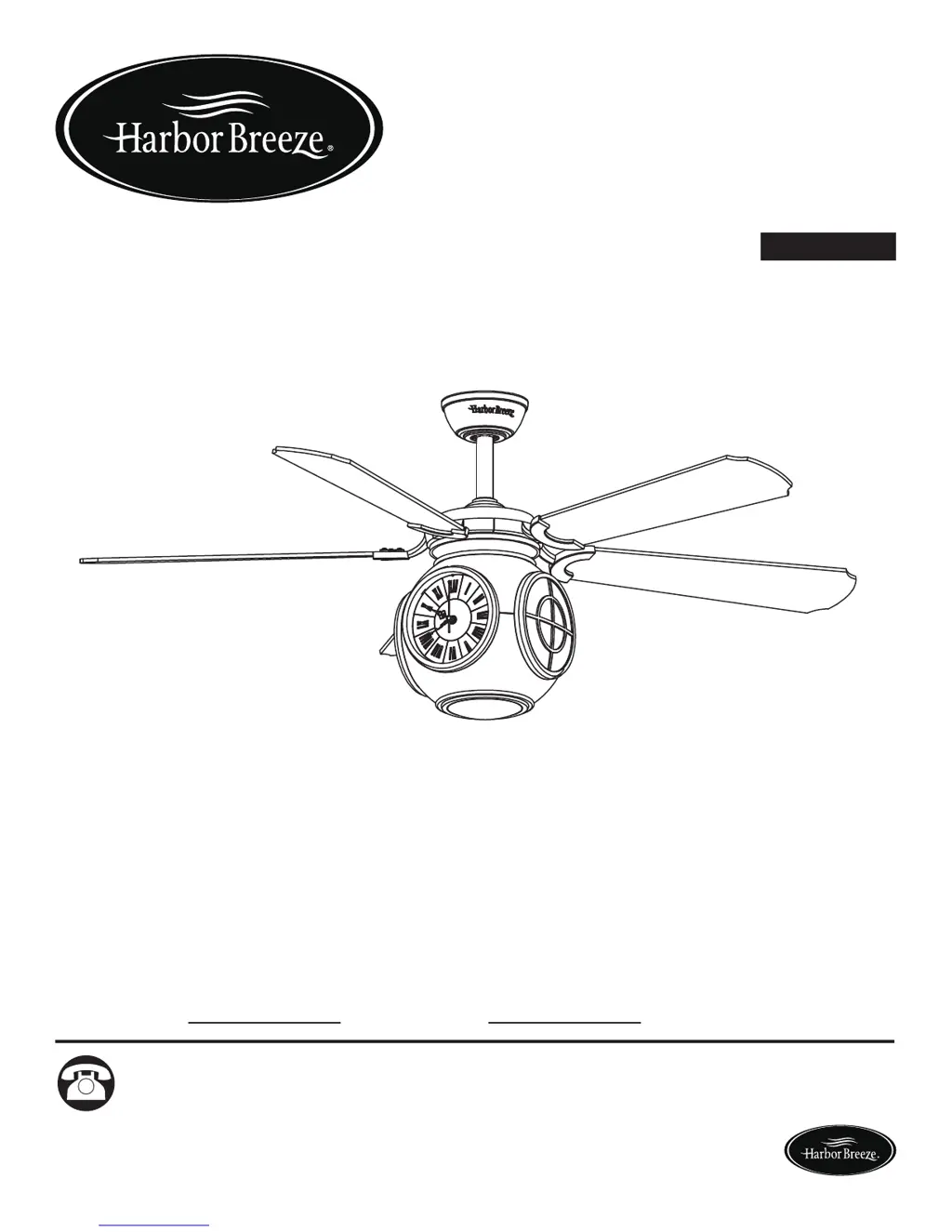
ITEM #0232645
MODEL #LP8210LAZ
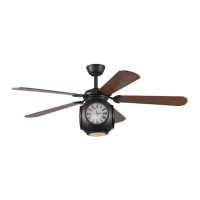
ROCK HALL CEILING FAN
Harbor Breeze® is a registered trademark
of LF, LLC. All Rights Reserved.
Questions, problems, missing parts? Before returning to your retailer, call our customer
service department at 1-888-567-2055, 8 a.m. - 5 p.m., EST, Monday - Friday.
ATTACH YOUR RECEIPT HERE
Serial Number
Purchase Date
Lowes.com/harborbreeze

Questions and Answers

  • T
    Taylor BrownAug 1, 2025
    How to fix a Harbor Breeze LP8210LAZ Fan that will not start?
    • L
      Lisa StoneAug 1, 2025
      If your Harbor Breeze Fan isn't starting, there are several potential causes: * A fuse or circuit breaker may have blown. Check both the main and branch circuit fuses or circuit breakers. * There might be loose power line connections to the fan. Inspect the line wire connections to the fan. * The remote control battery could be dead. Try replacing it with a new battery, remembering to turn off the main power first.
  • H
    heather67Aug 20, 2025
    What to do if my Harbor Breeze Fan is too noisy?
    • P
      Paul AndersonAug 21, 2025
      If your Harbor Breeze Fan is creating excessive noise, consider the following: * Ensure the blades are properly attached to the fan. * Check for loose screws in the motor housing and tighten them, but do not overtighten. * Make sure the screws securing the fan blade arms to the motor hub are tight. * Inspect the wire connectors inside the housing to ensure they are not rattling against each other or the interior wall of the switch housing.
  • J
    Jose GainesNov 11, 2025
    Why does my Harbor Breeze LP8210LAZ wobble so much?
    • D
      Daniel PerezNov 11, 2025
      Excessive wobbling in your Harbor Breeze Fan can stem from several issues: 1. A loose set screw in the downrod support. Ensure these screws are securely tightened. 2. A loose set screw in the downrod/hanger ball assembly. Tighten this set screw. 3. Loose screws securing the fan blade holders to the motor hub. Check and tighten these screws. 4. Improperly seated blade holders. Make sure the fan blade holders are firmly and uniformly seated to the motor housing surface; loosen and retighten if needed. 5. A hanger bracket or ceiling outlet box that isn't securely fastened. Tighten the hanger bracket screws to the outlet box, and ensure the outlet box is secure. 6. Out-of-balance fan blades. Try interchanging the position of fan blades to redistribute weight. For example, exchange blade...

Summary

Harbor Breeze Rock Hall Ceiling Fan Manual

Package Contents

Details all items included in the fan packaging for verification before assembly.

Hardware Contents

Lists all hardware components provided for installation, ensuring all fasteners are accounted for.

Safety Information

Provides essential safety precautions and warnings for the installation and operation of the ceiling fan.

Preparation

Outlines preparatory steps and tools required prior to commencing fan assembly.

Assembly Instructions

Step-by-step instructions for the physical assembly of the ceiling fan components.

Wiring Instructions

Comprehensive guide detailing the electrical wiring process for connecting the fan.

Final Assembly Instructions

Steps for completing the fan assembly, including canopy and housing attachment.

Operating Instructions

Guidance on operating the fan and its remote control features.

Blade Balancing Instructions

Procedure to correct fan wobble and ensure smooth rotation.

Care and Maintenance

Recommendations for cleaning and maintaining the fan's appearance and functionality.

Troubleshooting

Solutions for common problems encountered during fan operation.

Warranty

Information regarding the manufacturer's warranty terms and conditions.

Replacement Parts List

A catalog of available replacement parts with their corresponding part numbers.

Harbor Breeze LP8210LAZ Specifications

General IconGeneral
BrandHarbor Breeze
ModelLP8210LAZ
TypeCeiling Fan
Blade Span52 inches
Number of Blades5
Reversible MotorYes
Light IncludedYes
Light TypeLED
Remote Control IncludedYes
Mounting TypeDownrod
FinishBronze
MotorAC
Blade ColorDark Walnut
Motor Speed3-speed

Related product manuals