EasyManua.ls Logo

Harbor Breeze PORTES LP8293LAZ - User Manual

Harbor Breeze PORTES LP8293LAZ
46 pages
Print Icon
To Next Page IconTo Next Page
Loading...
Questions, problems, missing parts? Before returning to your retailer, call our customer
service department at 1-800-643-0067, 8 a.m. - 6 p.m., EST, Monday - Thursday, 8 a.m. - 5
p.m., EST, Friday.
1
EB13443
ATTACH YOUR RECEIPT HERE
Serial Number ____________ Purchase Date ____________
Harbor Breeze
®
is a registered trademark
of LF, LLC. All Rights Reserved.
Lowes.com/harborbreeze
ITEM #0464465
0451821
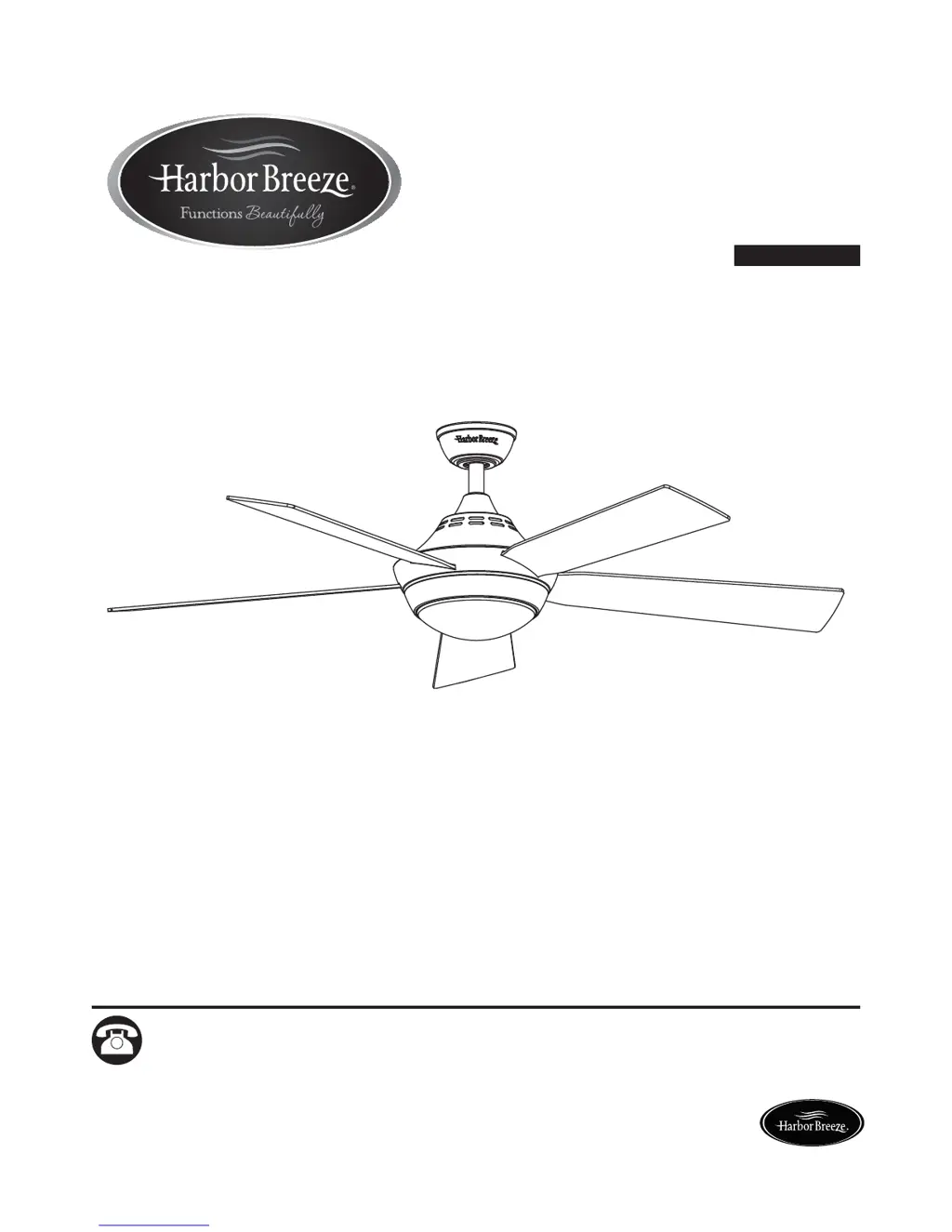
PORTES CEILING FAN
MODEL #LP8293LAZ
LP8293LBN
Español p. 24

Questions and Answers

  • S
    sthompsonAug 2, 2025
    What to do if my Harbor Breeze PORTES LP8293LAZ Fan will not start?
    • C
      Cindy HancockAug 2, 2025
      If your Harbor Breeze Fan won't start, here are a few things to check: * First, examine the main and branch circuit fuses or circuit breakers. * Next, ensure the line wire connections to the fan are secure. Remember to turn off the main power before checking. * Finally, if you're using a remote, try replacing the battery.
  • J
    Justin MorenoAug 9, 2025
    Why is my Harbor Breeze Fan so noisy?
    • E
      eric72Aug 9, 2025
      If your Harbor Breeze Fan is making excessive noise, consider the following: 1. Make sure the blades are properly attached to the fan. 2. Check and tighten all screws in the motor housing, but avoid overtightening. 3. Ensure the screws securing the fan blade holders to the motor hub are tight. 4. Verify that wire connectors inside the switch housing are not rattling against each other or the housing's interior wall. Remember to turn off the main power before checking. 5. Note that some fan motors are sensitive to solid-state variable speed controls, which are not recommended. Consider an alternative control method. 6. Check that the screws holding the blades to the blade holders are tightened securely.
  • B
    barbaramejiaAug 17, 2025
    How to fix a Harbor Breeze Fan that wobbles too much?
    • E
      Erin ZunigaAug 17, 2025
      If your Harbor Breeze Fan wobbles excessively, try these solutions: * Securely tighten the set screws in the downrod support. * Tighten the set screw in the downrod/hanger ball assembly. * Ensure the screws attaching the fan blade holders to the motor hub are tight. * Make sure the hanger bracket screws are tightened to the outlet box, and that the outlet box itself is secure. * If the issue persists, refer to the Blade Balancing Instructions.
  • A
    Amber MooreAug 25, 2025
    Why is there not enough air movement from my Harbor Breeze PORTES LP8293LAZ?
    • B
      brett26Aug 26, 2025
      If your Harbor Breeze Fan isn't providing enough air movement, it might be due to a downrod that's too short. If feasible, think about installing a longer downrod.

Summary

Package Contents

Hardware Contents

Safety Information

Preparation

Initial Assembly Instructions

Wiring Instructions

Final Assembly Instructions

Operating Instructions

Blade Balancing Instructions

Care and Maintenance

Troubleshooting

Warranty

Replacement Parts List

Harbor Breeze PORTES LP8293LAZ Specifications

General IconGeneral
BrandHarbor Breeze
ModelPORTES LP8293LAZ
TypeCeiling Fan
Blade Span52 inches
Motor TypeAC Motor
Number of Blades5
Light Kit IncludedYes
Control TypeRemote Control
Blade ColorWalnut
Reversible MotorYes
Number of Speeds3
Mounting TypeDownrod Mount
FinishBronze
WarrantyLimited Lifetime

Related product manuals