EasyManua.ls Logo

Harbor Breeze PLM52CB5D - User Manual

Harbor Breeze PLM52CB5D
33 pages
Print Icon
To Next Page IconTo Next Page
Loading...
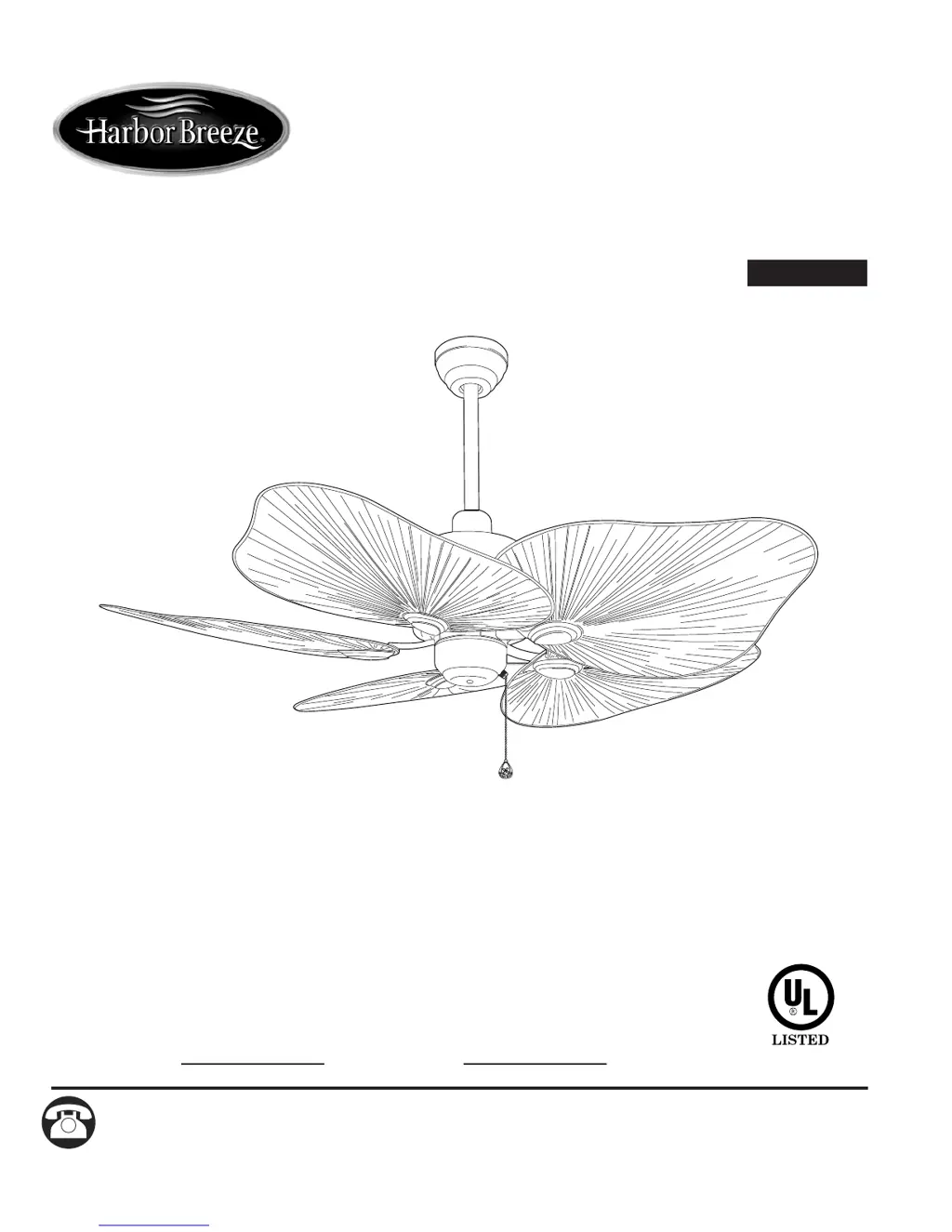
ITEM #0295011
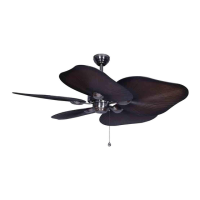
BAJA CEILING FAN
Questions, problems, missing parts? Before returning to your retailer, call or contact our customer
service department at 1-800-527-1292, 8:30 a.m.- 5:00 p.m., CST, Monday - Friday.
Harbor Breeze® is a registered trademark
of LF, LLC. All Rights Reserved.
Español p. 17
ATTACH YOUR RECEIPT HERE
Serial Number
Purchase Date
1
MODEL #PLM52CB5D
E206035
FOR DAMP LOCATIONS

Questions and Answers

  • S
    Steven SmithAug 2, 2025
    What to do if my Harbor Breeze PLM52CB5D Fan does not move?
    • L
      Laura CraneAug 2, 2025
      If your Harbor Breeze Fan isn't moving, start by checking if the reverse switch is fully engaged. Then, make sure the power is on and the fuse is working correctly. Turn the power off, loosen the canopy, and check all wire connections for any faults. Finally, confirm that the male and female plugs in the switch housing are properly connected.
  • V
    Victoria FieldsAug 11, 2025
    Why is my Harbor Breeze PLM52CB5D wobbling excessively?
    • T
      Tanya EvansAug 11, 2025
      Excessive wobbling in your Harbor Breeze Fan can stem from several factors. First, ensure the blades are not loose by checking the plastic locking mechanisms. Re-install the blade arms if they are incorrectly installed. Try switching one blade with a blade from the opposite side to address unbalanced blades. Also, verify that the fan is securely mounted by checking the mounting bracket. If your fan is too close to a vaulted ceiling, consider using a longer downrod or moving the fan. Finally, make sure the set screws on the motor housing yoke and the hanging ball are properly tightened.
  • W
    wrobinsonAug 21, 2025
    How to fix a noisy Harbor Breeze PLM52CB5D?
    • K
      kenneth71Aug 21, 2025
      A noisy Harbor Breeze Fan could be due to several reasons. Check that the plastic locking mechanisms are secure, ensuring the blades are not loose. If a blade is cracked, replace it. Also, ensure you are using an approved speed control device, as unapproved ones can cause noise.

Summary

Safety Information

DANGER

Critical safety warning regarding specific hazardous situations, requiring immediate attention.

WARNINGS

Important safety instructions to prevent potential injury or fire hazards.

CAUTIONS

Precautions to take to avoid damage to the product or minor injury.

Package Contents

Hardware Contents

Preparation

Initial Installation

Fan Mounting

Wiring

Final Installation

Operation Instructions

Care and Maintenance

Troubleshooting

Warranty

Replacement Parts List

Harbor Breeze PLM52CB5D Specifications

General IconGeneral
BrandHarbor Breeze
ModelPLM52CB5D
CategoryFan
LanguageEnglish

Related product manuals