EasyManua.ls Logo

Harbor Breeze LP8072LAZ - User Manual

Harbor Breeze LP8072LAZ
42 pages
Print Icon
To Next Page IconTo Next Page
Loading...
Questions, problems, missing parts? Before returning to your retailer, call our customer
service department at 1-800-643-0067, 8 a.m. - 6 p.m., EST, Monday - Thursday and
8 a.m. - 5 p.m., EST, Friday.
Español p. 22
ITEM #0068717
MODEL #LP8072LAZ
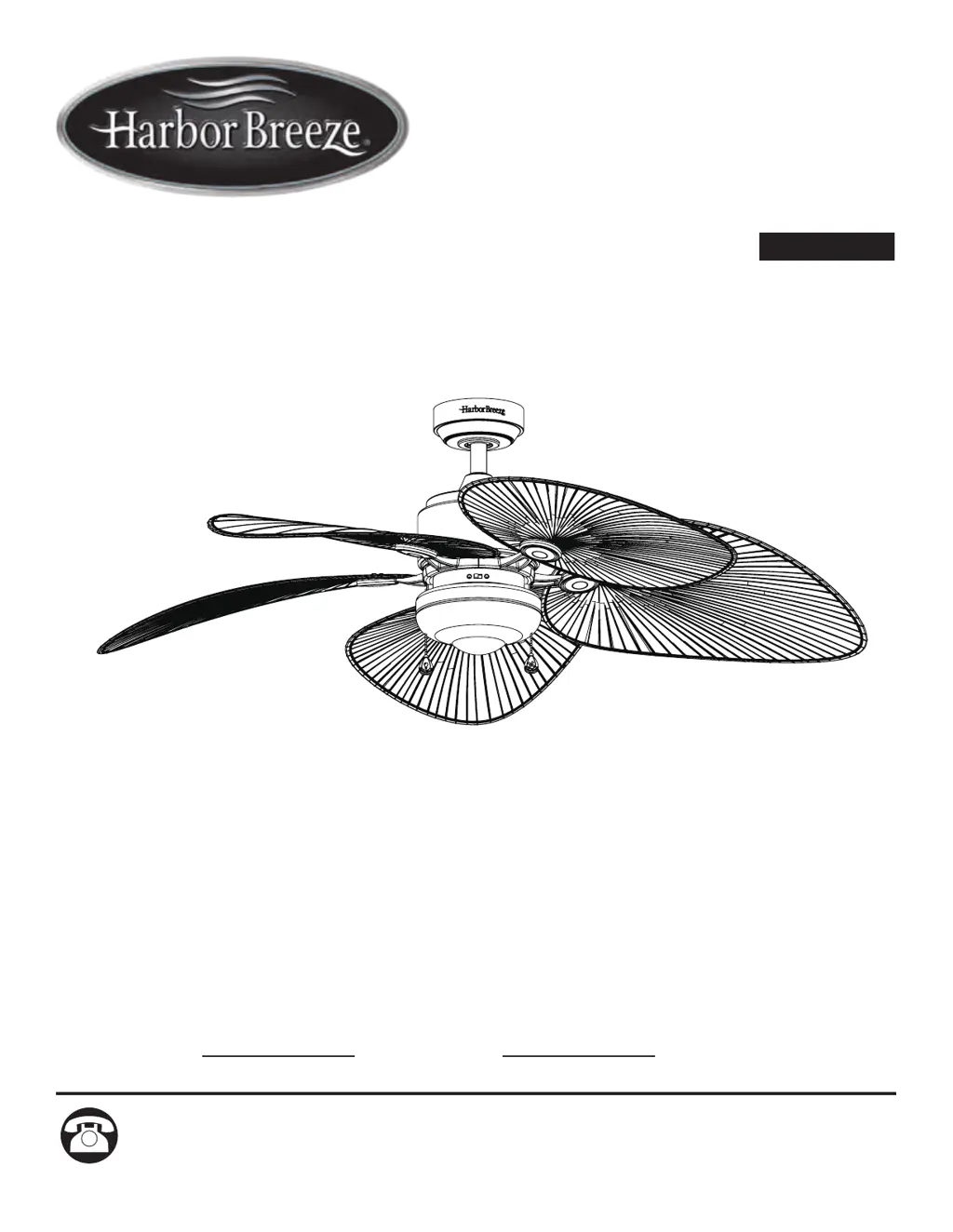
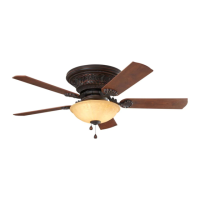
FREEPORT CEILING FAN
Harbor Breeze® is a registered trademark
of LF, LLC. All Rights Reserved.
ATTACH YOUR RECEIPT HERE
Serial Number
Purchase Date

Questions and Answers

Summary

Product Specifications

Safety Information

Package Contents

Hardware Contents

Preparation

Assembly Instructions

Step 1: Hanger Ball Removal

Remove the hanger ball from the downrod, retaining the pin for later use.

Step 2: Wire Routing Through Downrod

Route the motor wires through the downrod and hanger ball assembly.

Step 3: Attaching Downrod to Motor

Thread and secure the downrod to the motor assembly using the clevis pin.

Assembly Instructions (Continued)

Step 4: Wire Routing to Canopy

Route the fan wires through the motor coupling cover, canopy screw cover, and ceiling canopy.

Step 5: Reinstalling Hanger Ball

Reinstall the hanger ball onto the downrod, ensuring proper alignment and secure set screw.

Step 6: Wire Preparation

Trim excess wire and strip insulation from the lead wires at the top of the downrod.

Hanging Instructions

Step 1: Secure Hanger Bracket

Attach the hanger bracket firmly to the ceiling outlet box using provided screws.

Step 2: Seat Fan on Hanger Bracket

Carefully lift and seat the fan's hanger ball assembly onto the hanger bracket.

Wiring Instructions

Step 1: Connect Grounding and Motor Wires

Connect grounding leads and fan motor wires to supply wires using wire connectors.

Step 2: Route Wires into Outlet Box

Carefully push all connected wires into the outlet box, separating them as instructed.

Canopy Housing Installation

Step 1: Attach Canopy to Hanger Bracket

Assemble the ceiling canopy onto the hanger bracket by aligning key slots and tightening screws.

Step 2: Secure Canopy Screw Cover

Attach the canopy screw cover to conceal the canopy screws using the twistlock feature.

Blade Installation

Step 1: Remove Motor Stops

Remove the screws holding the motor stops from the motor assembly.

Blade Installation (Continued)

Step 2: Attach Blades to Holder Arms

Position blades onto holder arms and secure with screws and fiber washers.

Step 3: Attach Blade Holder Arms to Motor

Attach the blade holder arms to the motor hub using the provided screws.

Light Kit Fitter Assembly Installation

Step 1: Attach Light Kit Fitter Assembly

Assemble the light kit fitter assembly onto the motor support bracket using key slots.

Light Kit Fitter Assembly Installation (Continued)

Step 2: Connect Wire Harness

Connect the 9-pin connector from the motor to the light kit's wire harness socket.

Step 3: Connect Light Connectors

Connect the single-pin down light connectors to the socket plate assembly.

Step 4: Attach Socket Plate Assembly

Assemble the socket plate assembly to the light kit fitter using key slots and screws.

Light Kit Fitter Assembly Installation (Continued)

Step 5: Install Bulb

Install the bulb into the socket, taking care not to touch it with bare hands.

Step 6: Attach Glass

Securely attach the glass shade by twisting it clockwise onto the socket plate assembly.

Pull Chain Operating Instructions

Step 1: Restore Power

Turn on electrical power at the main fuse box to enable fan operation.

Pull Chain Operating Instructions (Continued)

Step 2: Install Couplers

Install the fan chain coupler and the light kit chain coupler onto their respective chains.

Step 3: Test Fan Chain Operation

Check the fan's speed settings by operating the fan chain coupler.

Step 4: Adjust Airflow Direction

Reverse the fan's rotation direction using the switch for summer or winter airflow.

Pull Chain Operating Instructions (Continued)

Step 5: Test Light Chain Operation

Check the light's on/off function by operating the light kit chain coupler.

Blade Balancing Installation Instructions

Step 1: Interchange Blade Positions

Swap adjacent blade positions to redistribute weight and improve balance.

Step 2: Test Balancing Clip Location

Use the clip from the balance kit to find the optimal position on a blade to reduce wobble.

Step 3: Apply Weighted Square

Secure a weighted square from the balance kit to the blade at the determined clip location.

Care and Maintenance

Troubleshooting

Warranty

Replacement Parts List

Summary

Product Specifications

Safety Information

Package Contents

Hardware Contents

Preparation

Assembly Instructions

Step 1: Hanger Ball Removal

Remove the hanger ball from the downrod, retaining the pin for later use.

Step 2: Wire Routing Through Downrod

Route the motor wires through the downrod and hanger ball assembly.

Step 3: Attaching Downrod to Motor

Thread and secure the downrod to the motor assembly using the clevis pin.

Assembly Instructions (Continued)

Step 4: Wire Routing to Canopy

Route the fan wires through the motor coupling cover, canopy screw cover, and ceiling canopy.

Step 5: Reinstalling Hanger Ball

Reinstall the hanger ball onto the downrod, ensuring proper alignment and secure set screw.

Step 6: Wire Preparation

Trim excess wire and strip insulation from the lead wires at the top of the downrod.

Hanging Instructions

Step 1: Secure Hanger Bracket

Attach the hanger bracket firmly to the ceiling outlet box using provided screws.

Step 2: Seat Fan on Hanger Bracket

Carefully lift and seat the fan's hanger ball assembly onto the hanger bracket.

Wiring Instructions

Step 1: Connect Grounding and Motor Wires

Connect grounding leads and fan motor wires to supply wires using wire connectors.

Step 2: Route Wires into Outlet Box

Carefully push all connected wires into the outlet box, separating them as instructed.

Canopy Housing Installation

Step 1: Attach Canopy to Hanger Bracket

Assemble the ceiling canopy onto the hanger bracket by aligning key slots and tightening screws.

Step 2: Secure Canopy Screw Cover

Attach the canopy screw cover to conceal the canopy screws using the twistlock feature.

Blade Installation

Step 1: Remove Motor Stops

Remove the screws holding the motor stops from the motor assembly.

Blade Installation (Continued)

Step 2: Attach Blades to Holder Arms

Position blades onto holder arms and secure with screws and fiber washers.

Step 3: Attach Blade Holder Arms to Motor

Attach the blade holder arms to the motor hub using the provided screws.

Light Kit Fitter Assembly Installation

Step 1: Attach Light Kit Fitter Assembly

Assemble the light kit fitter assembly onto the motor support bracket using key slots.

Light Kit Fitter Assembly Installation (Continued)

Step 2: Connect Wire Harness

Connect the 9-pin connector from the motor to the light kit's wire harness socket.

Step 3: Connect Light Connectors

Connect the single-pin down light connectors to the socket plate assembly.

Step 4: Attach Socket Plate Assembly

Assemble the socket plate assembly to the light kit fitter using key slots and screws.

Light Kit Fitter Assembly Installation (Continued)

Step 5: Install Bulb

Install the bulb into the socket, taking care not to touch it with bare hands.

Step 6: Attach Glass

Securely attach the glass shade by twisting it clockwise onto the socket plate assembly.

Pull Chain Operating Instructions

Step 1: Restore Power

Turn on electrical power at the main fuse box to enable fan operation.

Pull Chain Operating Instructions (Continued)

Step 2: Install Couplers

Install the fan chain coupler and the light kit chain coupler onto their respective chains.

Step 3: Test Fan Chain Operation

Check the fan's speed settings by operating the fan chain coupler.

Step 4: Adjust Airflow Direction

Reverse the fan's rotation direction using the switch for summer or winter airflow.

Pull Chain Operating Instructions (Continued)

Step 5: Test Light Chain Operation

Check the light's on/off function by operating the light kit chain coupler.

Blade Balancing Installation Instructions

Step 1: Interchange Blade Positions

Swap adjacent blade positions to redistribute weight and improve balance.

Step 2: Test Balancing Clip Location

Use the clip from the balance kit to find the optimal position on a blade to reduce wobble.

Step 3: Apply Weighted Square

Secure a weighted square from the balance kit to the blade at the determined clip location.

Care and Maintenance

Troubleshooting

Warranty

Replacement Parts List

Harbor Breeze LP8072LAZ Specifications

General IconGeneral
BrandHarbor Breeze
ModelLP8072LAZ
TypeCeiling Fan
Blade Span52 inches
Number of Blades5
Light KitYes
Control TypeRemote Control
FinishOil-Rubbed Bronze
Blade ColorDark Walnut
Reversible MotorYes
Indoor/Outdoor UseIndoor
MotorAC
Mounting TypeDownrod

Related product manuals