EasyManua.ls Logo

Harbor Breeze LANSING 40198 - User Manual

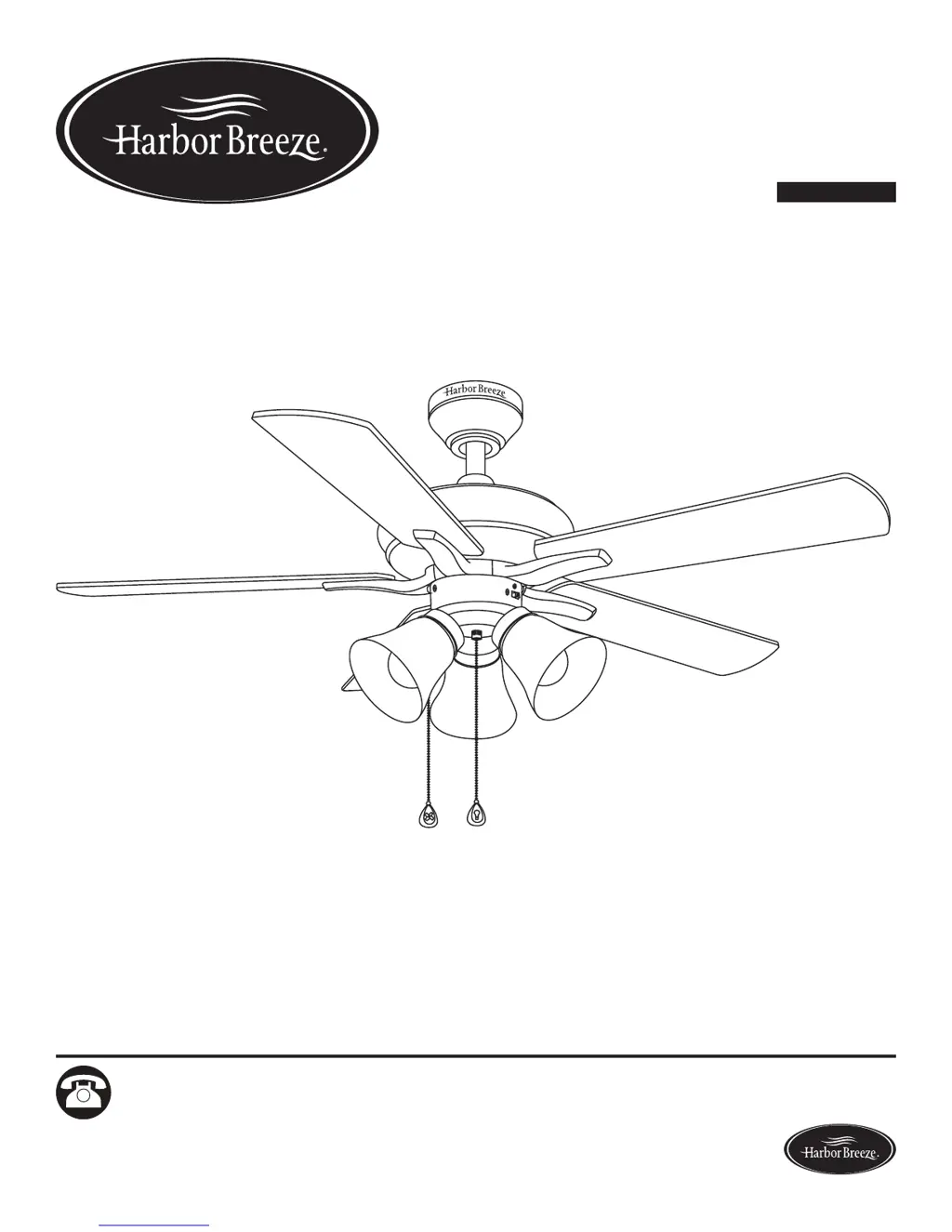
Harbor Breeze LANSING 40198
50 pages
Print Icon
To Next Page IconTo Next Page
Loading...
Harbor Breeze® is a registered trademark
of LF, LLC. All Rights Reserved.
Questions, problems, missing parts? Before returning to your retailer, call our customer
service department at 1-800-643-0067, 8 a.m. - 6 p.m., EST, Monday - Thursday, 8 a.m. - 5 p.m.,
EST, Friday.
1
ATTACH YOUR RECEIPT HERE
Serial Number _________________________ Purchase Date _________________________
Lowes.com/harborbreeze
EB12165
ITEM #0179178, 0176493
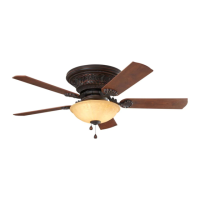
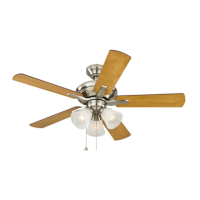
LANSING CEILING FAN
MODEL #40198, 40199
Español p. 26

Questions and Answers

  • M
    Melissa SilvaAug 2, 2025
    How to fix Harbor Breeze LANSING 40198 lights not working?
    • L
      Lauren CarrilloAug 2, 2025
      If the lights on your Harbor Breeze Fan are not working, consider the following: * Incorrectly installed bulbs: Re-install the bulb(s). * Improperly connected light kit wires: Ensure that the male and female plugs in the light kit fitter are connected properly. * Faulty wire connection: Turn the power off and check all connections at the ceiling outlet box. * Exceeding wattage limit: Replace the bulbs with lower-wattage bulbs, as the fan has a 190 W limiter.
  • B
    Beth ThomasAug 9, 2025
    Why is my Harbor Breeze Fan wobbling excessively?
    • N
      Nicholas HahnAug 9, 2025
      Excessive wobbling in your Harbor Breeze Fan can occur for several reasons: * Loose blades or blade arms: Ensure all screws connecting the blades to the blade arms and the blade arms to the motor are tightened. * Unbalanced blades: Try switching a blade with one from the opposite side. If that doesn't work, use a balancing kit (not supplied). * Insecure fan mounting: Turn off the power, loosen the canopy, and confirm that the mounting bracket is securely attached to the electrical outlet box, flush and without movement. * Fan too close to a vaulted ceiling: Use a longer downrod or relocate the fan. * Loose set screw on the motor housing yoke: Lift the yoke cover and tighten the set screw until secure.
  • N
    nicholasbrandtAug 16, 2025
    What to do if my Harbor Breeze Fan is noisy?
    • B
      Brent CunninghamAug 16, 2025
      A noisy Harbor Breeze Fan may be due to several factors: * Loose blades: Check and tighten all screws that hold the fan blades to the blade arms and the motor. * Cracked blade: Replace the cracked blade. * Incompatible wall control: Avoid using a full range dimmer switch to control the fan speed. * Break-in period: Run the fan continuously for 24 - 48 hours on medium or high speed. * Insecure outlet box: Ensure the outlet box is secured to the building structure. * Insecure mounting bracket: Ensure the mounting bracket is secured to the outlet box and that the screws are tight.
  • C
    Cheyenne NicholsAug 25, 2025
    What to do if my Harbor Breeze Fan does not move?
    • D
      dcarterAug 25, 2025
      If your Harbor Breeze Fan is not moving, check the following: * Reverse switch: Firmly push the reverse switch to either the left or right. * Wall switch: Make sure the wall switch is turned on. * Power supply: Turn the power on or check the fuse (breaker). * Wire connections: Turn the power off and check all connections at the ceiling outlet box.

Summary

Product Information

Package Contents

Lists all parts included in the fan package.

Hardware Contents

Lists all necessary hardware components for fan assembly.

Safety and Preparation

Safety Information and Precautions

Critical safety warnings, dangers, and precautions before installation.

Preparation for Installation

Lists required tools and estimated assembly duration for the fan.

Assembly Instructions

Initial Assembly Steps

Steps for power disconnection and mounting bracket installation.

Mounting Bracket and Motor Procedures

Securing the mounting bracket and motor screw removal.

Mounting Methods

Standard or Angled Mounting

Guides for standard, angled mounting, downrod assembly, and wiring prep.

Close Mount Installation

Instructions for close mount installation, canopy attachment, and wiring prep.

Wiring and Final Assembly

Wiring the Ceiling Fan

Detailed wiring diagrams and connection instructions for various control options.

Final Installation Steps

Procedures for canopy mounting, blade assembly, and wire routing.

Light Kit Installation

Light Kit Fitter and Glass Shade Mounting

Steps for connecting the light kit fitter and installing glass shades.

Bulb and Pull Chain Extension Installation

Guidance on installing bulbs and attaching pull chain extensions.

Operation and Maintenance

Operating the Ceiling Fan

How to control fan speed, lights, and reverse direction.

Care and Maintenance

Recommendations for regular cleaning and upkeep of the ceiling fan.

Support and Warranty

Troubleshooting Common Issues

Solutions for fan movement, noise, light, and wobble problems.

Lifetime Limited Warranty

Details of the manufacturer's warranty coverage for the ceiling fan.

Replacement Parts

Harbor Breeze LANSING 40198 Specifications

General IconGeneral
BrandHarbor Breeze
ModelLANSING 40198
CategoryFan
LanguageEnglish

Related product manuals