EasyManua.ls Logo

Harbor Breeze L1901 - User Manual

Harbor Breeze L1901
16 pages
Print Icon
To Next Page IconTo Next Page
Loading...
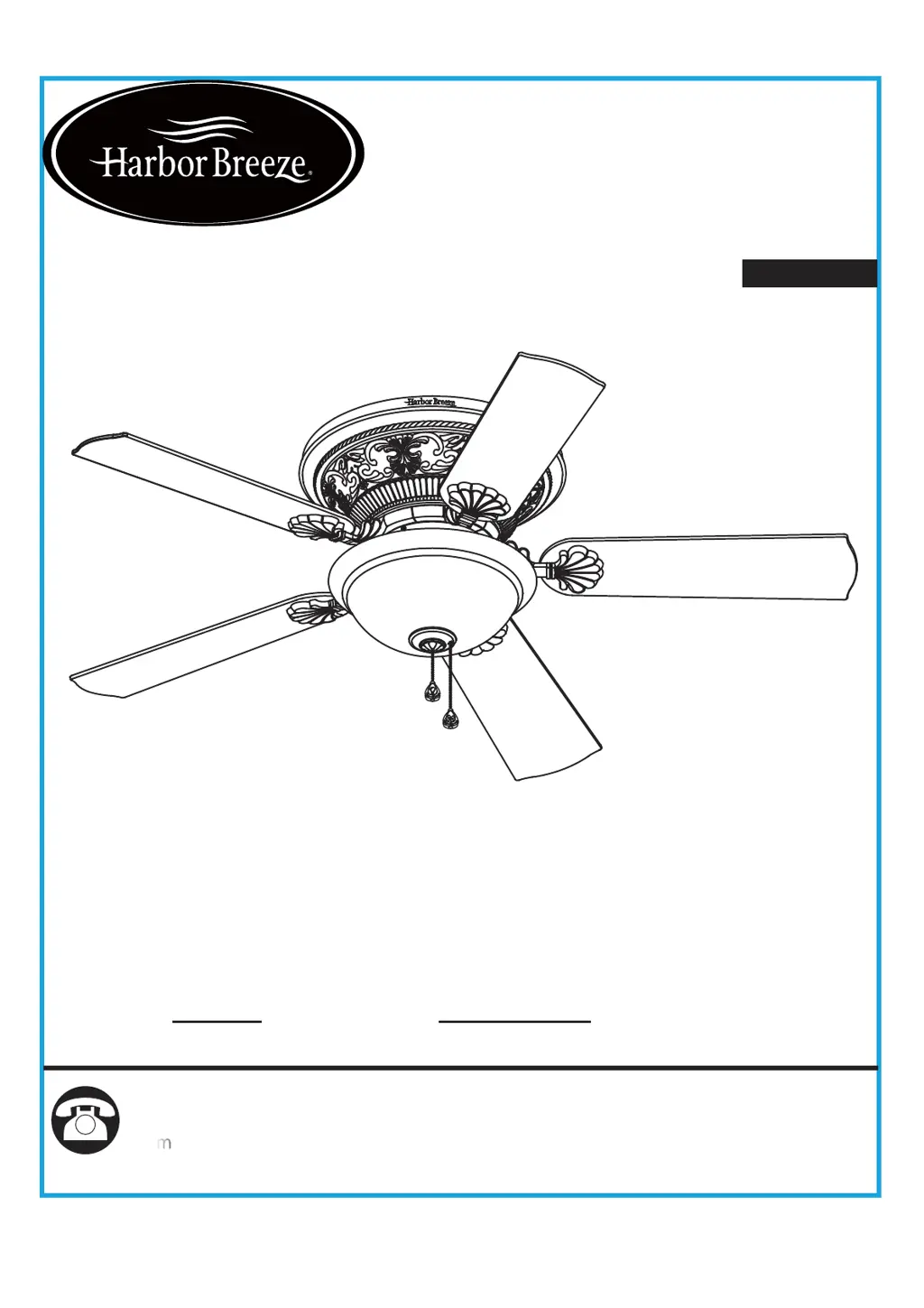
ITEM #0807420
MODEL #L1901
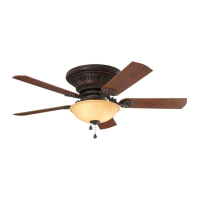
LYNSTEAD CEILING FAN
Harbor Breeze
®
is a registered trademark
of LF, LLC. All Rights Reserved.
1
Español p. 17
Questions, problems, missing parts?
Before returning to your retailer, call our customer
service department at 1-800-643-0067, 8 a.m. - 6 p.m., EST, Monday - Thursday,
p.m., EST, Friday.
ATTACH YOUR RECEIPT HERE
Serial Number
Purchase Date
PH19238
8 a.m. - 5

Questions and Answers

  • J
    Janice KennedyAug 4, 2025
    What to do if my Harbor Breeze Fan does not start?
    • S
      Stephanie ScottAug 4, 2025
      If your Harbor Breeze Fan isn't starting, there could be several reasons: 1. **Power:** Ensure the power is on, the fuse hasn't blown, and the circuit breaker hasn't tripped. Replace the fuse or reset the breaker if necessary. 2. **Wiring:** Check for loose or incorrect wire connections. Turn off the power, loosen the motor housing, and verify all connections according to the wiring instructions. Also, inspect the plug connection in the switch housing. 3. **Reversing Switch:** Make sure the motor reversing switch is fully engaged to the right or left (up or down), as the fan won't work if it's in the middle position. 4. **Pull Chain:** Confirm that the pull chain switch is in the "on" position by pulling the switch chain.
  • D
    Deborah WebbAug 25, 2025
    How to fix a noisy Harbor Breeze Fan?
    • D
      Darren DiazAug 25, 2025
      A noisy Harbor Breeze Fan can be caused by several issues: 1. **Loose Hex Nuts:** Tighten all hex nuts securely with a wrench. 2. **Normal Noise:** Allow a "break-in" period of 24 hours, as most noises from a new fan will disappear after this time. 3. **Rattling Wire Connectors:** Check the wire connectors inside the switch housing to ensure they are not rattling against each other or the housing's interior wall. 4. **Cracked Blade:** Replace any cracked blades. 5. **Faulty Light Bulb:** Ensure the light bulb is tight in the socket and not touching the glass shade. 6. **Loose Glass:** Make sure the glass is secure.
  • G
    Gary OrtizNov 12, 2025
    Why does my Harbor Breeze Fan wobble?
    • M
      Melinda FarrellNov 12, 2025
      A wobbling Harbor Breeze Fan could be due to several factors: 1. **Hanger Bracket/Outlet Box:** Ensure the hanger bracket and ceiling outlet box are securely fastened. Tighten the hanger bracket screws to the outlet box and/or secure the outlet box. 2. **Hex Nuts:** Tighten all hex nuts with a wrench. 3. **Blades:** Check that all blades are screwed firmly into the blade holders. 4. **Blade Holders:** Verify that the fan blade flanges sit firmly and uniformly on the motor hub surface. If seated incorrectly, loosen and retighten the flange screws. 5. **Blade Balance:** If wobbling persists, try interchanging two adjacent blades to redistribute weight or use the supplied balancing kit. 6. **Speed Change:** Some wobble may occur when switching from medium to low speed, but it should di...

Summary

Package Contents

Hardware Contents

Safety Information

Preparation

Initial Installation Instructions

Power Disconnection

Ensure electricity is turned off at the main fuse box or circuit breaker before installation.

Fan Mounting Options

Details required ceiling clearance and blade-to-wall distance for safe fan operation.

Outlet Box Check

Verify outlet box is securely fastened and can support fan weight for safe installation.

Mounting Bracket Attachment

Hang the motor body onto the mounting bracket using hex nuts and washers for hands-free wiring.

Wiring Instructions

Final Installation Instructions

Motor Body Mounting

Attach motor body to mounting bracket using grommets, washers, and hex nuts.

Motor Housing Alignment

Align motor housing dot labels with mounting bracket and rotate clockwise to secure.

Blade Assembly Attachment

Secure blade iron to blade using three blade screws, tightening sequentially.

Blade Assembly Securement

Install blade assemblies to motor using motor screws, tightening securely.

Switch Housing Installation

Attach switch housing to mounting plate using keyslots and mounting screws.

Light Kit Attachment

Connect light kit to motor body and attach to switch housing using screws.

Bulb Installation

Insert the provided bulbs into their respective sockets.

Light Kit Hardware Preparation

Retain silicone washer, metal washer, and manual nut from light kit threaded rod.

Glass Bowl and Finial Assembly

Attach glass bowl, guide chains, and secure with washers, nut, finial cap, and finial.

Operation Instructions

Motor Speed Control

Use fan fob to control motor speed: High, Medium, Low, and Off.

Light Control

Use lamp fob to turn the light On or Off.

Fan Direction Control

Flip fan reversal switch to change direction between clockwise and counterclockwise rotation.

Airflow Direction Explanation

Explains fan rotation for cooling (counterclockwise) and heating (clockwise) airflow.

Care and Maintenance

Troubleshooting

Limited Lifetime Warranty

Replacement Part List

Harbor Breeze L1901 Specifications

General IconGeneral
Fan TypeCeiling Fan
Blade Span52 inches
Number of Blades5
ModelL1901
Reversible MotorYes
Motor TypeAC Motor
Motor Speed3-speed

Related product manuals