EasyManua.ls Logo

Harman Kardon Go+Play Micro - User Manual

Harman Kardon Go+Play Micro
8 pages
Print Icon
To Next Page IconTo Next Page
Loading...
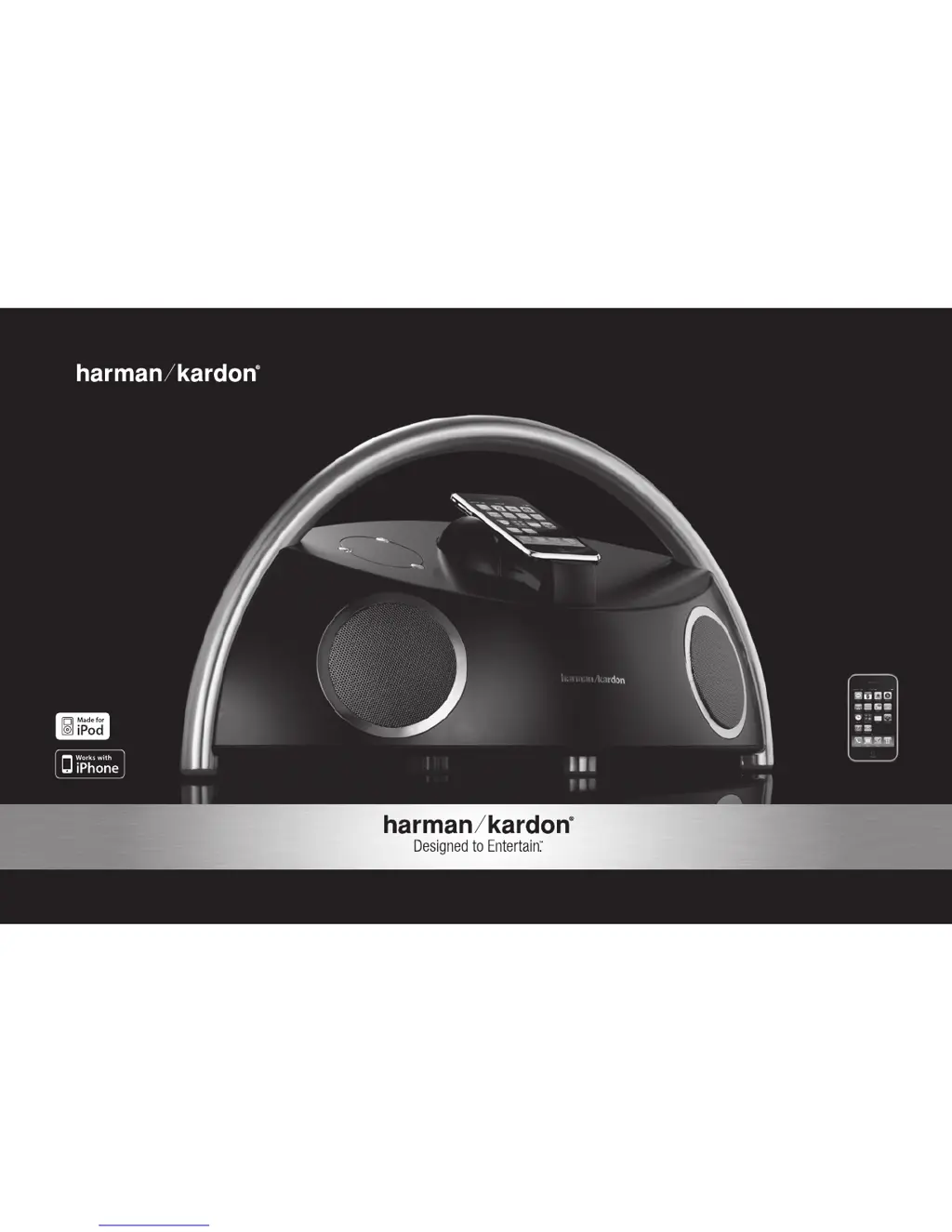
GO+PLAY
MicrO
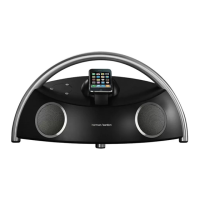
Portable hi-fi speaker for iPhone/iPod
iPhone not included
English
User Guide

Questions and Answers

  • L
    Linda GilmoreJul 26, 2025
    What to do if there is no sound coming from my Harman Kardon Go+Play Micro?
    • L
      ljonesJul 26, 2025
      If there is no sound, ensure that the wall outlet or power strip has power and that all switches for the outlet/power strip and the speaker unit are turned on. Also, verify that the iPhone/iPod is correctly docked or that the auxiliary cable is properly connected. Turn up the volume and test the unit with a known good source. You may also connect the Aux In cable to the headphone jack of your iPhone/iPod.
  • S
    Sarah PerezJul 31, 2025
    Why do my Harman Kardon Portable Speakers have distortion (static, crackling or hissing sounds)?
    • A
      Anna CaseJul 31, 2025
      Distortion can occur in your Harman Kardon Portable Speakers due to several reasons. First, the audio source or source material itself might be the problem, so try testing the unit with another source. Second, the volume level may be too high, so check the volume of the source. Finally, the EQ setting might be too high, so check the EQ setting on your iPhone/iPod or source device.
  • M
    Megan SandersAug 5, 2025
    What to do if my Harman Kardon Portable Speakers emit a loud hum or buzzing noise?
    • R
      rhonda84Aug 5, 2025
      If your Harman Kardon Portable Speakers are emitting a loud hum or buzzing noise, check the input cable connection to ensure it is properly plugged in. If the cable is bad, replace it. Also, try turning the unit off and connecting it to another wall outlet to resolve a potential ground loop issue.
  • P
    Patrick HernandezAug 10, 2025
    Why does sound only come from one side/channel on my Harman Kardon Go+Play Micro?
    • G
      Geoffrey GonzalezAug 10, 2025
      If sound is only coming from one side or channel, ensure that your iPhone/iPod or auxiliary cable is properly seated. Make sure the iPhone/iPod is fully seated into the docking station and the auxiliary cable is fully inserted into the jack. You may also try resetting your iPhone/iPod.
  • D
    drussellAug 15, 2025
    Why is my iPhone volume at the lowest setting when undocked from my Harman Kardon Go+Play Micro?
    • S
      sheltonkristinAug 15, 2025
      If your iPhone volume is at the lowest setting when undocked, the sidewalls of the dock may be depressing the iPhone's “Volume Down” button. Increase the height adjustment of the dock until the iPhone's “Volume Down” button is no longer depressed.
  • M
    Michael GonzalezAug 20, 2025
    What to do if my Harman Kardon Go+Play Micro Portable Speakers experience radio-frequency interference?
    • E
      Eileen GeorgeAug 21, 2025
      If your speaker system experiences radio-frequency interference, it may be due to the input cable picking up interference. Purchase a ferrite core and wrap the excess cable around it. A ferrite core can be purchased at your local electronics store.

Summary

Important Safety Instructions

Regulations

FCC Statement and Warning

Details FCC compliance for Class B digital devices and potential interference issues.

IC Statement and Warning

States compliance of the digital apparatus with Canadian standards for interference.

Advanced Technology

COE (Computer-Optimized Equalization)

Describes the computer-optimized equalization for a rich, complete soundstage.

OCT (Optimized Compression Topology)

Highlights proprietary compression technology for accurate sound at high output levels.

Unpacking

General Setup

Battery Installation

Instructions for installing eight C-cell batteries for portable operation.

Volume Control (On-base Unit)

Details how to adjust volume directly on the main unit.

Battery Disposal

Guidance on environmentally sound disposal of batteries.

Listening to Music from an iPhone;iPod

Listening to Music from an Auxiliary Device

Remote Functionality

USB Synchronization and Charging

How to sync with iTunes and charge iPhone/iPod via USB connection.

Watching Video or Photos from an iPhone;iPod

Steps to view videos or photos from iPhone/iPod on an external display.

Harman Kardon Go+Play Micro Specifications

General IconGeneral
BrandHarman Kardon
ModelGo+Play Micro
CategoryPortable Speakers
ConnectivityBluetooth
Battery Life5 hours
Water ResistanceIPX7
Passive RadiatorYes
Charging PortUSB-C
AUX InputYes
Frequency Response20kHz
Driver Size2 x inches

Related product manuals