EasyManua.ls Logo

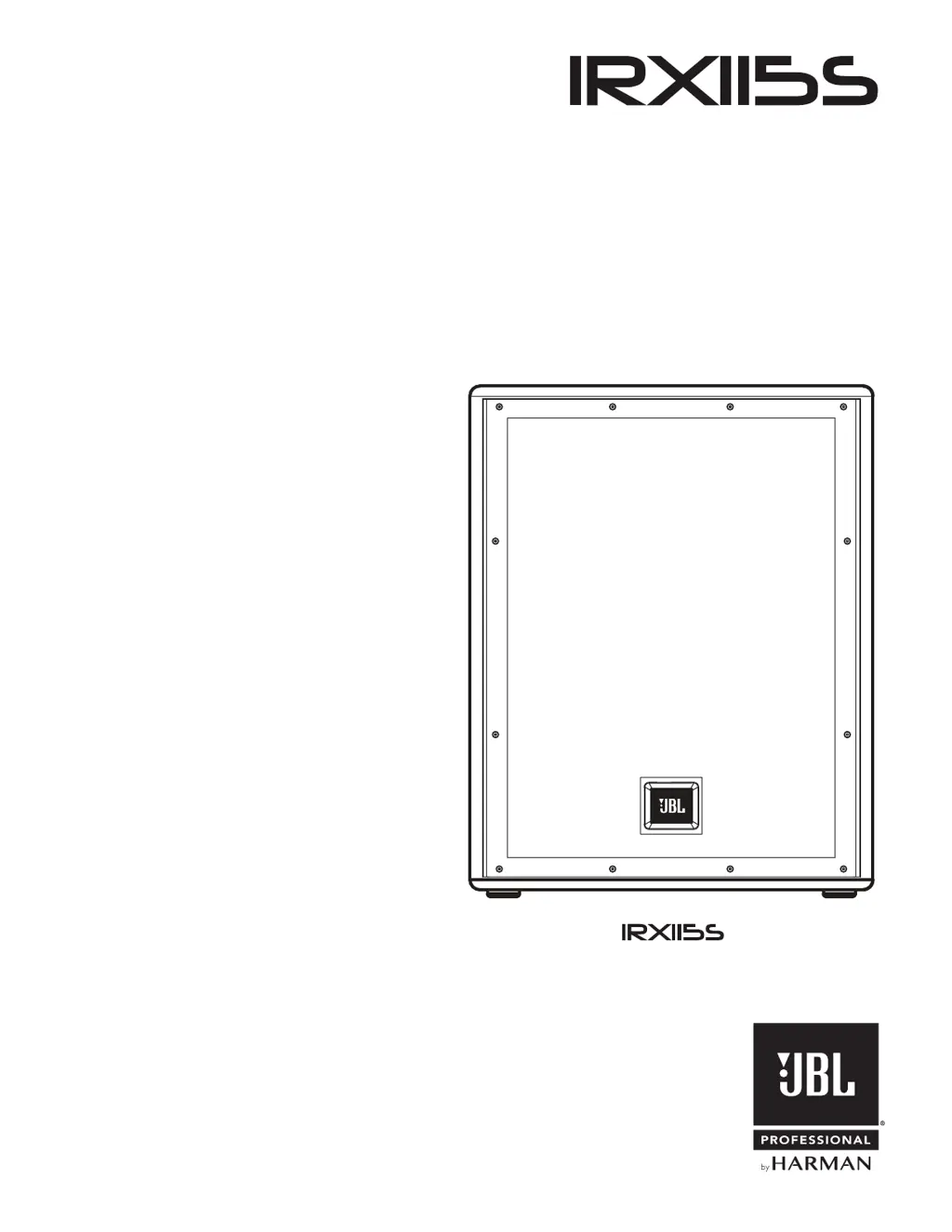
Harman JBL IRX115S - User Manual

Harman JBL IRX115S
22 pages
Print Icon
To Next Page IconTo Next Page
Loading...
User’s Guide

Other manuals for Harman JBL IRX115S

Questions and Answers

  • K
    kristopherolsonAug 13, 2025
    What to do if my Harman Speakers have no sound?
    • D
      daniel76Aug 14, 2025
      If your Harman speakers aren't producing sound, here's what you can check: * Make sure the speaker is properly connected to a working AC power outlet. * Ensure the power is switched on, and the power LED is lit. * If the speaker is in bypass mode, twist any knob or press the bypass button to activate it.
  • L
    linda43Aug 17, 2025
    Why do my Harman JBL IRX115S Speakers sound distorted and very loud?
    • M
      martinezkimberlyAug 17, 2025
      The distortion and excessive loudness, indicated by the PEAK light, suggest that the input signal is too strong for the speakers. Try these steps: * Lower the output level from the audio source. * Reduce the level using the controls on the speaker itself. * Consider using additional VE speakers.
  • G
    grantjohnAug 21, 2025
    What to do if my Harman JBL IRX115S have noise or hiss at output?
    • D
      Dr. Joshua MurphyAug 21, 2025
      If you hear noise or hiss from your Harman speaker's output, the source device might be the problem. Disconnect each connected device one by one. If the noise stops, the issue lies with that source or its connecting cable.
  • N
    nkirbyAug 25, 2025
    Why do my Harman JBL IRX115S have a hum or buzz that changes when I move the mixer level controls?
    • J
      Joshua EricksonAug 26, 2025
      A hum or buzz that varies with mixer level adjustments suggests either an A/C grounding issue or faulty equipment connected to the mixer input. Try disconnecting or muting channels one at a time to identify the source. Also, it could be a faulty cable between source equipment and mixer, in this case substitute a known-good cable for the suspected faulty cable. For the faulty equipment, refer to its owner’s manual for troubleshooting.
  • K
    Kristy MurphyAug 28, 2025
    How to fix distorted sound on Harman JBL IRX115S even at moderate volumes?
    • T
      Timothy RiveraAug 28, 2025
      If your Harman speakers sound distorted even at moderate volumes, the issue might be an overdriven mixer or audio source. Review your mixer's owner's manual and adjust the input sensitivity (gain), channel faders, and master faders as needed. Once this is done, review the instructions in the Quick Start section of this guide.
  • T
    tyroneperezSep 1, 2025
    Why is there so much hiss in my Harman JBL IRX115S sound when the mixer controls are at low settings?
    • A
      Adrian ConnerSep 1, 2025
      Excessive hiss with low mixer settings often indicates an improper gain structure. Ensure the MIC/LINE switch is in the LINE (disengaged) position. Reduce the level settings at the speaker. Also, review your mixer's owner’s manual and adjust the input sensitivity (gain), channel faders, and master faders.
  • E
    Elizabeth DaySep 5, 2025
    What causes hum or buzz in Harman JBL IRX115S?
    • K
      Kevin CareySep 5, 2025
      Hum or buzz in your Harman speakers can stem from several causes: * Improper A/C grounding or ground loops: Try 'lifting' the audio ground using an XLR/F to XLR/M adapter on one end, or re-route audio cables away from AC power and lighting cables. * Excessively long unbalanced cable run: Use the balanced outputs (if available) of your mixer or source equipment to drive your speakers, or use a “DI” (direct injection) box to convert your unbalanced equipment output to a balanced output. * Improper system gain structure: Reduce the INPUT level controls and increase the output level of your source devices.
  • S
    Samantha HicksSep 8, 2025
    What to do if my Harman Speaker comes on but there is no sound?
    • S
      sheastephanieSep 9, 2025
      If your Harman speaker powers on but produces no sound, the issue might be with the signal source or cables. * Check the VU meters on your source mixer and verify that any tape or CD is playing. * Use headphones to confirm the instrument is sending an audio signal. * Also, disconnect and re-seat the signal cables, or replace any suspected faulty cable with a known-good one.

Summary

Safety Instructions

General Safety Precautions

Protects against environmental hazards like moisture and sunlight, and ensures stability due to acoustical output.

Hearing Damage Warning

Warns about potential permanent hearing damage from prolonged exposure to sound pressure levels exceeding 85 dB.

Care and Cleaning

Provides instructions for cleaning the unit using a dry cloth, emphasizing avoidance of moisture in openings.

WEEE and RoHS Compliance

Details WEEE directives for electronic waste disposal and RoHS for restricting hazardous substances.

REACH Compliance

Explains REACH regulations and identifies lead as a substance present in the product above 0.1% concentration.

Safety Instructions

Numbered Safety Guidelines

A list of 20 detailed instructions covering safe operation, installation, and usage of the apparatus.

Electrical and Fire Hazard Warnings

Highlights risks of electrical shock, fire, and the prohibition of naked flame sources near the product.

Safety Instructions

Operating Voltage and Temperature Range

Specifies the correct operating voltages and the acceptable temperature range for the product.

Electrical Shock and Battery Safety

Warns against opening the unit to avoid electric shock and advises on safe battery handling and replacement.

FCC and EMC Compliance

Details the device's compliance with FCC rules and the conditions for operation, including interference.

Safety Instructions

Wireless Transmitter Compliance

Information on compliance with Canadian (IC) and FCC regulations for wireless transmitter functionality.

EU Compliance & Hearing Loss

Covers EU directives compliance and provides advice on preventing hearing damage by limiting volume exposure.

Quick Setup Guide

Packaging Contents

Lists the items included in the IRX115s system package.

Unboxing Instructions

Step-by-step guide on how to safely unbox the speaker unit.

Configuration Options

Illustrates floor standing and subwoofer mounting configurations for the speaker.

Back Panel

Control Panel Overview

Identifies and labels all controls, buttons, indicators, and connectors on the speaker's back panel.

Powering On and Input Connection

Guides users on how to safely power on the unit and connect audio input sources.

Back Panel

Power Button Function

Explains the operation of the power button to engage and disengage the unit's power.

Crossover Frequency and Polarity

Details how to select crossover frequencies (80, 100, 120 Hz) and toggle polarity.

Master Volume Control

Describes how to adjust the speaker's master volume using the rotary knob.

Input and Output Connectors

Explains the features and usage of XLR-1/4" combo inputs and XLR male loop thru outputs.

Power Receptacle

Identifies the connection point for the supplied power cord to the unit.

Overview - IRX115 s

Product Description and Pairing

Introduces the IRX115s subwoofer, its role with other JBL speakers, and core benefits.

Key Specifications

Lists primary technical specifications such as wattage, weight, SPL, and woofer size.

IRX115 s - Block Diagram

Control Board Diagram

Illustrates the functional blocks of the control board, including MCU, DSP, and associated circuits.

SMPS + AMP Board Diagram

Shows the power supply and amplifier circuitry, detailing components like transformers and filters.

IRX115 s Specifications

Technical Specifications List

Provides detailed specifications including frequency response, wattage, I/O, and cabinet material.

Dimensional Drawings

Presents top, front, left, and rear views with precise measurements of the speaker unit.

Applications; Features

Target Applications

Outlines the ideal use cases for the speaker, targeting musicians and hospitality installations.

Product Features

Lists key features such as woofer quality, selectable crossovers, high SPL, and ergonomic design.

Loudspeaker Placement and Suspension

Speaker Placement Guidelines

Offers advice on optimal speaker positioning to enhance sound quality, coverage, and feedback reduction.

Mounting and Positioning

Details mounting options like floor standing and subwoofer mounting, plus stage monitoring angles.

Cables & Connectors

Cable Type Descriptions

Explains common audio cable types and their applications for connecting professional audio equipment.

Connector Wiring Diagrams

Provides pinout diagrams for various audio cables, illustrating signal connections.

Application Examples

Small PA with XLR;Bluetooth

Illustrates a basic PA setup using XLR and Bluetooth inputs with a thru function.

Application Examples

Small PA as Monitors (Shared Thru)

Shows a setup using two systems as monitors with shared thru function to a subwoofer.

Application Examples

Small PA as Monitors (Individual Thru)

Demonstrates using monitors with individual thru functions routed to separate subwoofers.

Trouble Shooting

Troubleshooting Guide

A comprehensive table listing common symptoms, their likely causes, and recommended troubleshooting steps.

Warranty Information

Warranty Coverage Details

Outlines the scope of the JBL limited warranty, including covered defects and exclusions.

Obtaining Warranty Service

Explains the procedure for obtaining warranty repairs, including contact information and authorization.

Warranty Limitations & Rights

Discusses limitations on implied warranties and clarifies consumer rights.

Contact Information

Mailing and Shipping Addresses

Provides the official mailing and shipping addresses for JBL Professional.

Customer Service and Online Resources

Lists customer service hours, contact number, service website, and main product website.

International Distributor Information

Guides users on locating JBL Professional international distributors via the U.S.A. website.

Harman JBL IRX115S Specifications

General IconGeneral
BrandHarman
ModelJBL IRX115S
CategorySpeakers
LanguageEnglish

Related product manuals