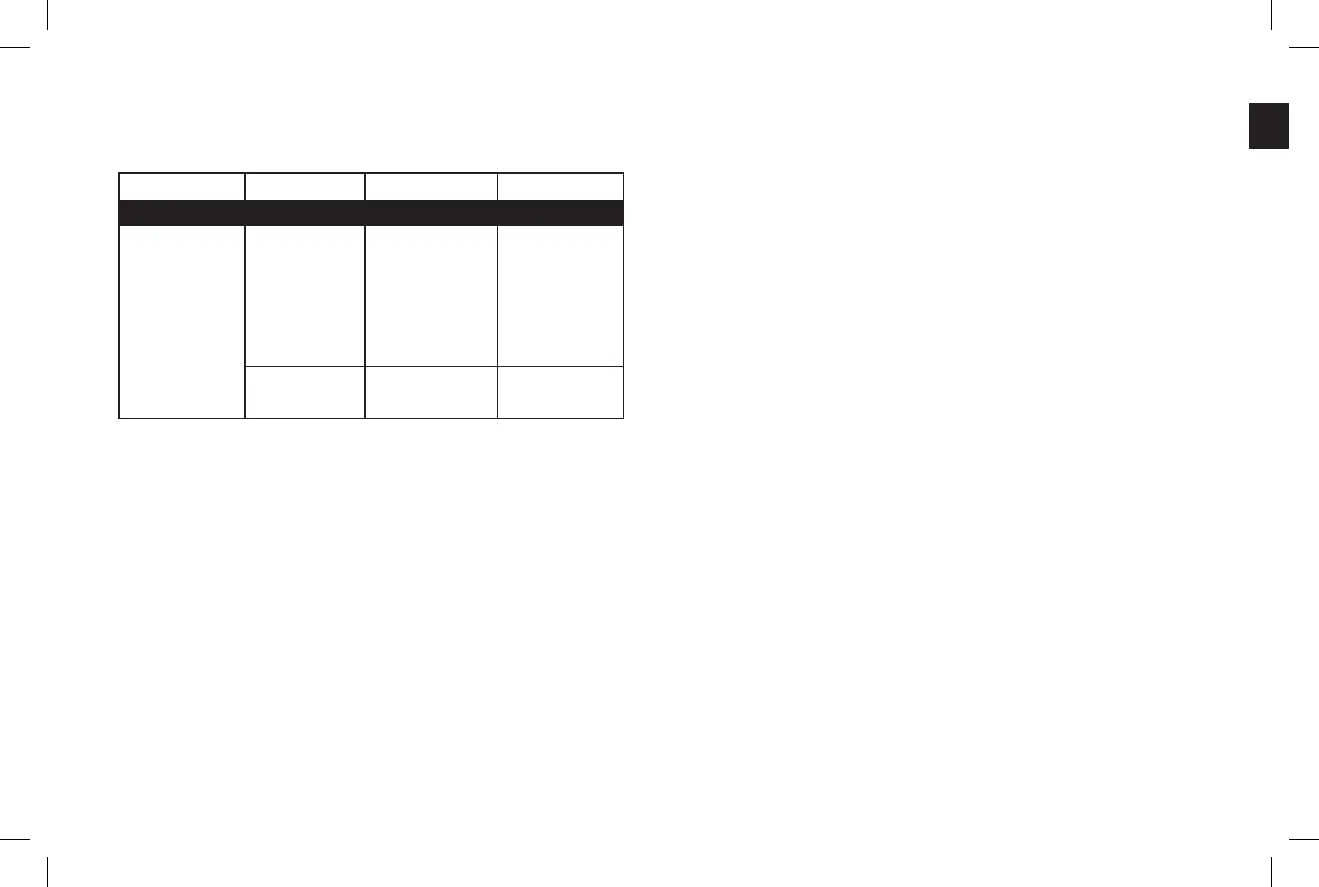
Symptom Possible Problem Solution Note
Charging
iPhone/iPod will not charge. No power to unit. Make sure that your the wall
outlet or power strip has
power. Make sure that all
switches for outlet/power strip
are on and that all switches
for the unit are on.
If the Go + Play Micro unit
is connected to a computer,
make sure computer is on
and the USB port has power.
The iPhone/iPod is not
making full contact with
the docking station.
Make sure that the iPhone/
iPod is seated securely into
the docking station.
Technical Specifications
Troubleshooting (continued)
Model: Harman Kardon Go + Play
™
Micro
Available in: Black
Requirements: iPhone/iPod with docking connector;
3.5mm output jack for other devices
Drivers: Four Odyssey and one Atlas
™
transducers
Power: Tweeters: 2 x 15 watts @ 1% THD
Woofers: 1 x 30 watts @ 1% THD
Frequency Response: 70Hz – 20kHz
Dimensions: Length: 20" (500mm)
Width: 9" (230mm)
Height: 9-1/2" (240mm)
Weight: 8.6 lb (3.9kg)
Input Impedance: >10K ohms
Signal-to-Noise Ratio: >85dB
External Power Supply
Input Voltage: 100 ~ 240V AC
Output Voltage: 24V DC @ 2.3A
English


 To Next Page