© 2013 Harmonic Inc. All rights reserved. 25 Electra 9200 Release 01, Rev A
Chapter 4
Creating a DiviTrack DTMX Pool
This chapter show how to create a DTMX pool for video streams from two programs. These
instructions assume that you understand how to create services in SAG, as described in Chapter 3,
Electra 9200 Encoding Tutorial.
Creating a Pool
You create pools for two or more video streams. All the streams in one pool must belong to the
same transport stream.
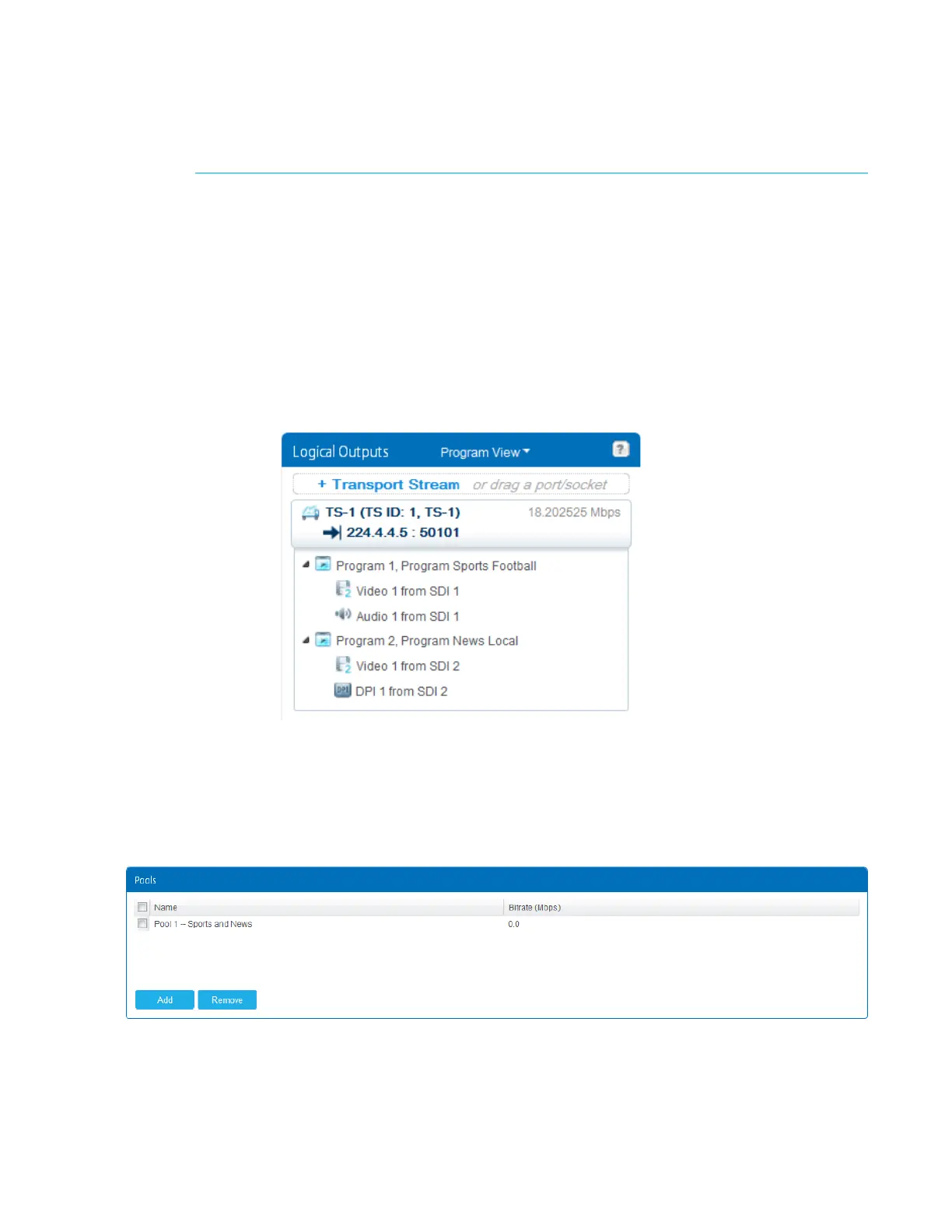
1. In the Configuration page, create a transpor
t stream with two programs, as shown in Figure 4–
1. Each program contains a video stream—these ar
e the streams we’ll add to a pool.
Figure 4–1: Two programs with video streams
2. In the DiviTrack page, create and configur
e the pools. In the Pools table, click Add. In our
example we’ll name the pool Pool 1 -- Sports and News because we are pooling video
streams from the Sports program and the News program.
As soon as you add the pool, the Pool Configuration table appears so that you can configure
its streams and settings.



 To Next Page