© 2013 Harmonic Inc. All rights reserved. 4
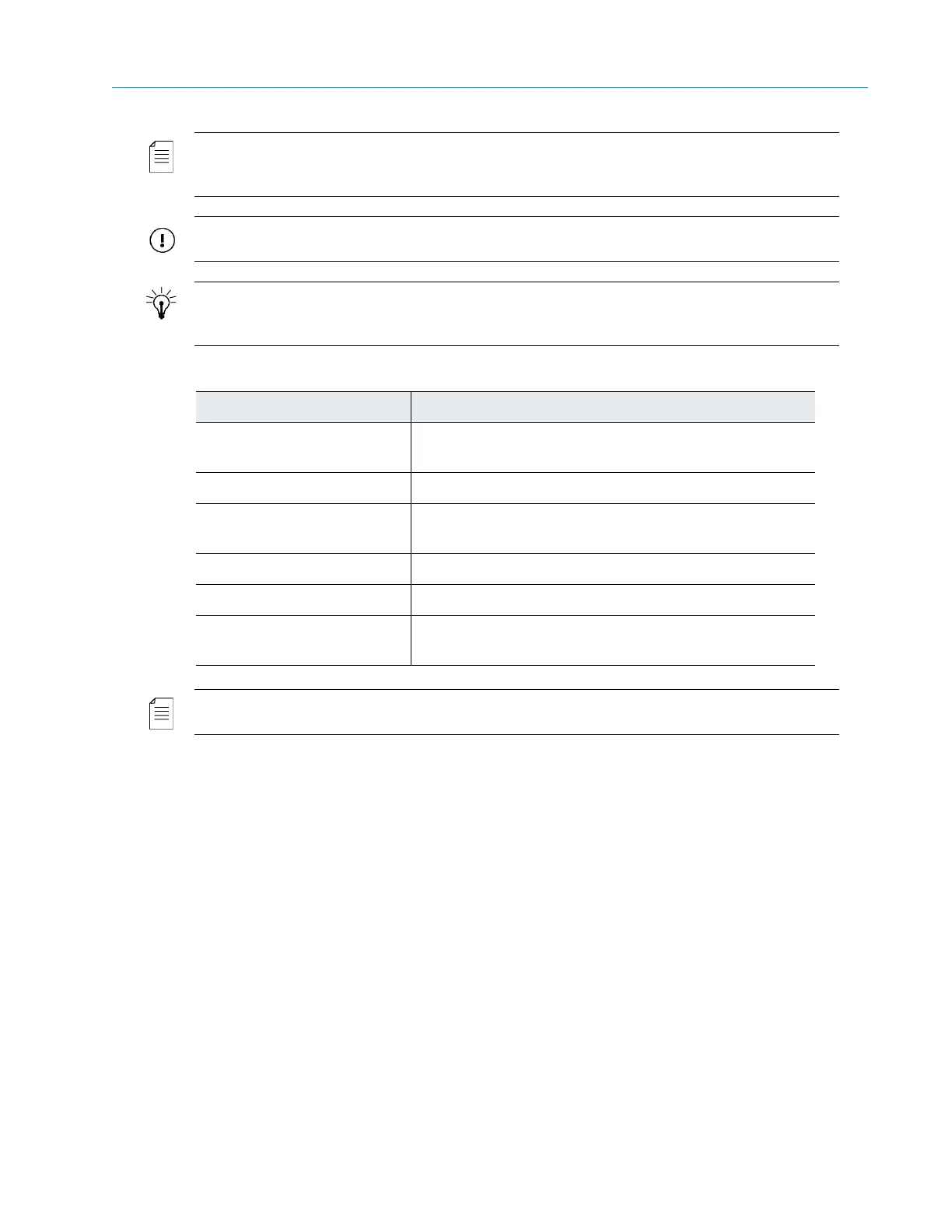
NOTE: The Note symbol calls your attention to additional information that you will benefit from heeding. It
may be used to call attention to an especially im
portant piece of information you need, or it may provide
additional information that applies in only some carefully delineated circumstances.
IMPORTANT: The Important symbol calls your attention to information that should stand out when you are
reading product details and procedural information.
TIP: The Tip symbol calls your attention to parenthetical information that is not necessary for performing a
given procedure, but which, if followed, might make the procedure or its sub
sequent steps easier, smoother, or
more efficient.
In addition to these symbols, this guide may use the following text conventions:
Convention Explanation
Typed Command Indicates the text that you type
in at the keyboard
prompt.
<Ctrl>, <Ctrl>+<Shift> A key or key sequence to press.
Links The i
talics in blue text to indicate Cross-references, and
hyperlinked cross-references in online documents.
Bold Indicates a button to click, or a menu item to select.
ScreenOutput The text that is displayed on a computer screen.
Emphasis The it
alics text used for emphasis and document
references.
NOTE: You require Adobe Reader or Adobe Acrobat version 6.0 or later to open the PDF files. You can
download Adobe Reader free of charge from www.adobe.com.



 To Next Page