Chapter 7 Device Configuring Using EMS Physical Input Ports and Slots
© 2012 Harmonic Inc. 83 ProView 7000 v.2.6, Rev. E
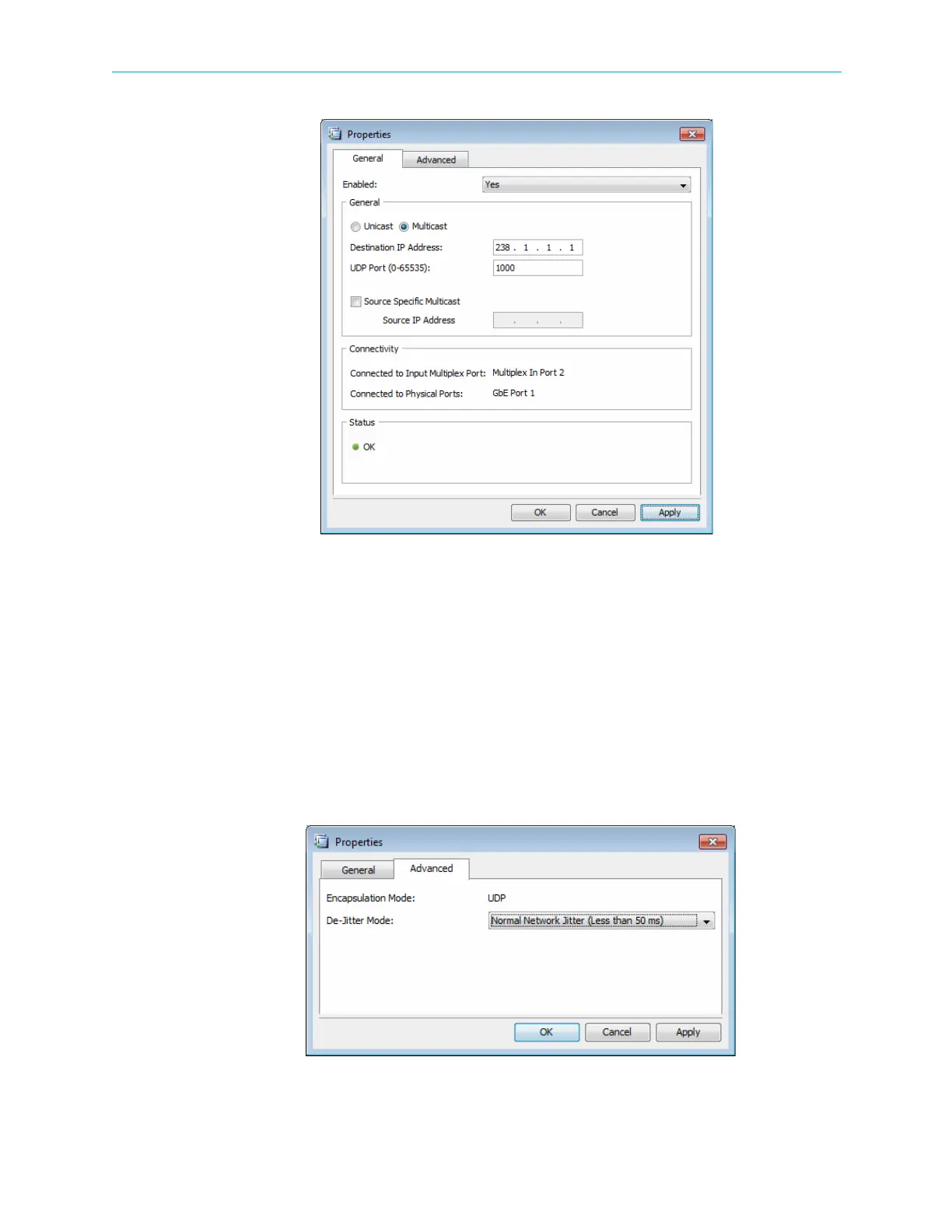
Figure 7–4: Socket Properties dialog - General tab
GbE Socket Advanced properties tab:
■ Encapsulation Mode – Displays the current encapsulation state.
■ De-Jitter Mode – All input sockets are de-jittered. The options are:
❑ No De-Jitter
❑ Low Delay Mode
❑ Normal Network Jitter (Less than 50 ms)
❑ High Network Jitter (Up to 300 ms)
❑ SFN De-Jitter
Figure 7–5: Socket Properties dialog - Advanced tab



 To Next Page