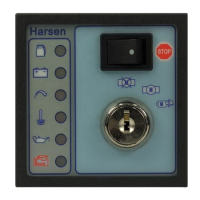
GU320a Controller Manual
14
U=0V I=0A
P=0kW F=0Hz
SP=1500rpm OP=475kPa
TEMP=80℃
Bat=25.4V
The current and voltage in this page is the average of the three phase.
RUN
V1=220V U12=380V
I1=0A A1=0kVA
P1=0kW PF1=1.00
Q1=0kVAr
Press “ ”or“ ” to switch pages
RUN
V2=220V U23=380V
I2=0A A2=0kVA
P2=0kW PF2=1.00
Q2=0kVAr
Press “ ”or“ ” to switch pages
RUN
V3=220V U31=380V
I3=0A A3=0kVA
P3=0kW PF3=1.00
Q3=0kVAr
Press “ ”or“ ” to switch pages
RUN
Run Hour=12
KWHr=1000
KVArHr=250
AI=0%
Press “ ”or“ ” to switch pages
RUN
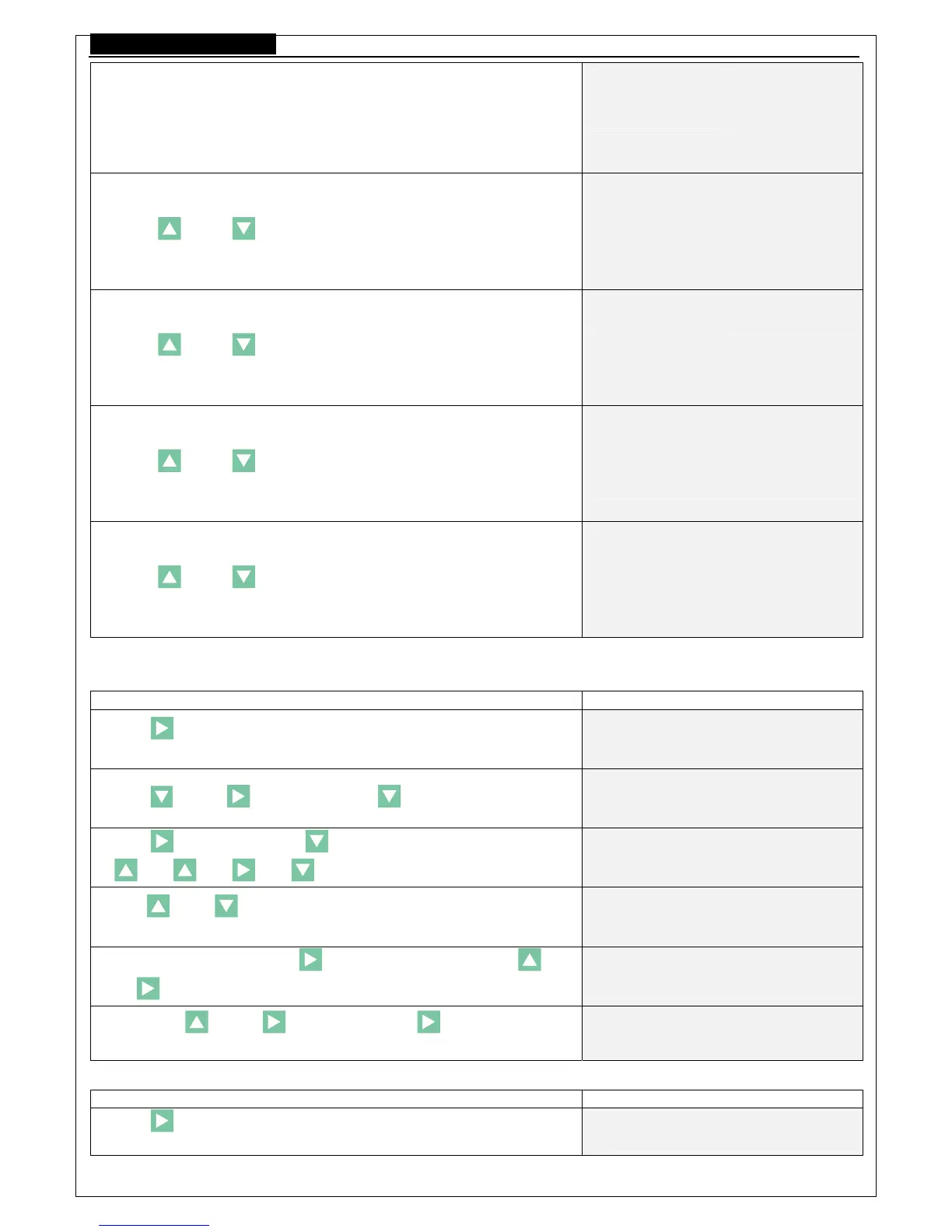
9.2 Adjust the running parameter
Example: (Set 1000/5 of the current transformer, the CT should be 200)
Operation Description
Press “ ”for two seconds to enter the configure menu, and then the
LCD display:
<<SETTING/参数设定>>
0.QUIT
Press “ ”and“ ”key, then press “ ”, the LCD will display:
1. CT
=1000
Press “ ”, and then press “ ”will indicate to enter the password:
“
” “ ” “ ” “ ”
1. CT
Password:****
Press“ ”or“ ”to vary the parameters, set to 200 at this time and
the LCD then Indicate:
1. CT
=200
After the configuration, press “ ”to confirm, and then press “ ”
and“ ”key, the LCD then display:
<<SETTING/参数设定>>
1. System
Then press “ ”and“ ”to quit, or press “ ”key more than two
seconds to exit, the LCD then display:
READY
Example: ( Set the start attempts of the controller to be 2)
Operation Description
Press “ ”more than two seconds to enter the parameter setting menu,
then the LCD display:
<<SETTING/参数设定>>
0.QUIT /退出



 To Next Page