33
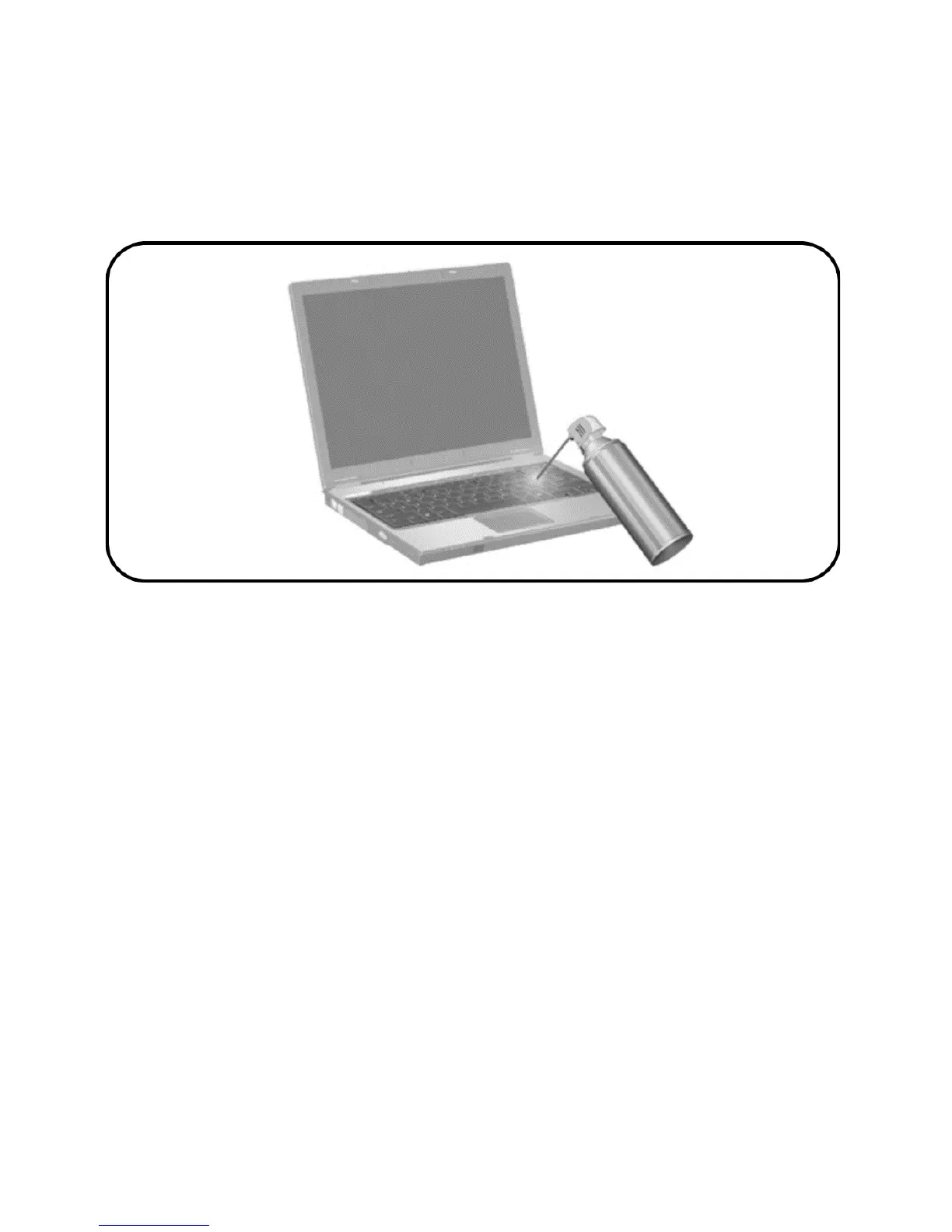
Clean the keyboard regularly to prevent keys from sticking and to
remove dust, lint, and particles that can become trapped beneath the keys.
A can of compressed air with a straw extension can be used to blow air
around and under the keys to loosen and remove debris.
Display
To remove smudges and lint, frequently clean the display with a
soft, damp, lint-free cloth. If the screen requires additional cleaning, use
premoistened antistatic wipes or an antistatic screen cleaner.
CAUTION: To prevent permanent damage to the computer, never spray
water, cleaning fluids, or chemicals on the display.
Drives
Drives are fragile components that must be handled carefully. Follow the
guidelines in this section to protect the drives.


 To Next Page