EasyManua.ls Logo

Hasselblad Xpan - Attaching Lenses; Removing Lenses

Hasselblad Xpan
48 pages
Print Icon
To Next Page IconTo Next Page
To Previous Page IconTo Previous Page
Loading...
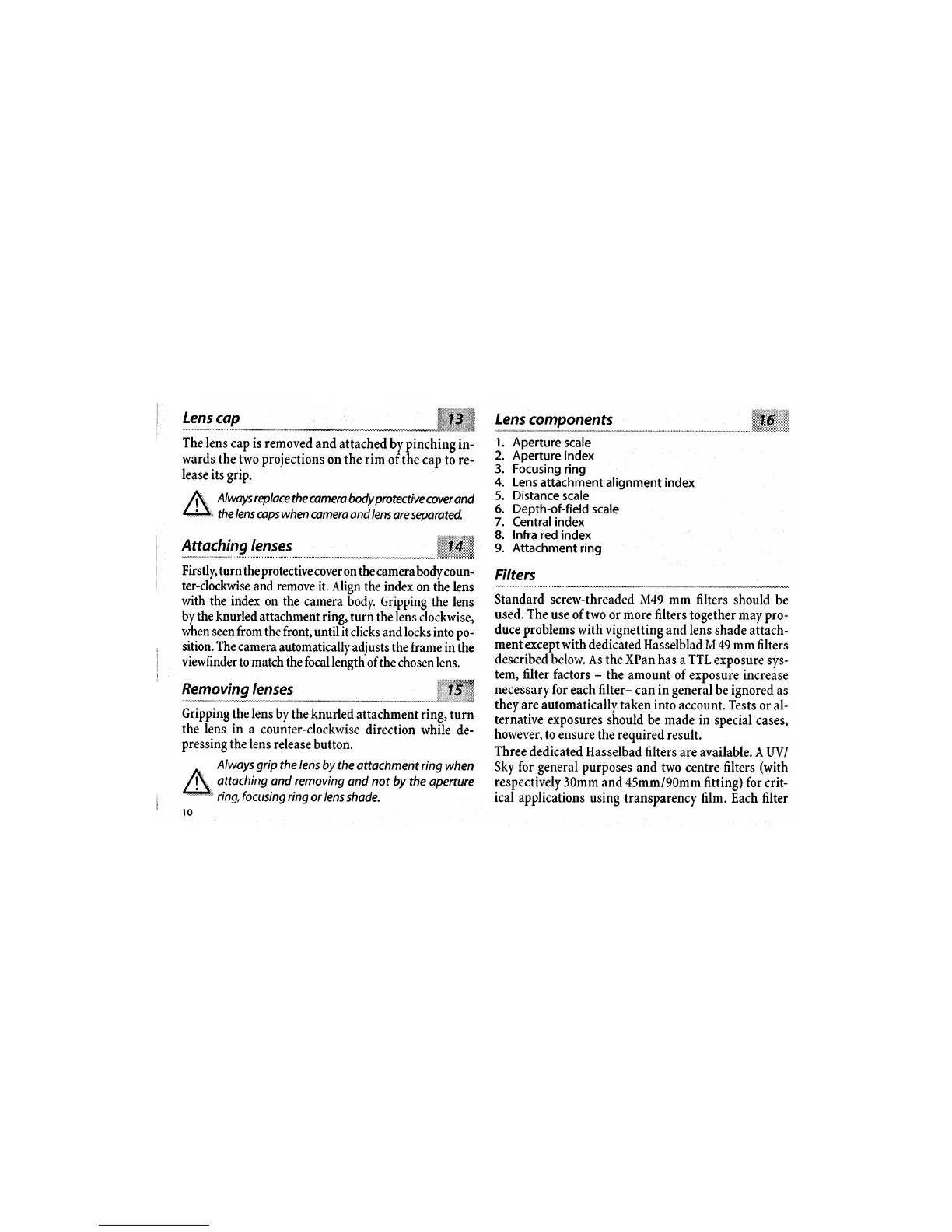
Always
replace
the camera
body
protective
cover
and
the
lens
copswhen
comera and lens
are separated.
Firstly,
turn the
protective
cover on the
camera
body coun-
ter-clockwise
and
remove
it. Align
the index
on the lens
with the index
on the
camera body.
Gripping
the
lens
bythe knurled
attachment ring,
turn the lens
clockwise,
when seen from
the front,
until
it
clicks
and locks into po-
sition. The
camera
automatically
adjusts the frame
in
the
viewfinder
to match
the focal length
of the
chosen lens.
R:ygfi9{"":-":
- - -*-**
*
j*ii,ffi
Gripping
the lens
by the knurled
attachment
ring,
turn
the lens
in a
counter-clockwise
direction
while
de-
pressing
the lens
release
button.
Always
grip
the
lens
by the
attachment ring
when
attaching and removing
and not
by
the aperture
ring,focusing ring
or lens
shade,
Lens
components
1. Aperture
scale
2. Aperture
index
3.
Focusing
ring
4. Lens
attachment alignment index
5.
Distance
scale
6.
Depth-of-field
scale
7. Central index
8.
Infra red
index
9. Attachment
ring
Filters
Standard screw-threaded
M49 mm
filters should be
used. The
use of two
or
more filters
together may pro-
duce
problems
with vignetting and lens
shade attach-
mentexceptwith
dedicated Hasselblad
M 49 mm filters
described below.
As the XPan has
a TTL exposure
sys-
tem, filter
factors
-
the amount of
exposure
increase
necessary
for
each
filter-
can
in
general be ignored
as
they are
automatically taken into
account. Tests
or al-
ternative exposures
should be made in
special
cases,
however,
to ensure
the
required
result.
Three
dedicated Hasselbad filters
are
available. A UV/
Sky for
general
purposes
and two centre filters
(with
respectively
3Omm and 45mm/90mm
fitting) for
crit-
ical applications
using
transparency film. Each filter
$Irffiiii$
The
lens cap is removed
and attached
by pinching
in-
wards
the two projections
on
the
rim
of the cap to re-
lease
its
grip.

Other manuals for Hasselblad Xpan

Related product manuals