28
Sengs
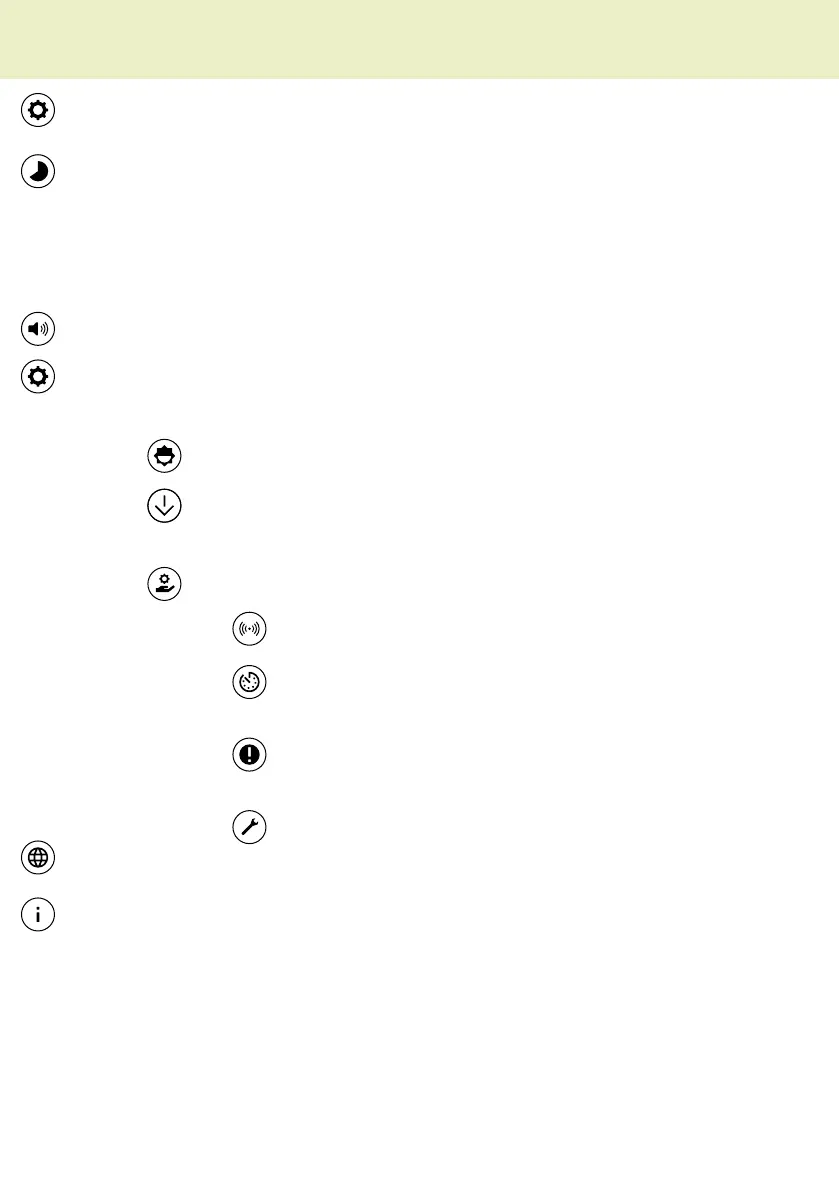
• Standby me
Seng of the me from when the screen goes into standby.
iNote that only the display is deacvated in standby, but the machine connues
to remain acve. To switch it o completely, use the main switch at the back.
• Sounds
Seng for acousc signal.
• System
Seng of the system properes.
Brightness
Seng for the brightness of the screen.
Factory sengs
With this menu item you can reset the machine to the
factory sengs.
Service
Sensor
Status of the safety-relevant sensors.
Operang hours
The previous operang hours of the
dough mixer are displayed.
Error message
In the event of a malfuncon,
you can see the current error code under this menu
item.
Customer service
Access for service employees only
• Language
Specify the operator language.
• Version
Shows the installed soware version of the machine.
The display


 To Next Page