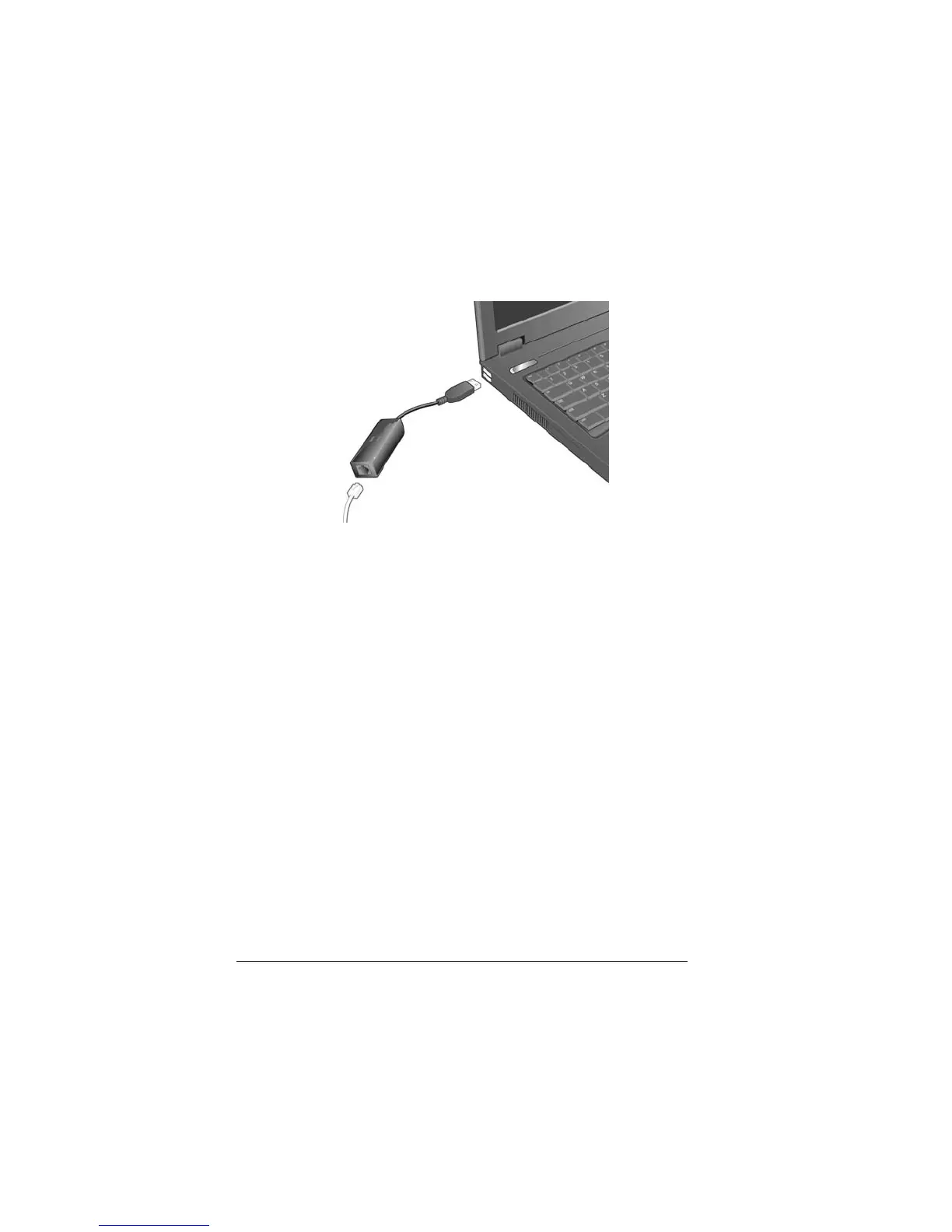
3 Connect the cable end of the modem to any USB port on your
computer.
4 Turn on your computer.
5 A popup notification message states that the new hardware
installed successfully.
Windows Vista: If a Windows driver installation message
appears, select Locate and install. If the User Account Control
message appears, click Continue.
Windows XP: If the Found New Hardware... window opens, select
Install the software automatically, click Next, and follow the
prompts. If a Windows logo test failure message appears, click
Continue Anyway. If the Completing the Found New Hardware Wizard
dialog appears, click Finish
Windows 2000: If a Digital Signature message appears, you
can safely ignore it and click Yes.
6 Connect the supplied phone cord to the phone jack on the
modem. Plug the other end of the cord into the wall jack just as
you would a telephone.
7 Windows Vista: Select Start > Control Panel > Printers and Other
Hardware > Phone and Modem Options.
8



 To Next Page