1
USE ONLY HAYWARD GENUINE REPLACEMENT PARTS
Compatibility
This product is compatible with all Pro Logic controls and with Aqua Logic controls operating soft-
ware revision r2.60 or higher. To verify the software level of your Aqua Logic control: Press the
Menu button (possibly multiple times) until “Diagnostic Menu” is displayed. Next, press the “>” or
“<“ keys (possibly multiple times) until the main and display software revision levels are displayed
(the “main” rev should be r1.10 or higher).
If the software revision level is less than r2.60 contact the Hayward Technical Service Dept. from
Monday through Friday, 8AM to 8PM Eastern at 908-355-7995 for information on upgrades.
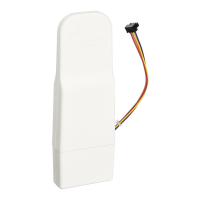
This Base Station can communicate with the spaside remote (AQL2-SS-RF), the wireless wall
mount and tabletop remote display/keypads (AQL2-Wx-RF-PS-x, AQL2-Tx-RF-PS-x, AQL2-Tx-RF-
P-4-x) and the Aqua Pod handheld remote control (AQL2-POD).
Installation
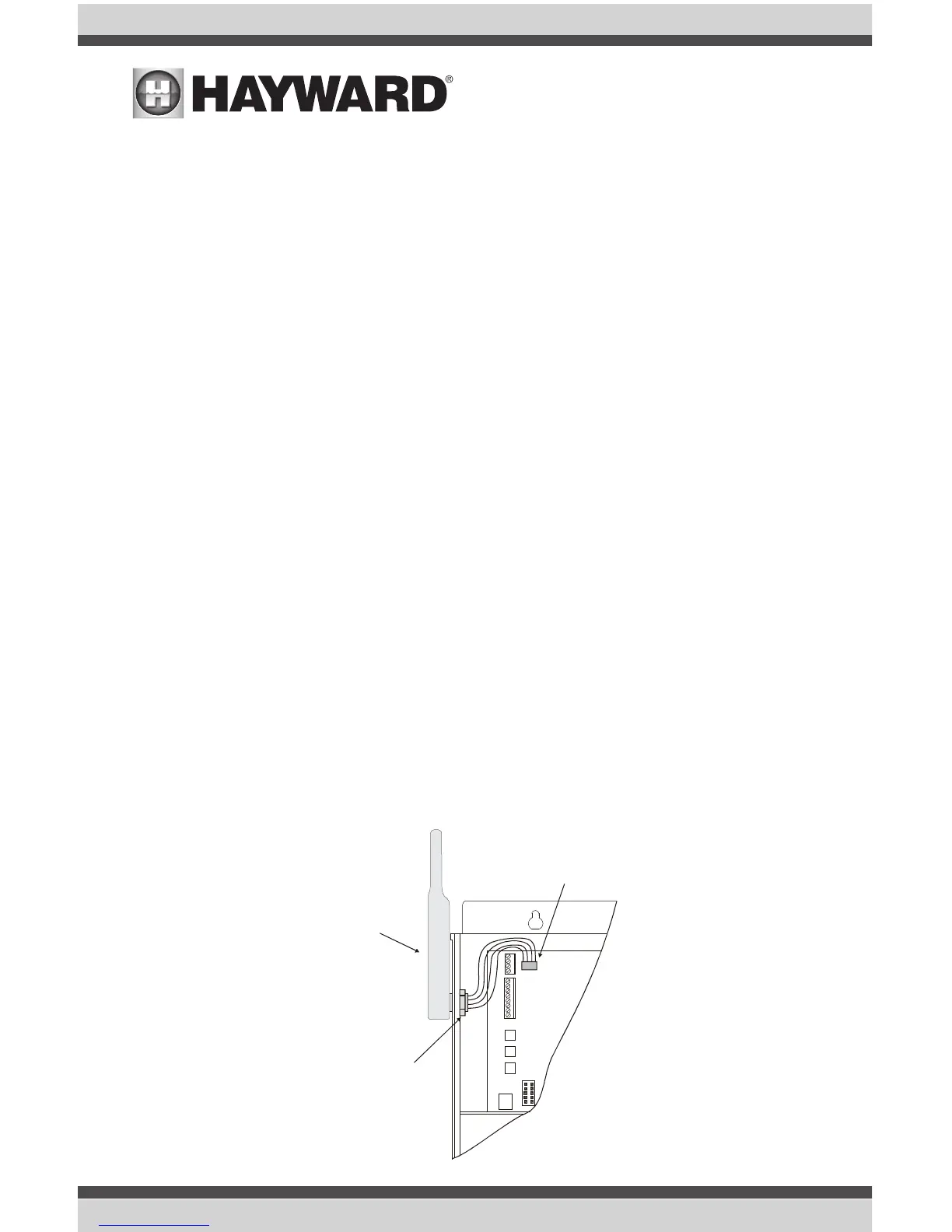
Installation is very easy and should just take a few minutes. For most installations the Base
Station will mount directly on the ProLogic or Aqua Logic main control unit (see description and
diagram below). For some installations where the remote devices are a long distance from the
Base Station or where there are interfering walls (eg. A steel shed in the yard or a steel reinforcing
grid inside a stucco wall on the house), the Base Station may have to be mounted remotely from
the control unit in order to achieve reliable communications. Refer to the instructions and diagram
on page 2 for more information regarding remote mounting.
Direct Mounting of the Base Station
Disconnect power and then remove the panel from the Pro Logic or Aqua Logic control unit.
Remove the knock-out on the upper left side of the enclosure and mount the RF Base Station.
Secure the Base Station in place by firmly tightening the nut from inside of the enclosure. Lastly,
plug the pigtail cable into the connector labeled “Wireless Connector” on thePro Logic/ Aqua
Logic main circuit board.


 To Next Page