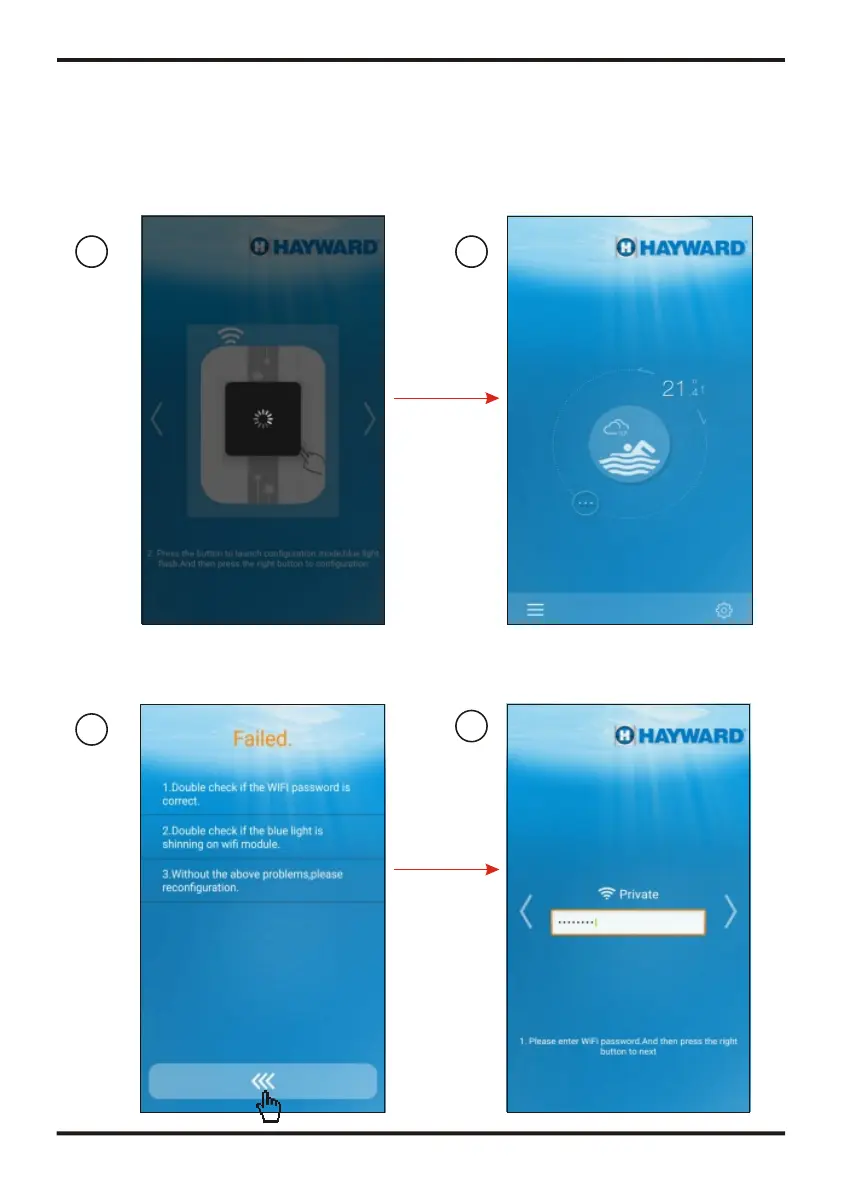
Input the correct password,
then press to next step
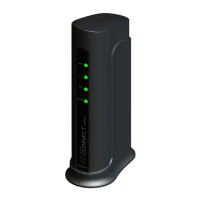
Press the button of Wi-Fi module
as below picture
After press the button,
the light will be blue
3.4 Configuration of Wi-Fi module
3
1
2
4
Note:Confirm the APP has been connected to a valid Wi-Fi
Note:On Wi-Fi module
Blue light
shinning
Reading configuration
Successful configuration
5
6
Reconfiguration
Loading configuration failed
7
8
Note:
Don't need to enter the password when
the connected WI-FI has no password
7
6
OPERATION AND USE
OPERATION AND USE


 To Next Page