1
14
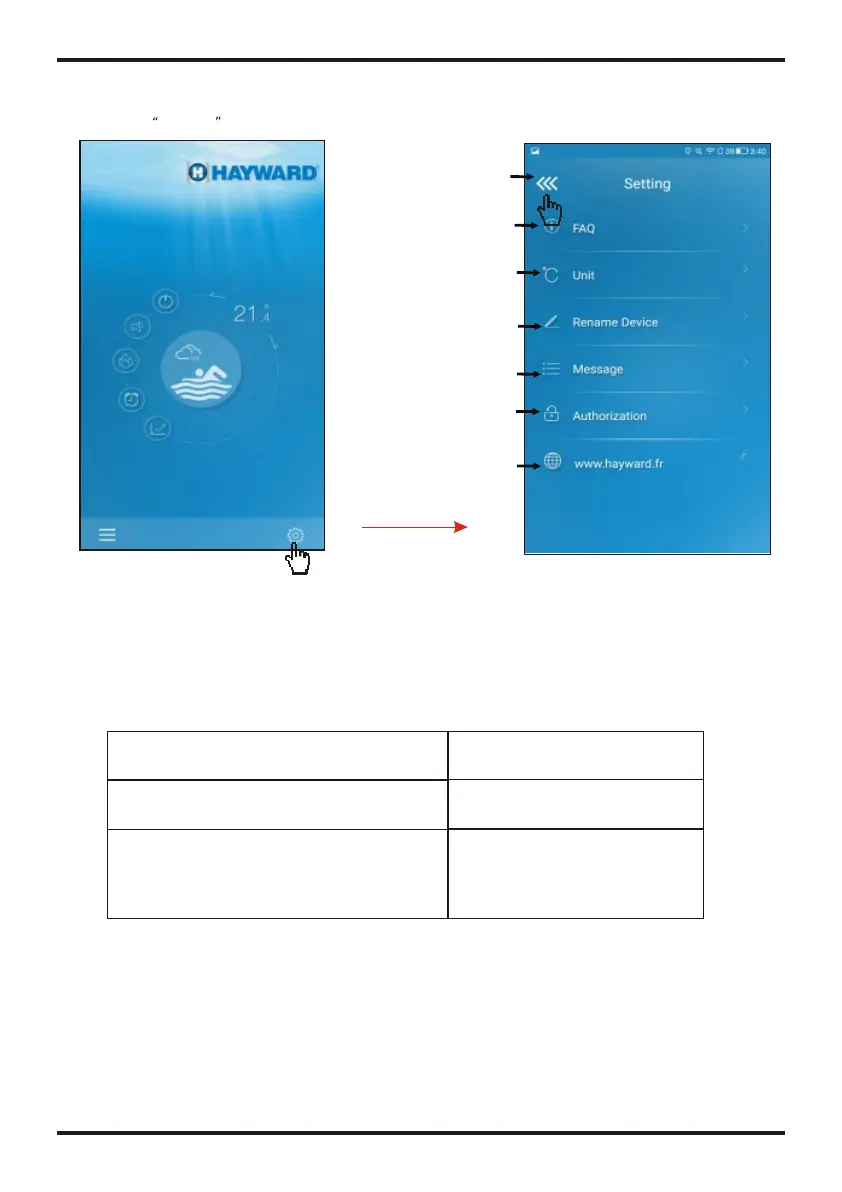
Click Setting icon to enter the interface of settings.
Get answers of problems
you might meet with
Rename your equipment
Set display Temp.unit
Authorise your After-sale
supplier to get access to
equipment for 1 hours
Back
Display error information
of equipment
4.3 Other Function
How to fix a connection issue due to a too
big distance between my Home router and
the Wi-Fi module.
(1) Use a 10m extension cable,
please contact your dealer.
(2) Use a Wi-Fi range extender
WiFi (not supplied).
ANSWER
FAQ
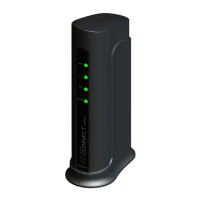
Internet Acess successful:
Green light
15
Check the Failure Information of heat pump
Click to check failure Fault record
2
Note:If the machine fails, please clear the fault promptly.
5.FAQ
5.3 The distance between my device and router is too long which results
in a signal instability.
Answer:Try to add another router between the original router and the equipment in order to
relay
Signal.
5.4 Something goes wrong with my equipment, what should I do?
Answer:(1) Check error message in Setting(see page.14) or displayed in wire controller.
(2) Look up corresponding error code in the instruction of your equipment to find out the
problem.
(3) Contact your supplier for after-sales maintenance if necessary.
5.2 When the APP can not connect the device,it show Device offline
Answer:The Wi-Fi module is dropped,please check the connection of the Wi-Fi
module,or restart and connect the module again.
5.1 When the APP can not connect the device,it show Failed to connect
to device
Answer:The network is abnormal,please check your network.
Click to enter the Hayward
official website
1
OPERATION AND USE
OPERATION AND USE


 To Next Page