Need help?
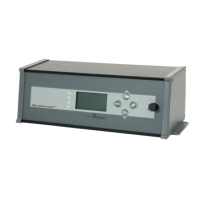
Do you have a question about the HDG Control Pro and is the answer not in the manual?
Connect the HDG Control Pro unit to the network via the WAN interface.
Register a new user account on the myHDG portal.
Log in to the myHDG portal using your username and password.
Connect your user account to the heating system by adding the boiler.
Enter the unique MAC address of the control unit.
Enter the personal PIN for system access.
Configure active email notifications for system events.
Ensure the correct e-mail server is configured for sending notifications.
 General
| Brand | HDG |
|---|---|
| Model | Control Pro |
| Category | Control Unit |
| Language | English |


 To Next Page