2
Installation
NETWORK CONNECTION
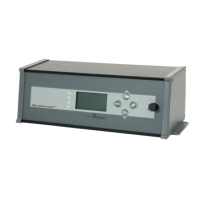
1. Connect the network cable (1) WAN interface on the back of the
control unit HDG Control Pro.
SIGNUP 2. Open the website http://www.hdg-bavaria.com/en/myhdg/login.
✓ You are on the main page.
3. Press the button register yourself here easily (1).
✓ You are on the signup-page.
Caution!
The Internet connection of the HDG Control Touch XL must be im-
plemented by the customer via router or network!
Abbildung 2/1 - Network cable
1
Figure 2/2 - Signup
1
Figure 2/3 - Signup-page
1



 To Next Page