QUICK START GUIDE
NAVIGATE THROUGH YOUR SMARTWATCH
Short clicking will take you through the different areas. If
you want to select a specific area or exercise, press and
hold the Touch Key for a few seconds.
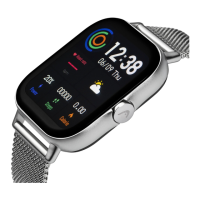
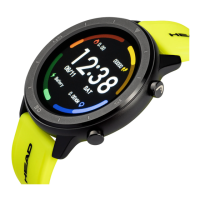
CHANGE YOUR DIAL
If you want to change your design for the dial, change to
the app and select a new one. Confirm the dial through
clicking the Touch Key. After the dial is synchronized, the
watch will automatically display the new dial.
Start
Screen
Body & Skin
temperature
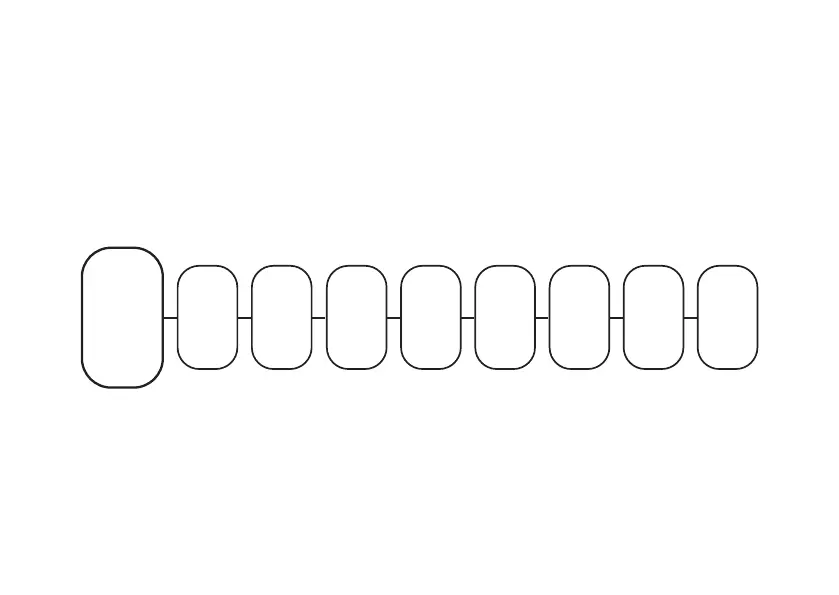
Steps Detection HRV Breathe Information Sport mode Tool


 To Next Page