9
Notes:
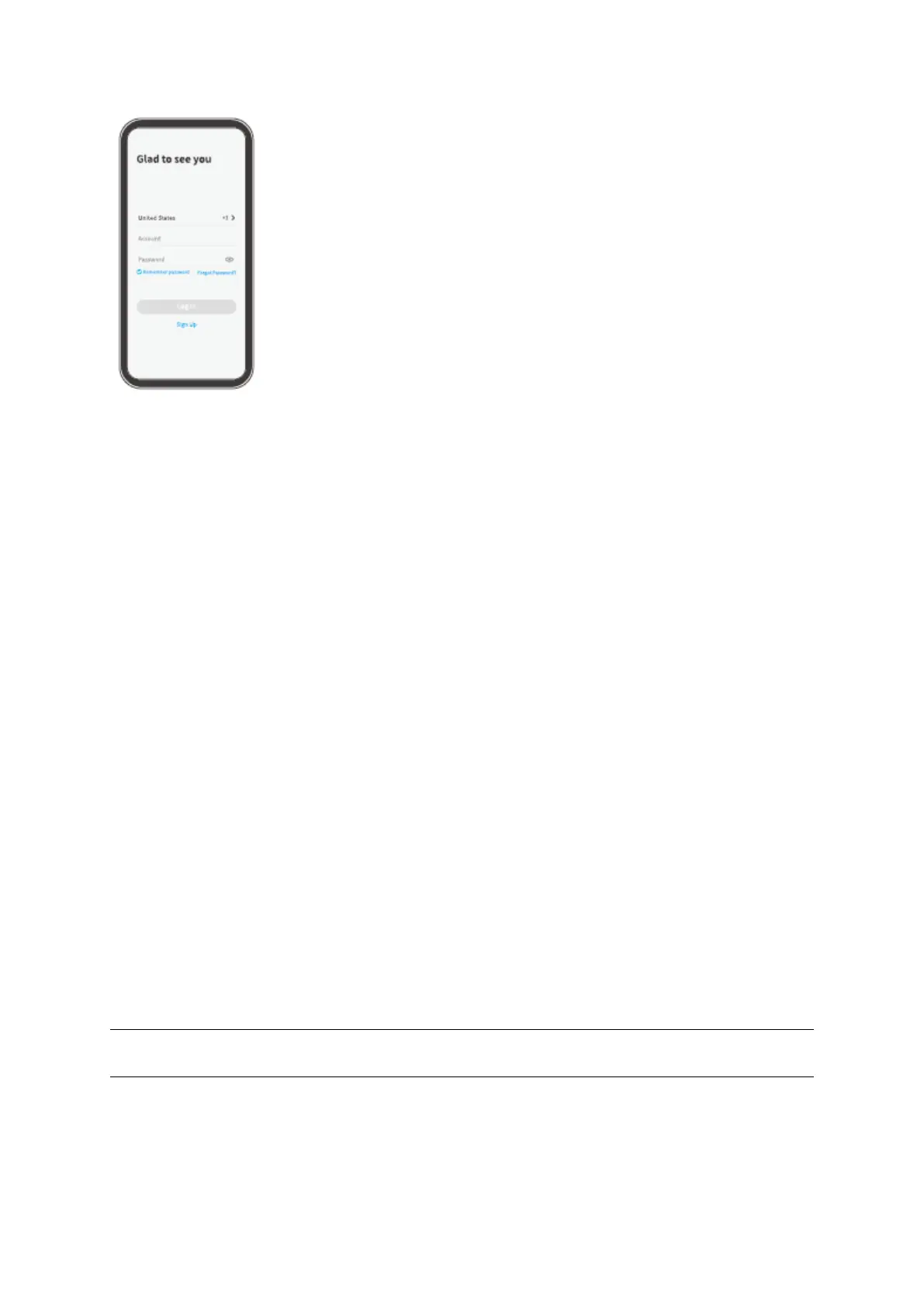
• Please select the correcet country code when signing up and logging in.
• For a successful connection, please allow HeimLife App to use your WLAN and
Celluar Data when Running it.
• Please turn on the location service on your mobile device and allow HeimLife App
to access your lacation.
Connect the Doorbell to the HeimLife App
Important:
1. The doorbell can only support a 2,4 GHz Wi-Fi.
2. Avoid using special symbols / or ‘ in your Wi-Fi name and password.
3. Make sure that the doorbell and your mobile device are close to the router when
connectiong.
4. Make sure the power of your doorbell is enough when performing a reset.
5. The explanations of Wi-Fi Status Indicator:
Ready for Wi-Fi
Connection


 To Next Page