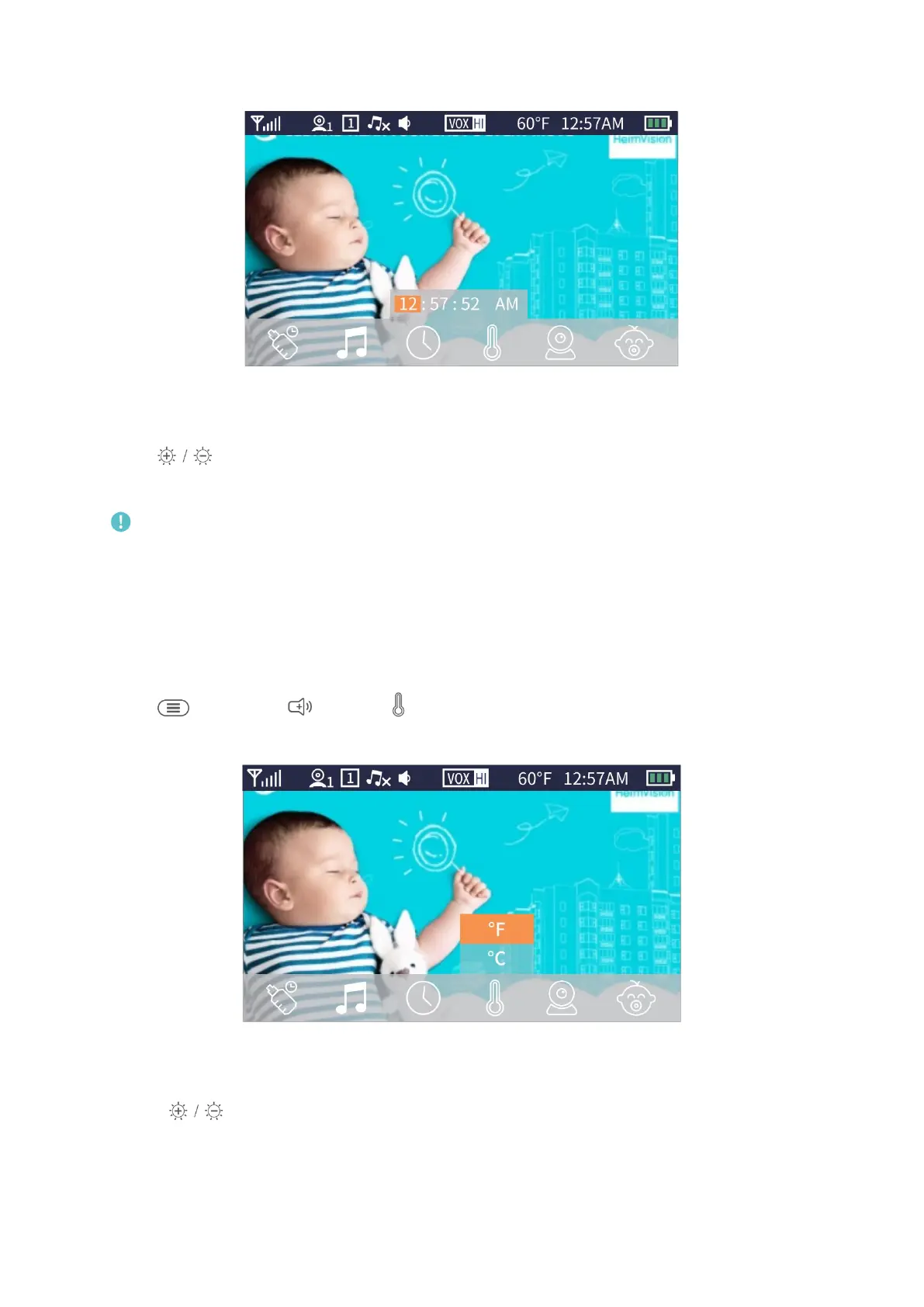
12
Step 2:
Press to adjust the value of hour/minute/second and change AM/PM accordingly.
Press OK to move to the next option and then selected option will be marked as orange.
Note:
The time will be reset if the battery of monitor drains, please charge it timely.
Temperature
This function is to set the unit of temperature.
Step 1:
Press , then press to select .


 To Next Page