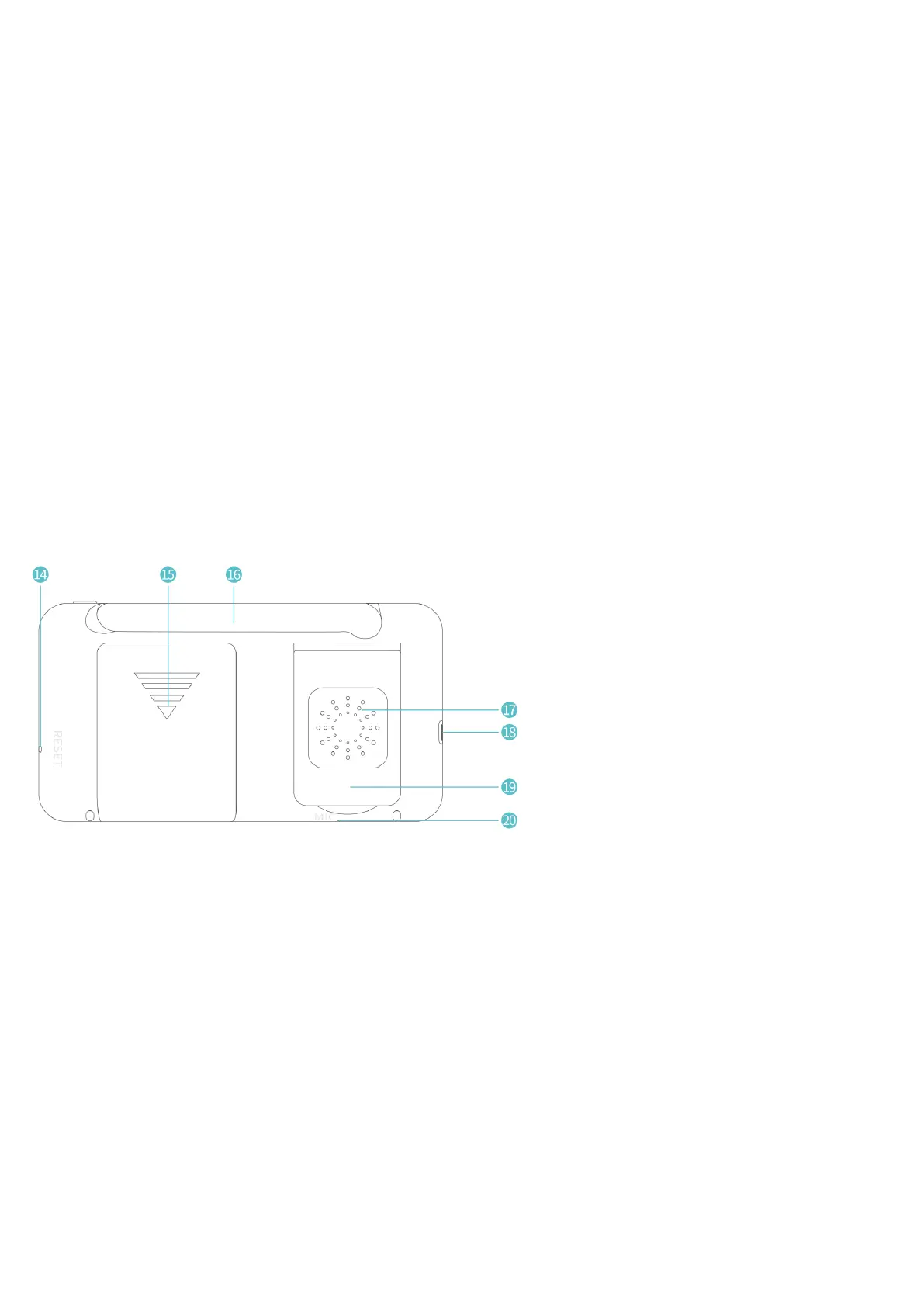
Menu/Back
Press to display the menu bar or serve as a Back button.
Left/Volume-:
Press to change your selection leftward or to turn down the volume.
Up/Brightness+:
Press to change your selection upward or to increase the brightness.
Right/Volume+:
Press to change your selection rightward or to turn up the volume.
Down/Brightness-:
Press to change your selection downward or to decrease the brightness.
OK:
Press to confirm your selection.
Lullaby:
Press to select one lullaby for your baby from 8 lullabies, set to play all the lullabies in a loop, and disable
the lullaby in proper order.
Hold to Talk:
Long press to turn on microphone and talk to your baby when needed; release to turn it off.


 To Next Page