19/124MED 235340 2022-11-21 MED 235340 2022-11-21
Screen Meaning Action
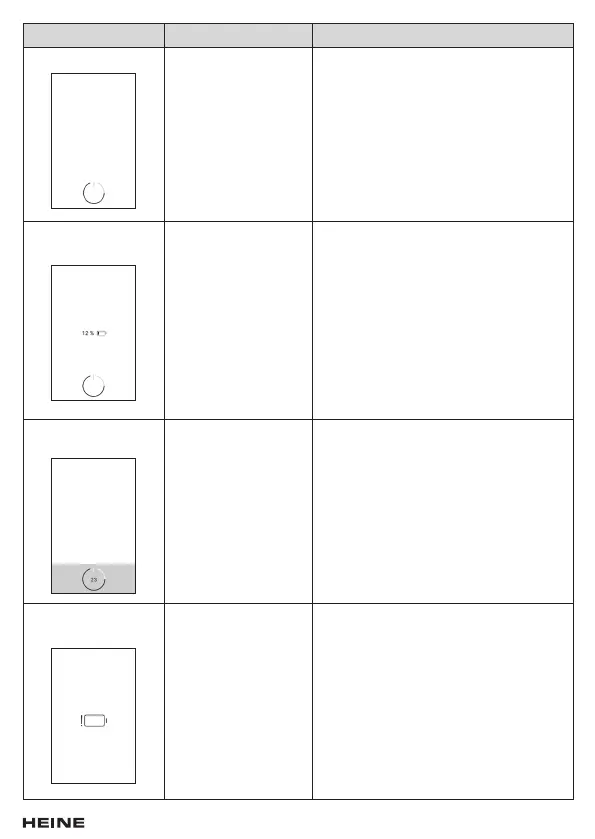
Switch-off screen The device switches
off.
Press and hold the On/Off button until the
device switches off completely.
Switch-off screen
when the battery is flat
The device switches off.
When the battery
is low, a battery symbol
is also displayed.
Press and hold the On/Off button until
the device switches off completely.
The device should be charged.
Automatic switch-off
screen
The device switches
off automatically after
15 minutes if not used.
Press the On/Off button if you would like to
interrupt the automatic switch-off process.
Switch-off screen
when the battery is flat
Switch-off screen when
the battery is low.
The device must be charged before it can
be used again.


 To Next Page