18/124 MED 235340 2022-11-21
Screen displays
Video laryngoscope
Screen Meaning Action
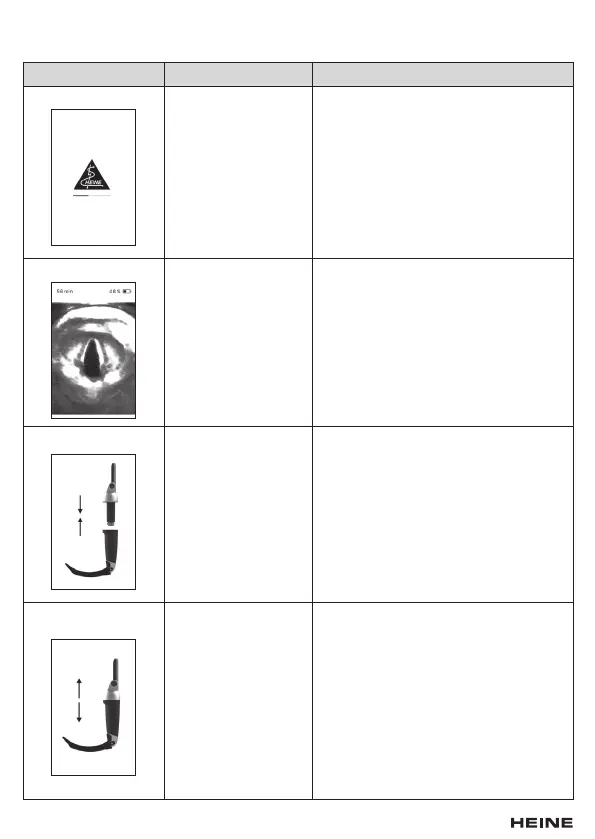
Start screen The device switches
on.
–
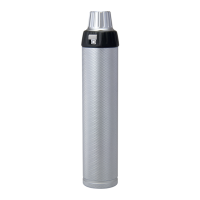
Live image The device displays
the video image in real
time.
The remaining opera-
ting time is shown in
minutes next to the
charging indicator in
the top display area.
–
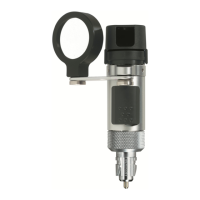
Connection screen This animation indi-
cates that the handle
and the display unit
are not connected
with one another.
Connect the handle and the display unit.
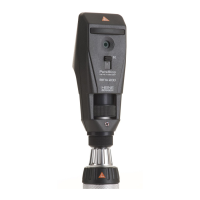
Video error screen This screen shows a
video error.
Disconnect the handle and the display
unit and reconnect the two components.
The live image is then displayed again.
If this error persists, check the electrical
contacts for soiling and, if necessary, clean
them carefully with a clean and lint-free
cleaning cloth.
If you do not notice any improvement, take
the device out of operation and contact the
manufacturer.


 To Next Page