Touch Display Controller – KWL-BE Touch
Installation and Operating Instructions
5
EN
A slight overpressure can be set for this ventilation profile to prevent smoke from
entering the apartment. This function does not replace an underpressure monito-
ring system!
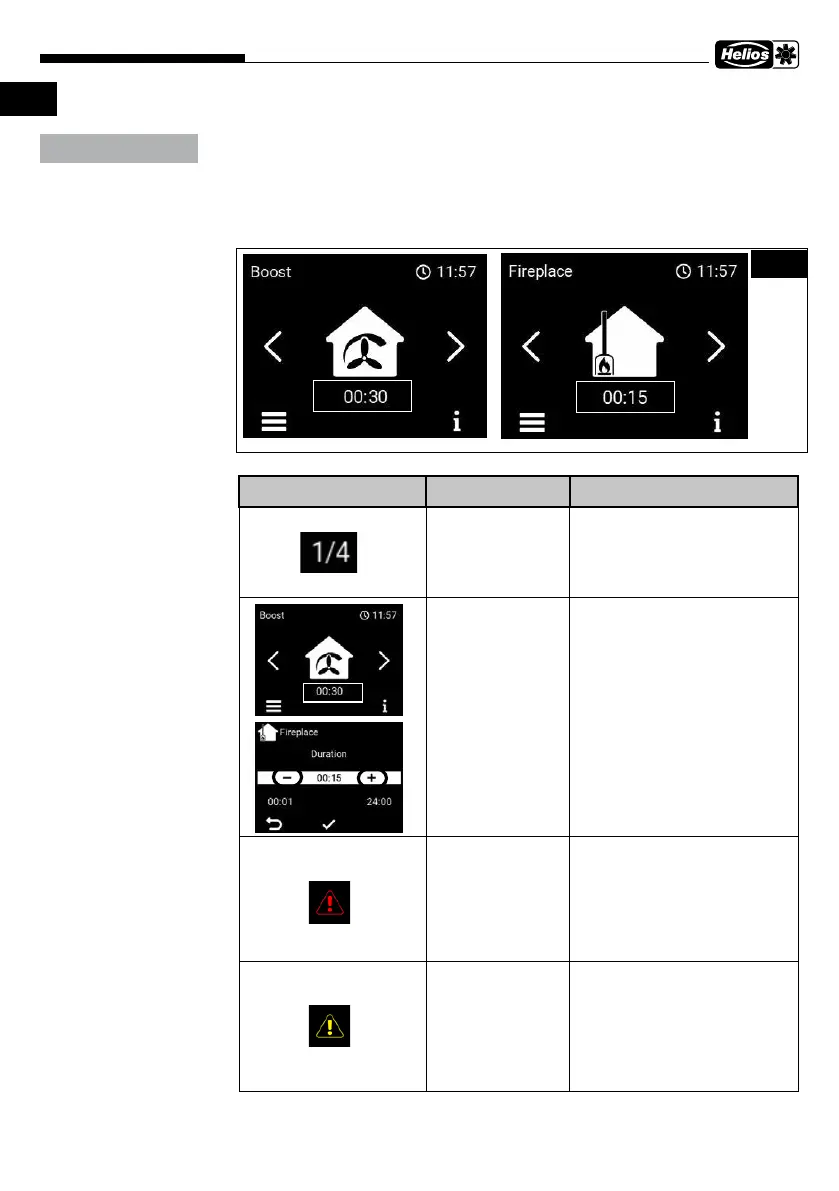
The displayed profile is active/selected. In case of boost and fireplace ventilation, the ti-
mer function can be selected and edited by clicking.
Display/Button Description Function
Menu no. X/Y Menu section number
Change setting Click on the timer function
and change the values in
the submenu, with + or -
Fault message Fault message is display-
ed. When clicked, the fault
message is displayed and it
can be reset.
Warning Filter replacement is requi-
red, appears after the pre-
defined interval. When cli-
cked, the filter replacement
message is displayed and it
can be reset.
ATTENTION
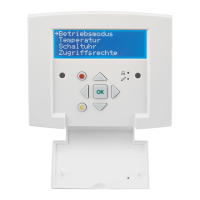
Fig.3


 To Next Page