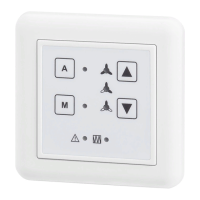
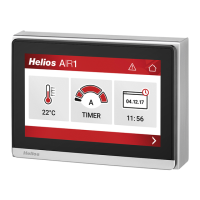
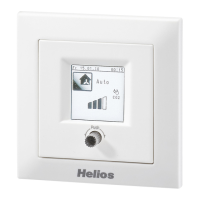
Touch Display Controller – KWL-BE Touch
Installation and Operating Instructions
6
EN
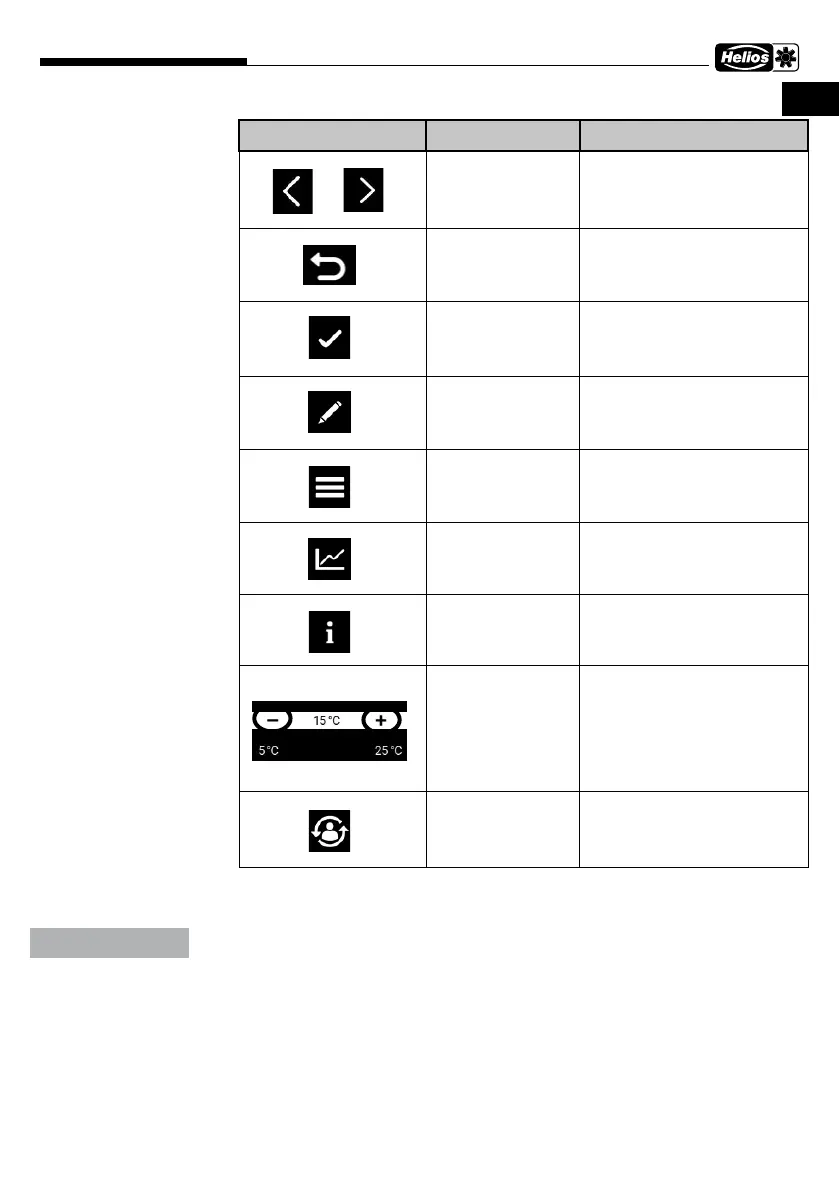
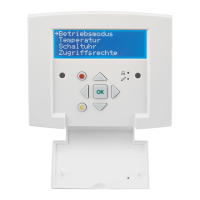
Display/Button Description Function
Right/Left Scroll right/left in the menu
Back Back to the previous menu
Select/Save Select section or function
or save value change
Edit Select the selected menu/
setting for editing
Call up menu Call up the menu
Diagram display Display diagram of history
values over 24 hours
Info menu Leads to the info menu for
the selected menu
Change setting The setting can be changed
within this value range.
Profile Select/change profile in the
schedule menu
5.3 Menu structure
See chap. 5.3 in French manual
Not all menu items are accessible depending on authorisation.
ATTENTION


 To Next Page