STEP 1:
INITIAL SET-UP
When the power supply is plugged into a wall outlet for the first time, the computer console will power up
with a brief test mode. Following the test mode, the console will wait for input to set the date and time.
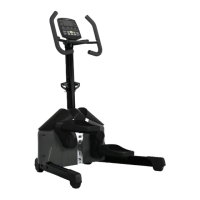
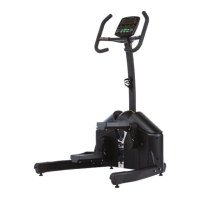
Figure 1 Figure 2
Setting the clock: Using the round dial on the console, the year, month and day will be entered. Turn the
dial clockwise (CW) or counterclockwise (CCW) to adjust the numbers up or down. Once the correct
number is displaying, the dial can be pressed as a button to set the information.
In all programming modes, the item that is to be set will flash to prompt for user input. Once the item is set
and the round dial has been pressed to confirm the setting, the console will then display the next item to
adjust by flashing that item. Following the final entry of the minutes on the clock, the console will flash for
the Exercise Program choice.
BUTTON FUNCTIONS
ENTER Dial:
This dial is multi-functional. The dial can be rotated clockwise (CW) and counterclockwise (CCW) to
select functions and set parameters. This dial can also be depressed to function as an Enter button. Using
this dial as a button by pressing the round dial will confirm each action when setting the console.
RESET:
Pressing the Reset button for 2 seconds will fully reset the Console for the next workout returning all
values to zero. This will not reset the time or date settings. To reset time/date settings, unplug the power
supply from the wall for 3 settings and then plug in again. Refer to instructions above at that point.
START/STOP:
Use the Start/Stop button to Start, Stop or Pause the console.
RECOVERY:
To test your heart rate recovery status. At any point in your workout, you can press the recovery button to
check your fitness. The computer will set a preset time for you to let your heart rate return to a normal
level. You must hold your hands on the heart rate sensors while the computer counts down to zero at which
point it will display the results.
- 14 -
4/ GETTING STARTED - COMPUTER

 To Next Page
 Loading...