Rev 1.1
12
31. Advertising texts .
+
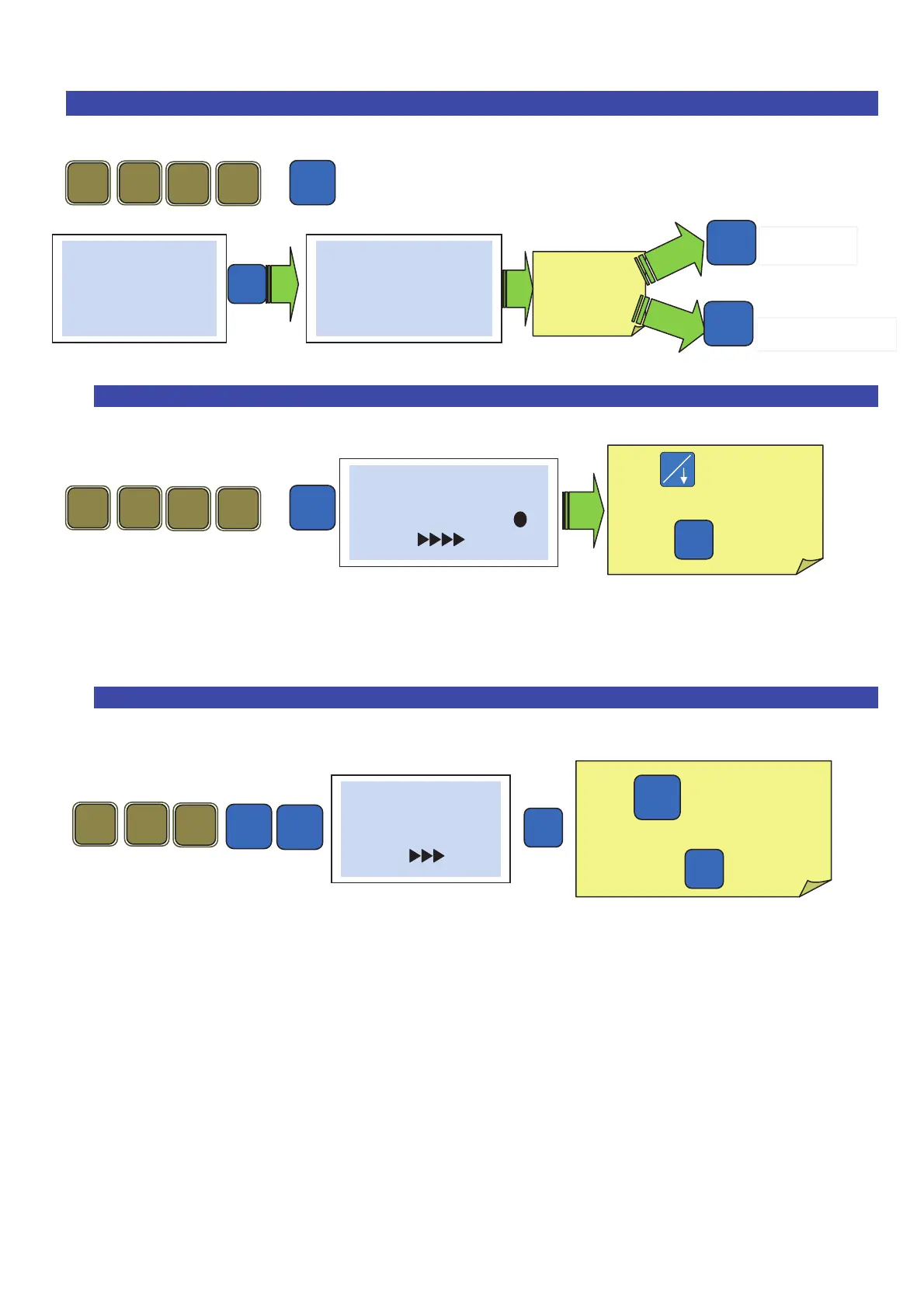
31.1 To define the type of advertising (fixed, descending or scrolling) .
+
The scales offer the possibility to view fixed or scrolling advertising messages on the customer
side of the display. One can store ten different advertising messages on 5 lines of 26 characters.
31.2 Selecting of advertising texts to display .
With
choose the way
the advertising is displayed
then
Enter the
advertising
line
2 1
Pro
# Advertising #
01
# Advertising #
1 line 1
Advertising text--
Pro
1
# View Mode #
None ( )
(Oper.)
Esc
To exit
To confirm
With select the N° of
lines to display.
Confirm with
-
Pro
# Advertising #
List
(Oper.)
-



 To Next Page