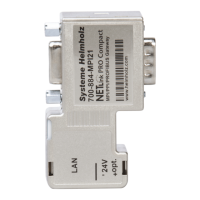
NETLink
®
PRO family Application Examples
• The PLC no. and Rack in this example is not relevant
• Enter the NETLink
®
address in the IP address field
• Enter the MPI address of the connected PLC in “Slot”
• Finally set the type of PLC you are working with.
• Close the window by clicking “OK”.
Complete your connection settings with “Apply“
Next, select the main tab “Connections”
• Click the Button “Scan”.
Enter the configured device number (possible 0 to 15). In this
example -> 0
• Confirm with “OK”
The connection to the adapter should be established and dis-
played.



 To Next Page