Cleaning
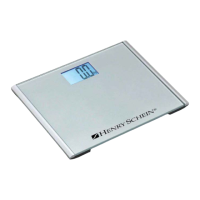
Clean all external surfaces with a clean damp cloth or tissue. Mild antimicrobial or antibacterial
soap and water solution may be used. Dry with a clean soft cloth. Do not immerse the scale
into cleaning or other liquid solutions. Do not use abrasive cleaners.
Under no circumstances use abrasive or acid cleaners, white spirit, benzene or the like for
cleaning. Such substances can damage the high-quality surfaces. Proper care and cleaning is
essential to ensure a long life of accurate and effective operation.
What do I do if...
… no weight display comes on?
o Check the batteries.
o Is the plug connector on the scale properly connected?
… 0.0 does not appear before the weighing operation?
o Press the Zero button to turn on the scale
o there is no load on the scale
… ---- appears instead of 0.0 before weighing?
o Press the Zero button
o there is no load on the scale.
… one segment is illuminated constantly or not at all?
o The relevant segment has a fault. Contact the Service department for more info.
… Low Batt appears in the display?
o Batteries are low. Replace with a new set of batteries.
… ou Ld appears in the display?
o Maximum load has been exceeded.
10


 To Next Page