Operation
Display Module Types
Buttons
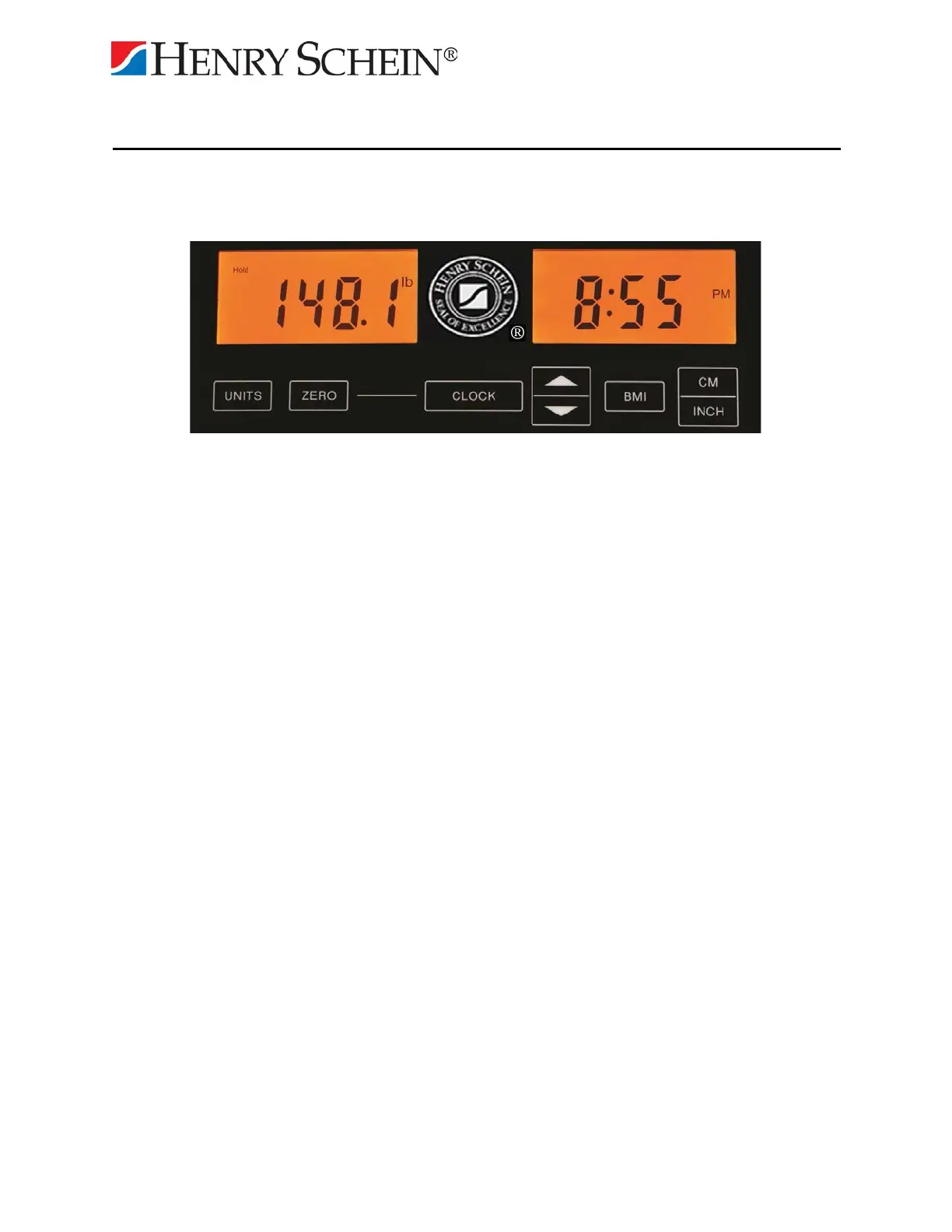
Zero: The scale can be reset to a zero weight by pressing the zero button.
Units: Press the Units button to toggle between Lb/Kg modes.
BMI: The scale will go into BMI mode.
Clock: Accesses the clock setting. See instructions below for clock settings.
Up/down Arrow
Enter the BMI mode, height of the user can be entered using the arrow keys
above and below the BMI button.
Scale Features
Instant On: The scale will turn on automatically when the user steps on the scale or any button
is pressed. The scale will automatically turn off after 15 seconds.
BMI: Accesses BMI mode. See instructions below for BMI use.
Scale Display: Two LCD displays are utilized to indicate the Weight, BMI, Clock and the
current scale status.
Weight Display: The user weight is displayed on the left side LCD.
Low Batt: Indicates when the batteries require replacement.
BMI/Clock Display: The BMI measurement is displayed on the right side LCD. The clock will
be displayed when the BMI feature is not in use.
5


 To Next Page