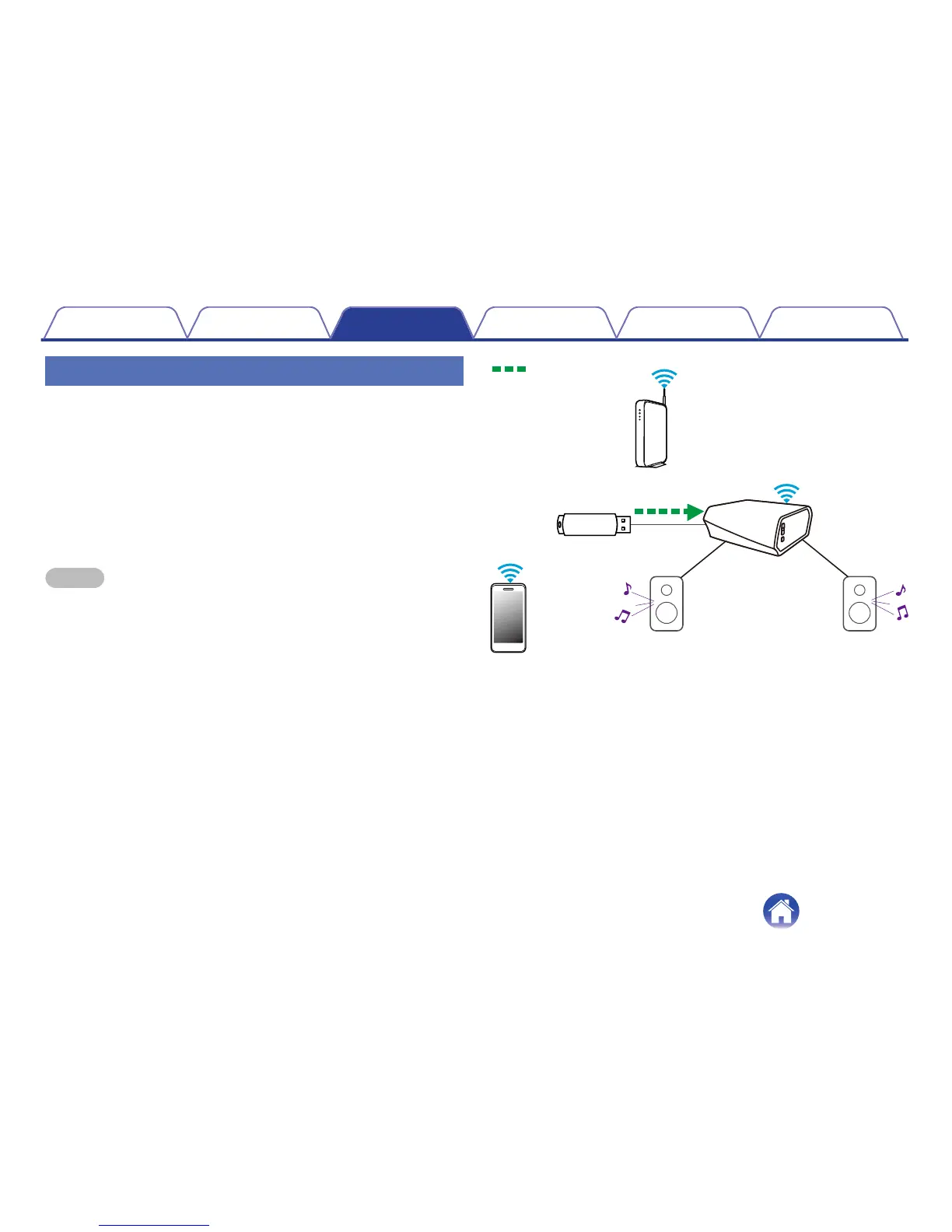
Playing music from a USB device
1
Insert a FAT32 formatted USB device into the USB port
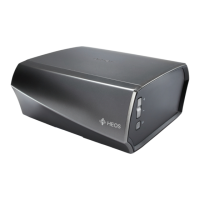
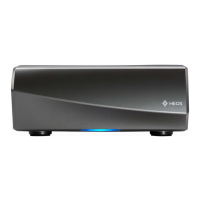
on the back of the HEOS Amp.
2
Select “Local Music” from the Music tab.
3
Select the name of your HEOS device.
4
Browse the music on your USB device and select
something to play.
NOTE
0
It may take several minutes for the name of your HEOS Amp to appear in the Local
Music list if you have a large number of files on your USB device.
0
It is not possible to connect and use a computer via the USB port of this unit using
a USB cable.
.


 To Next Page