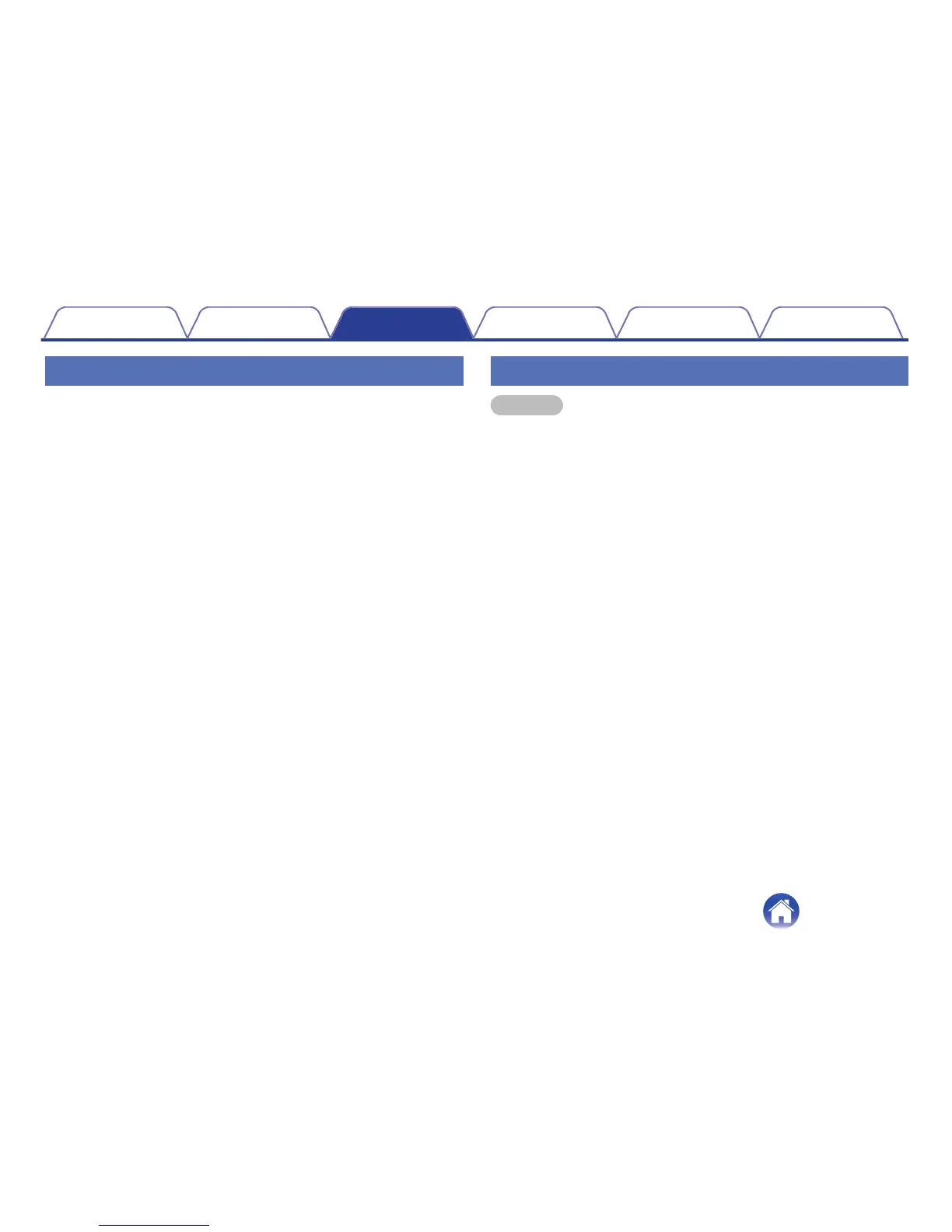
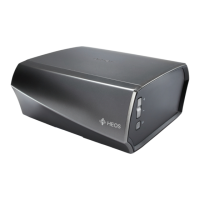
Adjusting the Status Light Brightness
1
Select “Status Light”.
2
Adjust the brightness up or down or set the slider to
the OFF position to completely disable the status light.
Advanced Settings
Caution
Adjusting these settings may disconnect your device from your network
and possibly render your device unusable. Do not use these features
unless you are comfortable making advanced adjustments.
o
Network Settings
1
Select “Advanced”.
2
Select “Network Settings”.
3
Scroll down to see all of the options for
a. Network Interface (wired or wireless)
b. Wireless network settings
c. Manual or static IP address for your device
d. Wireless Power Saving
4
Select Save Settings to apply the new settings or
Cancel Changes to revert to the previous settings.
Contents Setup Use Troubleshooting Status LED Appendix
35


 To Next Page