UK
US
2 - LOADING YOUR MUSIC
IN DJUCED
™
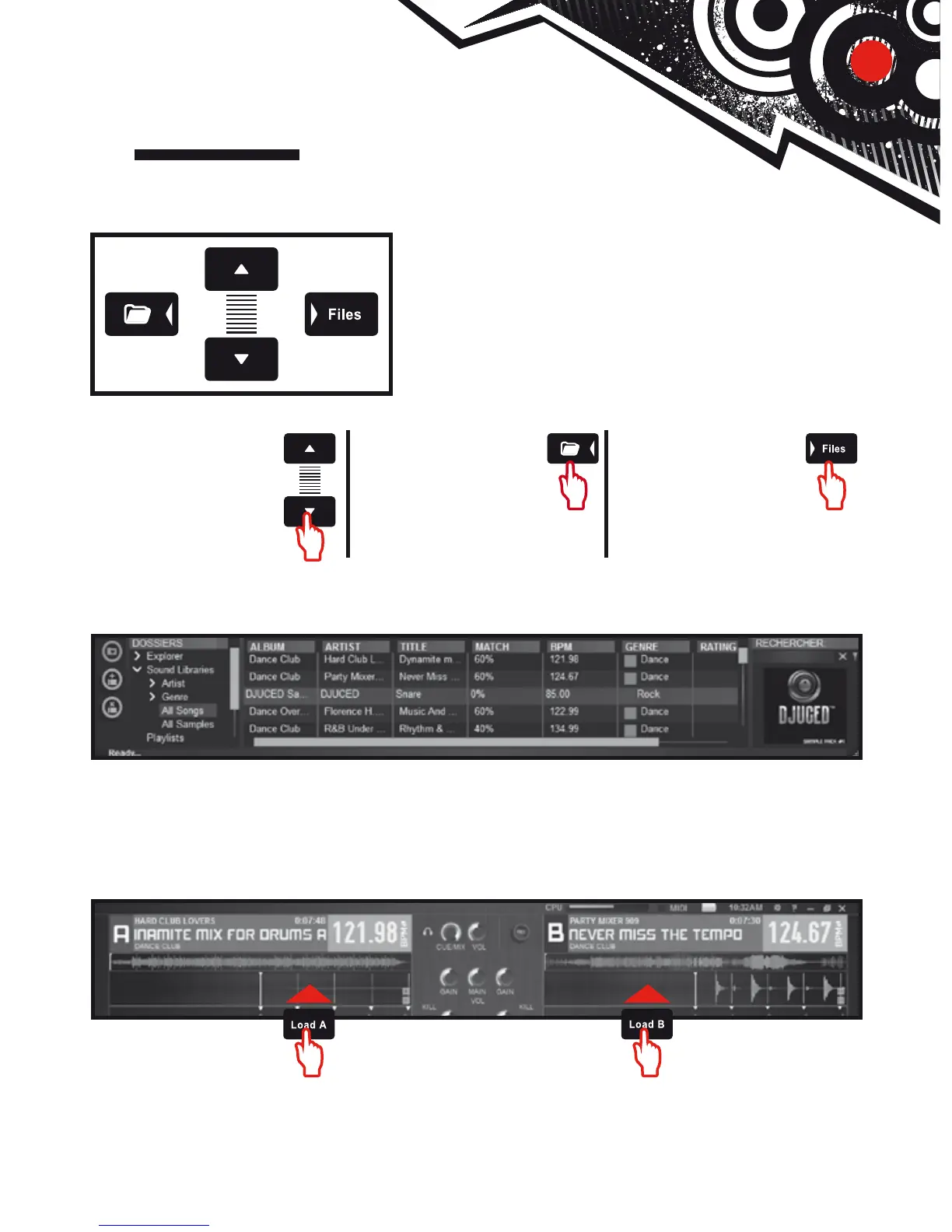
Use the following buttons to browse through folders and les.
Browse through the
list of folders or
through les:
Expand/collapse a
folder's tree
structure:
Access the list
of les in a folder:
2.1 Browse to the location where your music les are stored on your computer.
2.2 After highlighting a track, press Load A to load the track on deck A, or press Load B
to load the track on deck B.
DJUCED™ automatically analyzes the BPM (number of beats per minute) of the track you
have loaded.
DJUCED™ lets you play the most popular audio le formats (mp3, wav, wma, aif...)
if the codec is installed on your computer. Install iTunes, Windows Media Player... if
they are not already installed on your system.





 To Next Page