Operating Instruction 95990001
www.herthundbuss.com 16
2. Commissioning
Press and hold the switch-on key until the
display/device comes on (approx. 3 – 5 sec.).
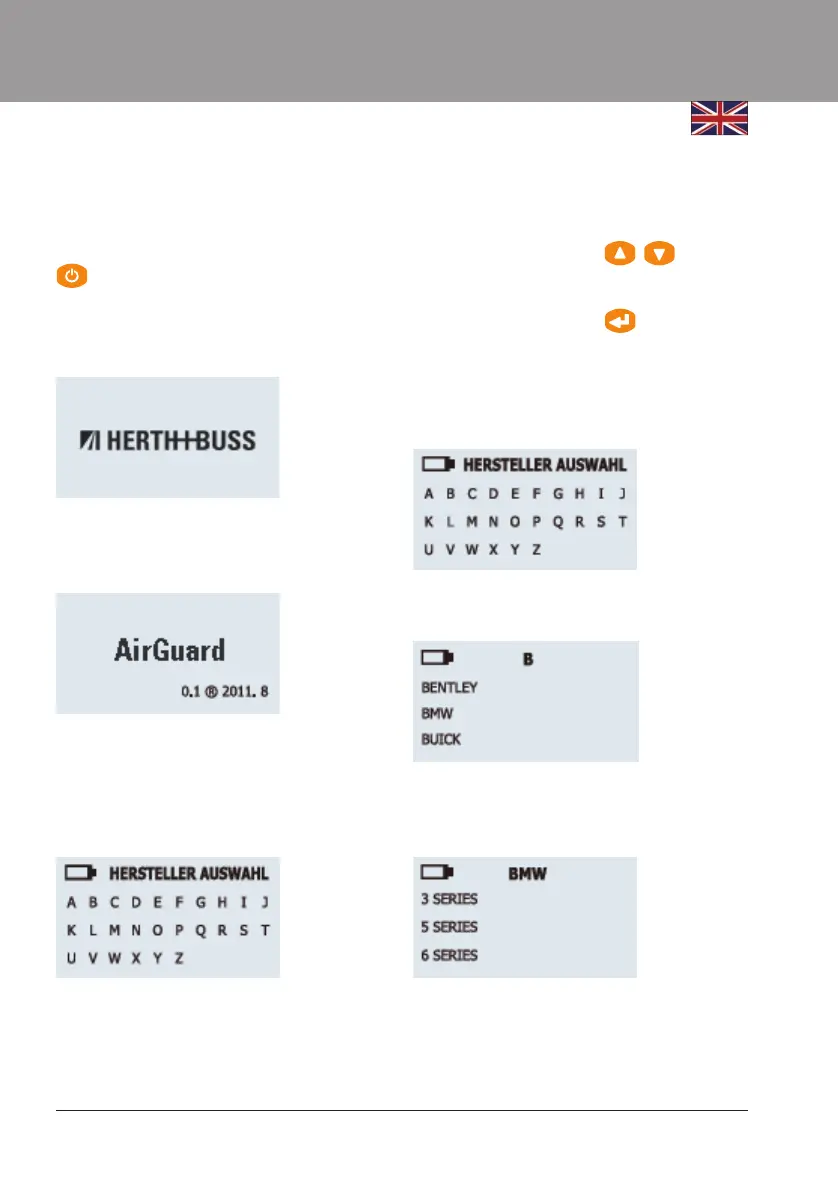
The manufacturer logo is shown on the
display during the switch-on process.
The software version installed on the device
is shown.
You are now in the manufacturer selection
area. This is the main menu. You can select
the vehicle manufacturer/ make of the vehicle
here.
Use the "Back" key to access the settings
menu. (See also Page 10). Use the arrow keys
to navigate Up/Down in the selection menu.
3. Functions
Use the arrow keys to navigate to the
desired options.
Press the Enter key
to confirm the option.
Manufacturer/make selection:
Navigate to the first letter of the desired
manufacturer/brand.
Select the desired brand.
Model selection:
Select the desired vehicle model.



 To Next Page