Operating Instruction 95990001
23
9. Software installation
1. Insert the installation CD provided into your
CD drive.
2. Wait until “Auto-Start” is carried out.
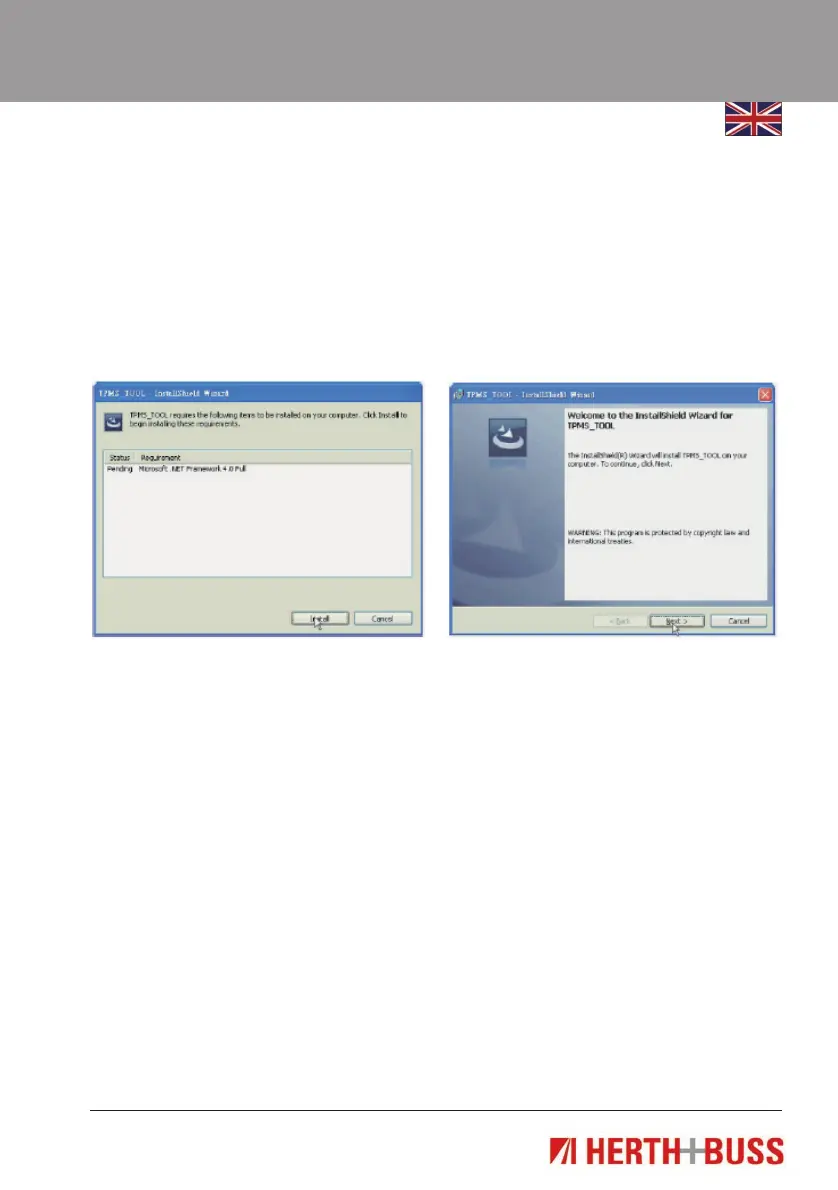
3. When the following application window ap-
pears, click on “Install”.
Note: This window only appears if you have
not installed Microsoft.Net Framework 4.0.
4. Confirm the further installation process
with “Next”.



 To Next Page