Operating Instruction 95990001
www.herthundbuss.com 24
Wait until the update is complete. Your H+B AirGuard may be rebooted several times
during this process. The USB cable should therefore only be removed when the relevant
message appears on the display of the device and the update is 100% complete.
10. Software update
1. Connect the AirGuard with your PC or
laptop using the USB cable supplied.
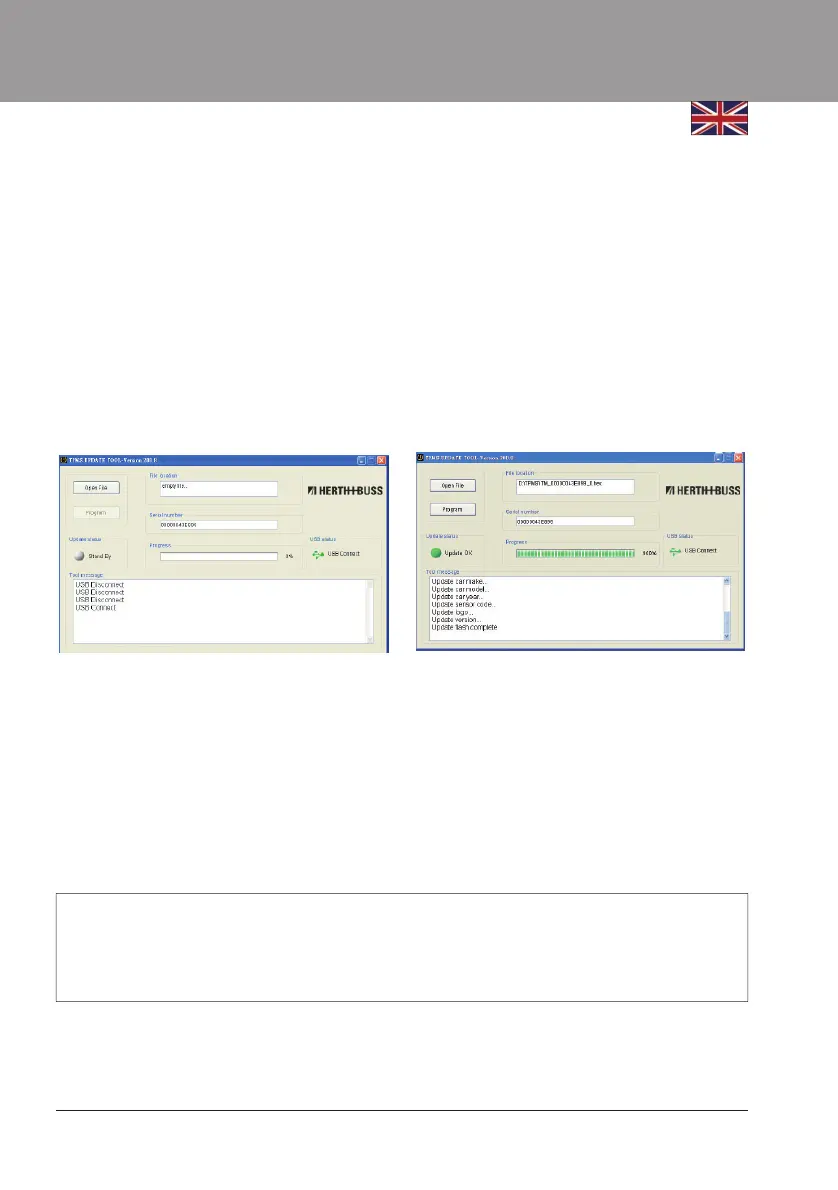
2. If the supplied software is already installed,
the following window appears:
The serial number of the AirGuard
is shown:
1. Select “Open File”.
2. Now open the downloaded update file
and check whether it corresponds to the
designation of your serial number.
3. Start the update with the “Program” key.



 To Next Page