17
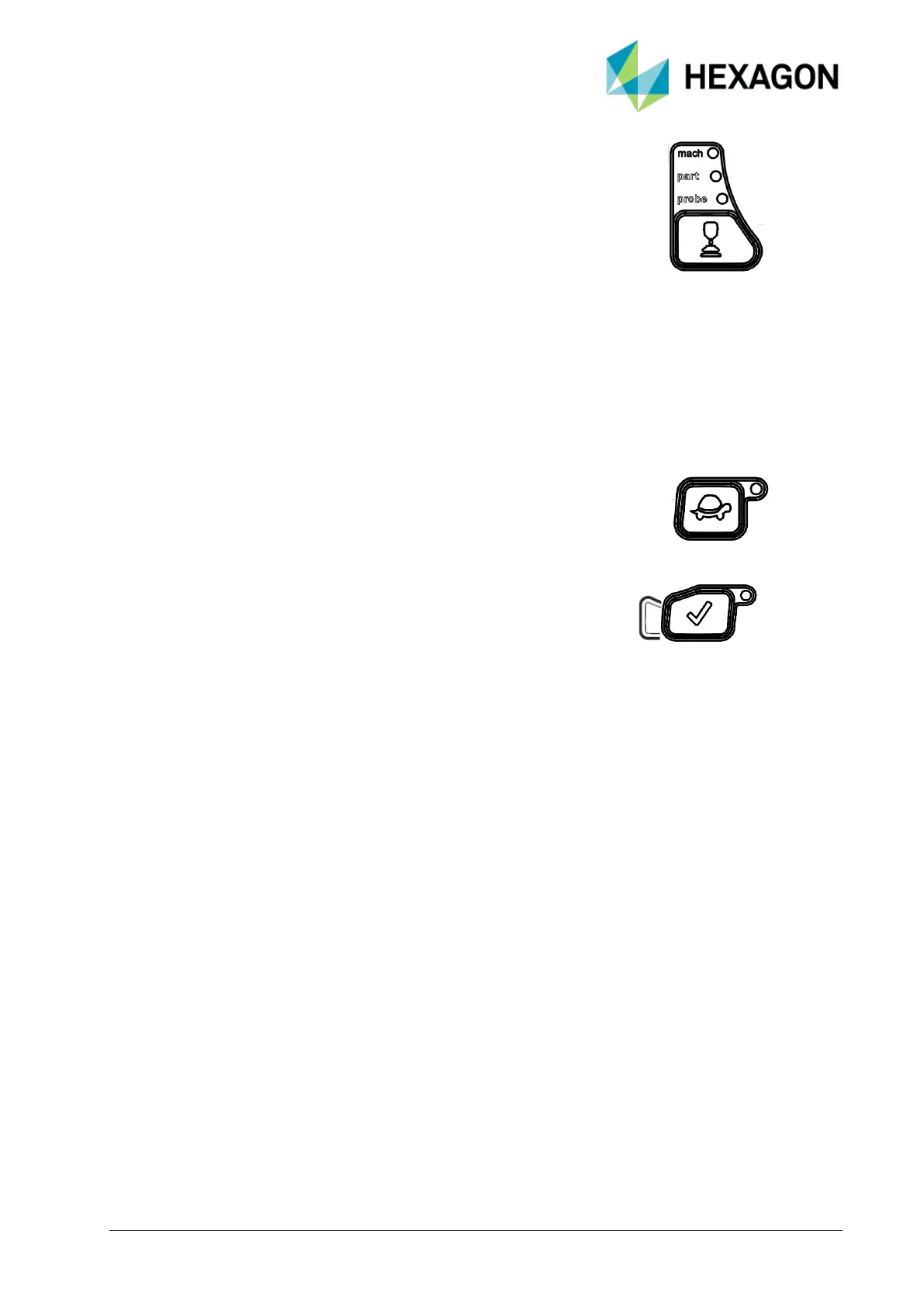
JOG MODE: PROBE/PART/MACH LEDs light to identify
each motion mode that machine is in. These settings can be
toggled to vary the way probe is manually steered. This
promotes probe contact at right angles to part, which improves
measuring accuracy and repeatability.
• MACH: WHEN THIS LED IS LIT, PROBE MOVES IN THE
O MACHINE’S COORDINATE SYSTEM. THIS IS THE DEFAULT POSITION.
• PART: WHEN THIS LED IS LIT, PROBE MOVES ACCORDING
O TO THE PART COORDINATE SYSTEM.
• PROBE: WHEN SUPPORTED THIS LED IS LIT, THE PROBE
O MOVES IN LINE WITH ITS OWN CENTER AXIS.
SLOW: This button enables either slow machine
movement (LED illuminated) or fast machine
movement (LED extinguished).
DONE: This is used to accept and register software
commands. The function of this button is software
dependent.



 To Next Page